
FS25 Misc

Sold Out v1.0.0.0

Sold Out v1.0.0.0

Sold Out v1.0.0.0

Sold Out v1.0.0.0

Sold Out v1.0.0.0

Sold Out v1.0.0.0

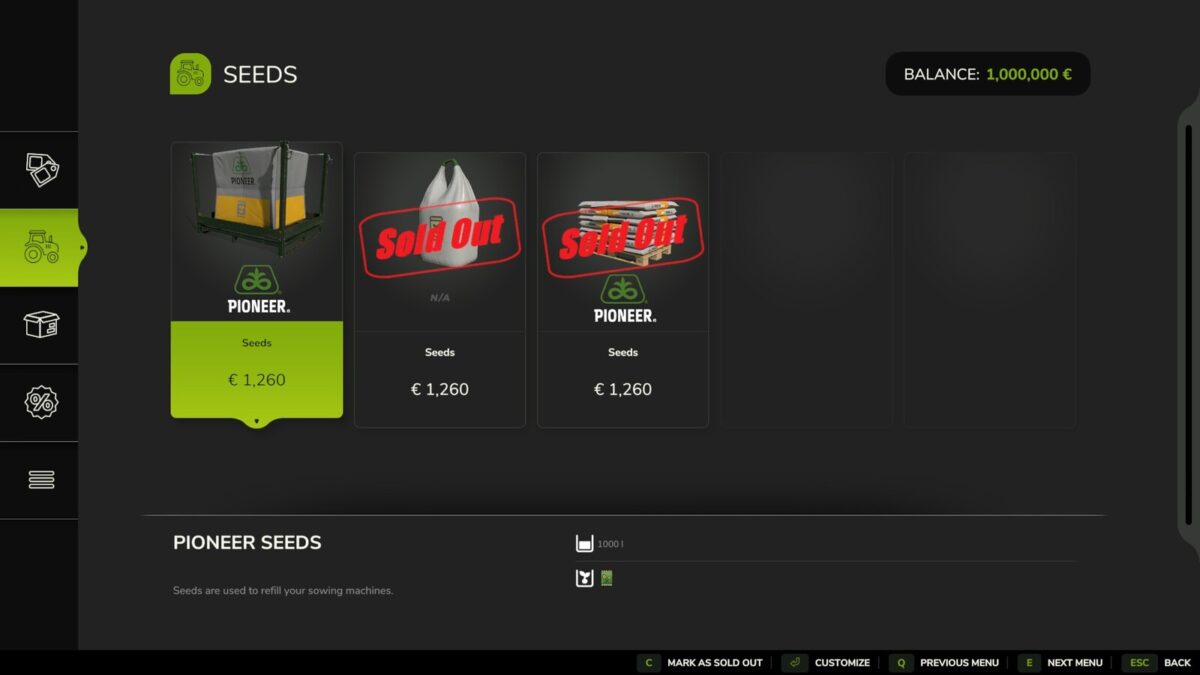
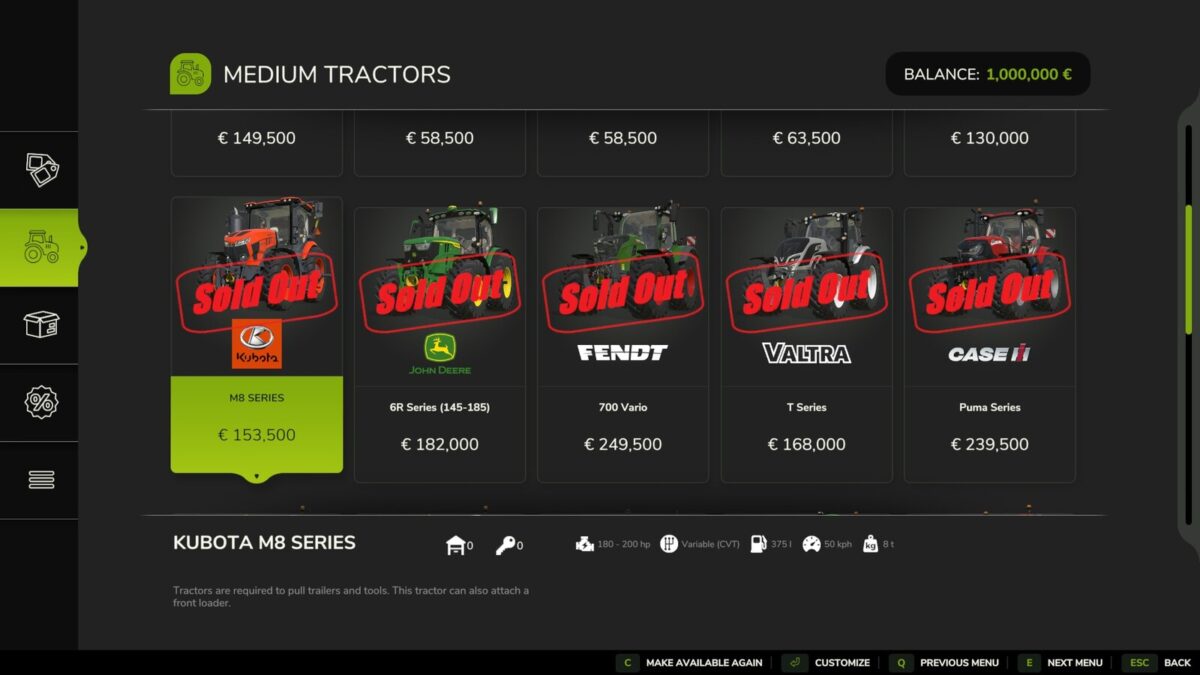
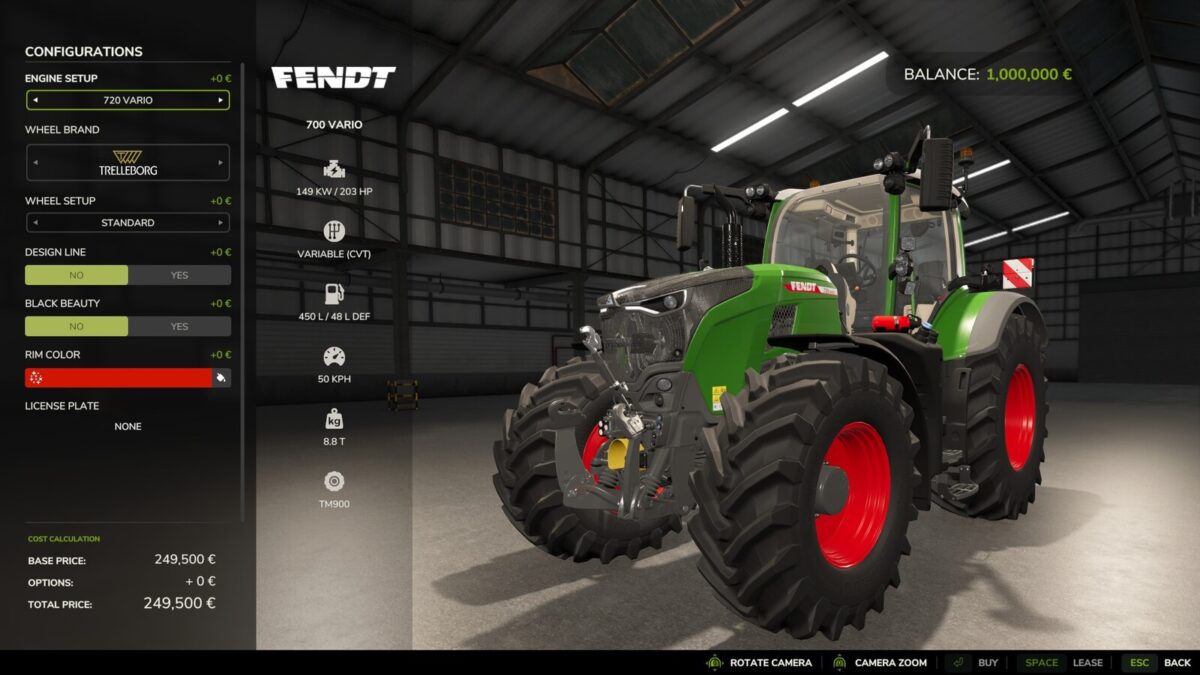
Sold Out lets server admins mark shop items as sold out right in the shop. Sold out items stay visible with a “SOLD OUT” stamp, and buying or renting them is disabled for every player.
Use it to create scarcity and shape your server’s economy: when a machine or product can’t simply be bought, farms have to trade, lend equipment and work together.
How to use: open the shop, select an item in the list and press C (the bottom bar shows “Mark as sold out” or “Make available again”). Only admins see this button. The lock takes effect instantly for everyone and is saved with the savegame.
Important: a lock applies to the item itself, for all players and farms. Works in multiplayer and on dedicated servers.

Credits:

Masenko

How to install FS25 Misc?
Firstly find a mod which you like and want to download. Then download a mod to your PC. Mods are usually in .zip format file. But sometimes it can be in .rar. If a mod file is a .zip format no needed additional actions. If a file is in .rar, then you must unarchive mod with software like WinRar or Zip7. Windows 10 users no need to use software for archives, Win10 itself has a feature to unarchive files.
The next step is to find mods folder in your PC. Usually, it is in Documents/My Games/Farming Simulator 25/2025. Open the "mods" folder and put downloaded .zip archive or unarchived .rar file to this folder.
Last step. Enjoy of FS25 mods!

Leave a Reply

Your email address will not be published. Required fields are marked *