



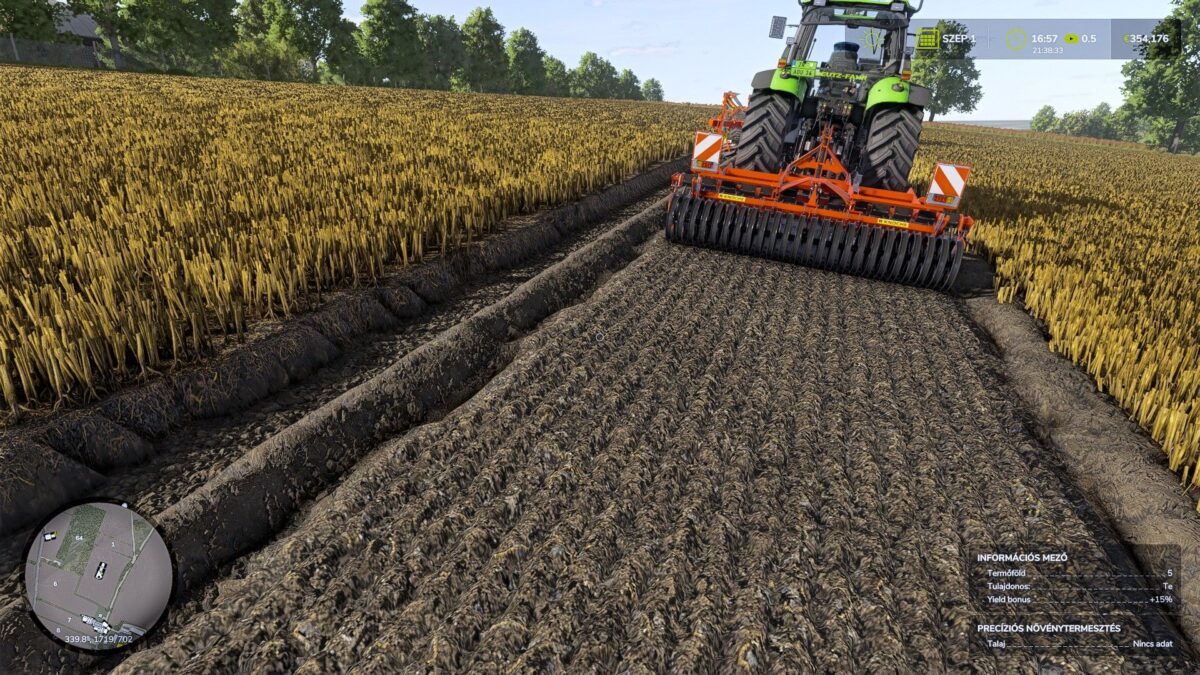

Soil Work Yield Bonus Plus v 1.0


Soil Work Yield Bonus PLUS is a Farming Simulator 25 script mod that introduces a new and more realistic yield bonus system based on soil cultivation.
The purpose of this mod is to reward players who perform multiple soil cultivation operations on the same field.
How does it work?
The mod tracks three different soil cultivation operations:
Plowing: +10% yield bonus
Disc Harrowing: +5% yield bonus
Cultivating: +5% yield bonus
These bonuses are cumulative, allowing you to reach a maximum yield bonus of +20%.
Examples
Plowing only = +10%
Disc Harrowing only = +5%
Plowing + Disc Harrowing = +15%
Plowing + Disc Harrowing + Cultivating = +20%
The order of the operations does not matter.
For example, all of the following combinations will result in the same +20% bonus:
Plowing → Disc Harrowing → Cultivating
Disc Harrowing → Plowing → Cultivating
Cultivating → Disc Harrowing → Plowing
Important
Each operation grants its bonus only once.
Repeating the same operation multiple times will not increase the bonus further.
After harvesting, the bonus is reset, so it must be built up again for the next crop cycle.
Bonus Map
The mod includes a dedicated bonus map that displays the current yield bonus applied to each field.
The following bonus levels are displayed:
+5%
+10%
+15%
+20%
This makes it easy to see which fields have reached the maximum yield bonus.
Precision Farming Compatibility
This mod is fully compatible with the Precision Farming DLC.
It does not replace or overwrite Precision Farming’s yield calculations. Instead, the bonus from this mod is applied after Precision Farming has calculated the final yield, ensuring full compatibility.
Multiplayer
The mod is fully compatible with multiplayer, provided that both the server and all players are using the same version of the mod.
Credits:
kornel kanas, moji


