

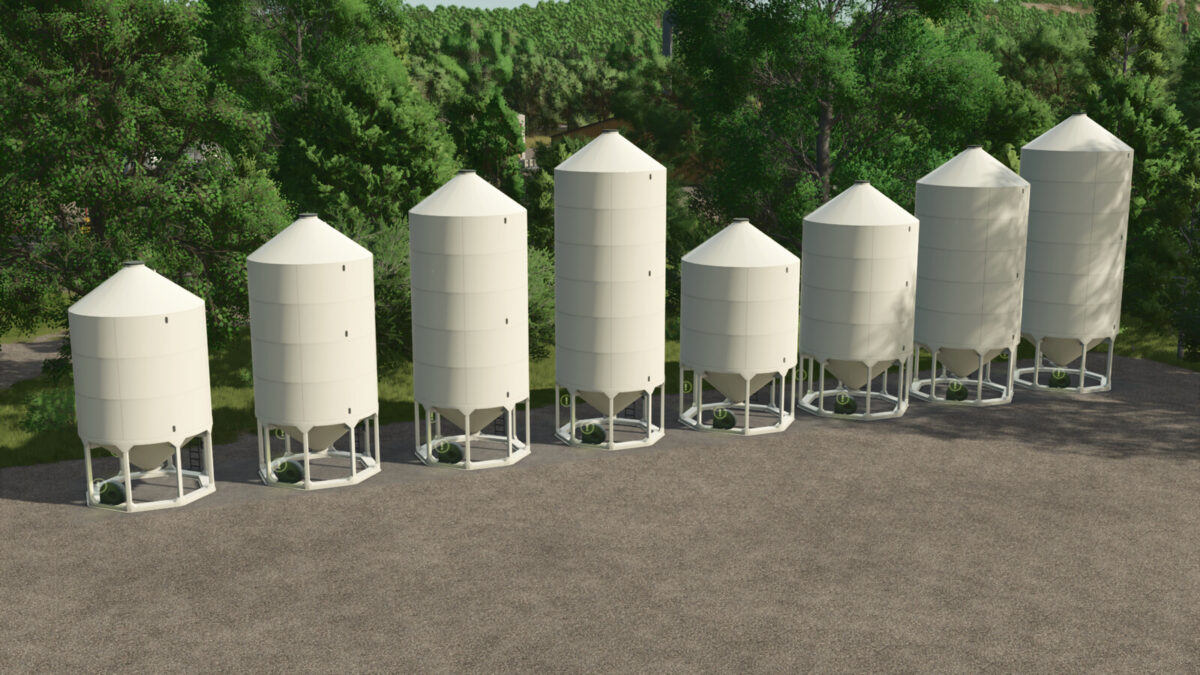
Smoothwall Hopper Bin Pack v 1.0


A complete Pack of Smoothwall hopper bins.
All bins will only hold one commodity at a time and have openable lids on top as well as aeration fan sounds that can be turned on and off.
They also feature fill planes and working sight glasses.
Smoothwall Hopper Bins
Daily Upkeep: $10
Fill Types: Wheat, Barley, Oats, Canola, Sorghum, Sunflower, Soybean, Corn, Rice, Long Grain Rice, Seeds, Fertilizer, Lime
Category: Grain silos
– 1615:
Capactity: 114,450 liters
Price: $17,000
– 1620:
Capactity: 144,060 liters
Price: $23,000
– 1625:
Capactity: 173,670 liters
Price: $29,000
– 1630:
Capactity: 203,280 liters
Price: $36,000
– 1815:
Capactity: 146,300 liters
Price: $23,000
– 1820:
Capactity: 183,225 liters
Price: $30,000
– 1825:
Capactity: 220,150 liters
Price: $37,000
– 1830:
Capactity: 257,110 liters
Price: $45,000
Credits:
Bcbuhler


