

FS25 Misc

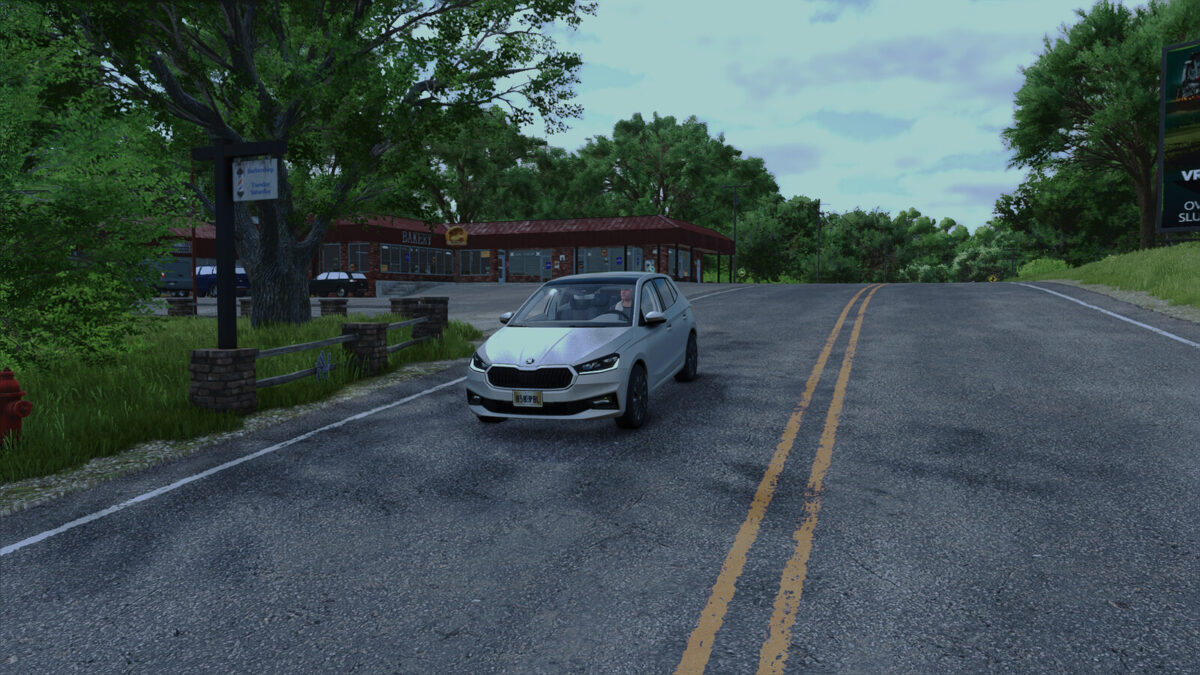
Smooth Car Keyboard v1.0.0.0

Smooth Car Keyboard v1.0.0.0

Smooth Car Keyboard v1.0.0.0

Smooth Car Keyboard v1.0.0.0

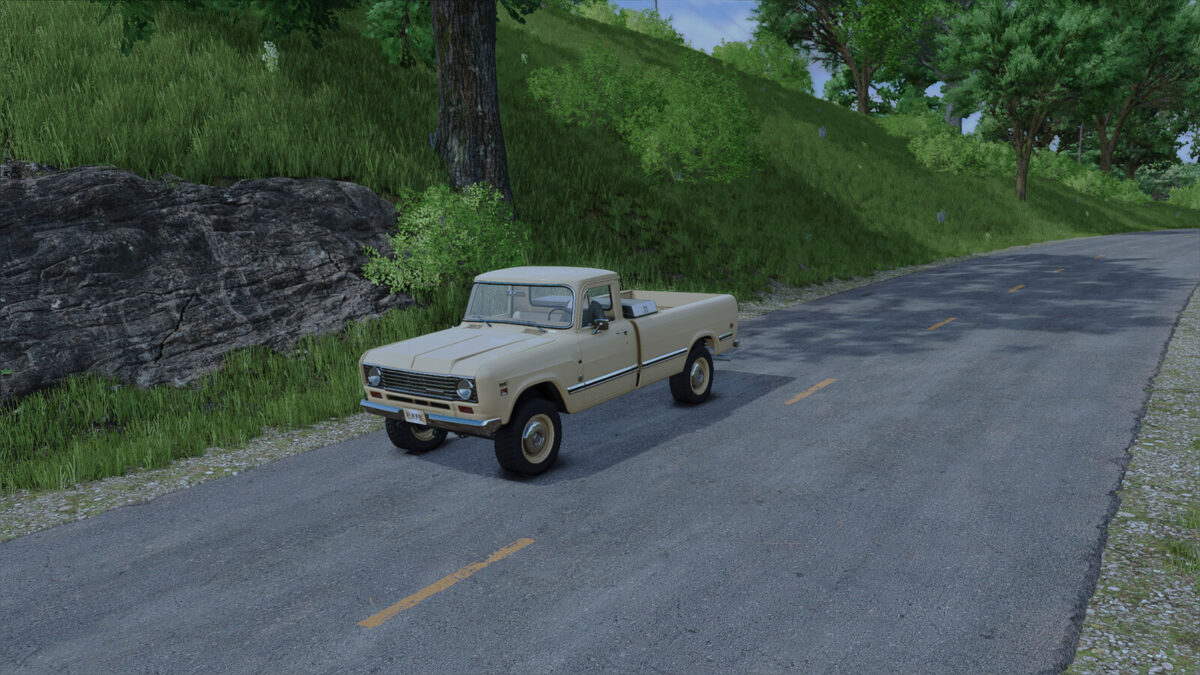
Transforms keyboard-controlled cars and trucks into a realistic driving experience. No more instant speed jumps or unnatural braking.
Features:
– Smooth acceleration ramp (no more jerky starts)
– Clutch simulation during gear shifts (shift-cut)
– Natural roll-out when releasing the throttle
Perfect for keyboard players who want a more authentic driving feel.

Credits:

RepiGaming

How to install FS25 Misc?
Firstly find a mod which you like and want to download. Then download a mod to your PC. Mods are usually in .zip format file. But sometimes it can be in .rar. If a mod file is a .zip format no needed additional actions. If a file is in .rar, then you must unarchive mod with software like WinRar or Zip7. Windows 10 users no need to use software for archives, Win10 itself has a feature to unarchive files.
The next step is to find mods folder in your PC. Usually, it is in Documents/My Games/Farming Simulator 25/2025. Open the "mods" folder and put downloaded .zip archive or unarchived .rar file to this folder.
Last step. Enjoy of FS25 mods!

Leave a Reply

Your email address will not be published. Required fields are marked *