Smart Fruit Control v 1.0


Are you tired of seeing root crops, spinach, peas, or green beans appear on large fields When starting a new savegame or during the course of a year?
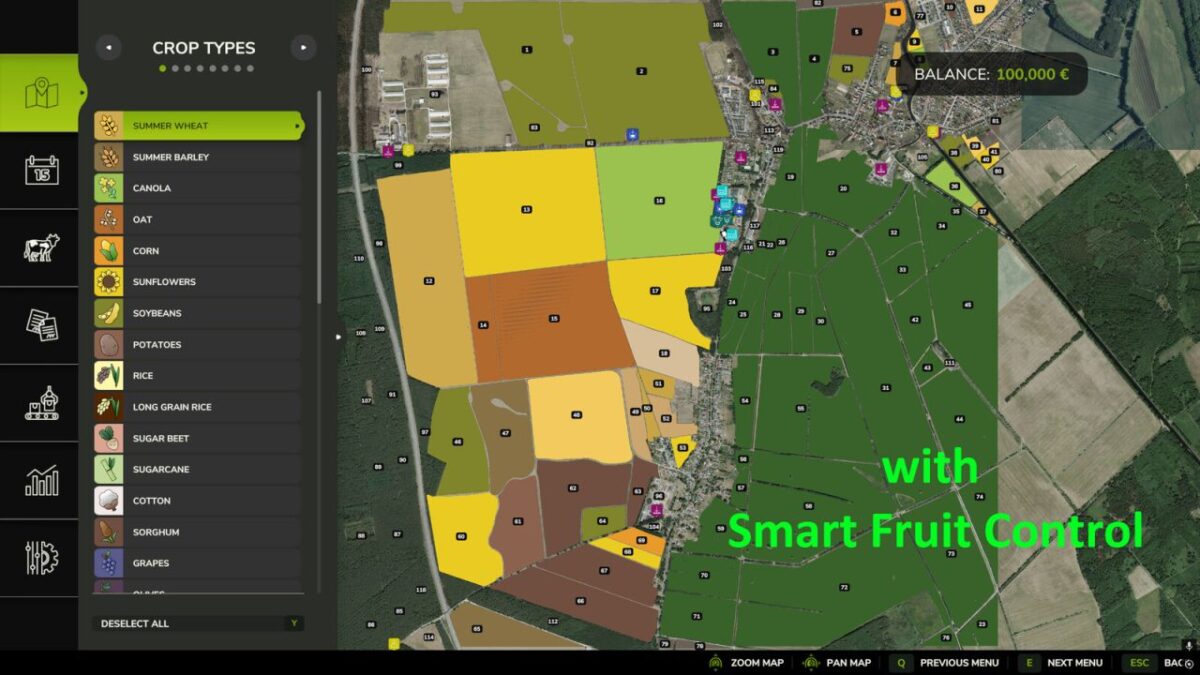
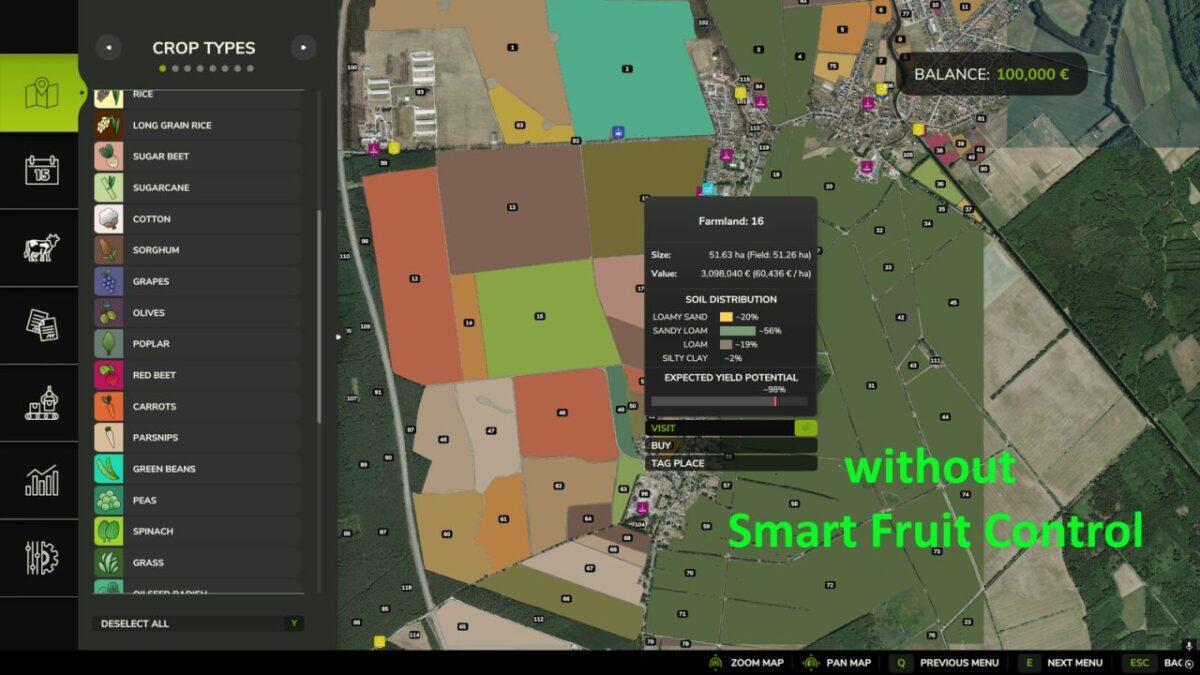
Smart Fruit Control gives you full control over selected NPC-owned crops and their distribution based on field size.
The configurable probability settings are applied both when creating a new savegame and whenever NPC fields are replanned later in the game. This allows you to customize crop distribution to your liking and reduce the frequency of specialty crops on larger fields.
Smart Fruit Control currently manages the following crops:
Potatoes
Sugar Beets
Carrots
Parsnips
Beetroot
Green Beans
Peas
Spinach
Onions
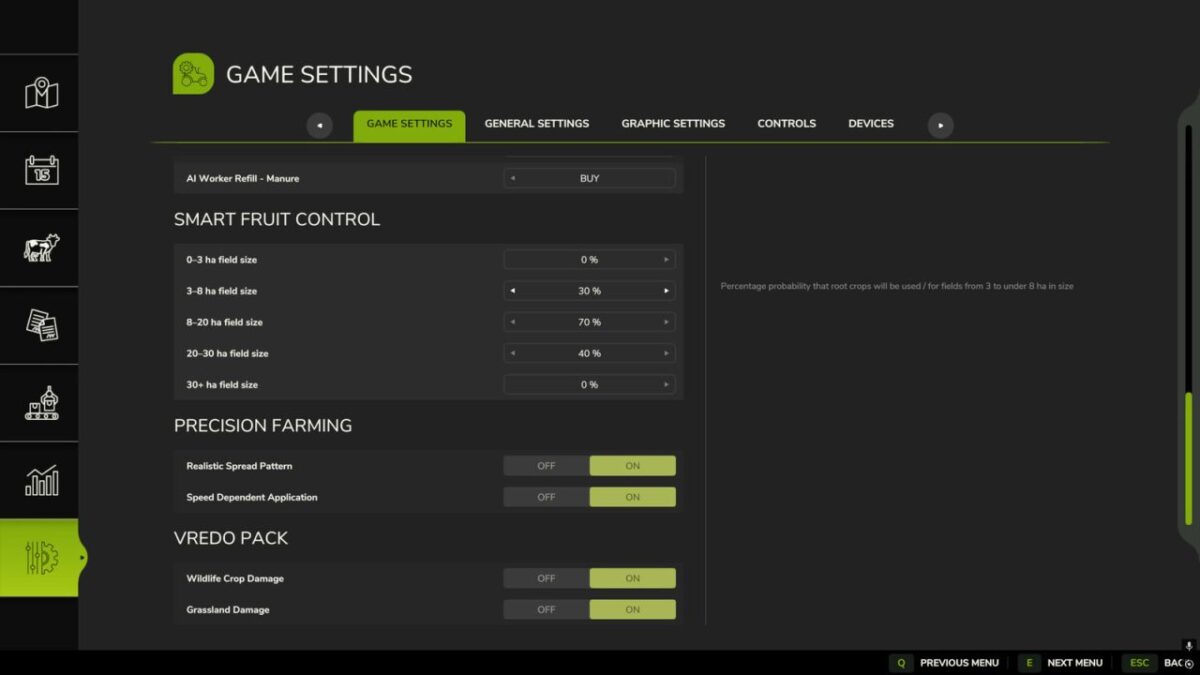
A dedicated settings section is available in the game settings menu. There you can configure individual probabilities
from 0% to 100% using convenient sliders for the following field size categories:
0–3 ha
3–8 ha
8–20 ha
20–30 ha
30+ ha
Fields owned by players or other player-controlled farms remain completely unaffected.
Smart Fruit Control only affects fields owned by NPCs.
Credits:
Razak