
FS25 Misc

Smart Crop Control v 1.1

Smart Crop Control v 1.1

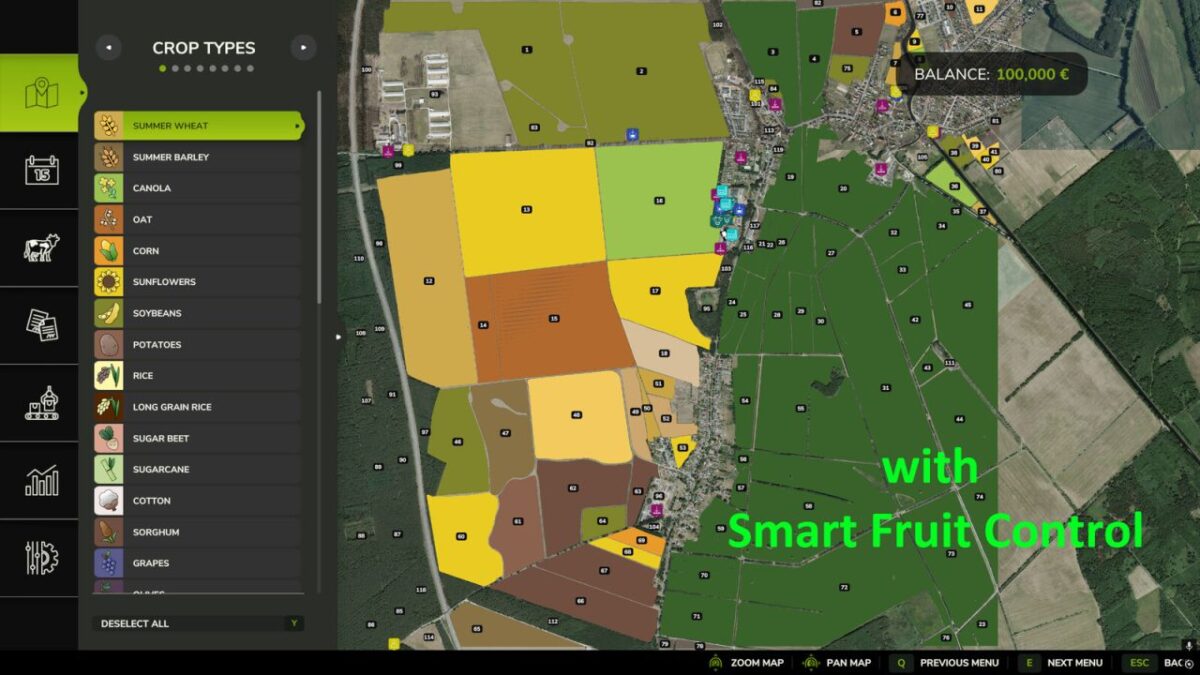
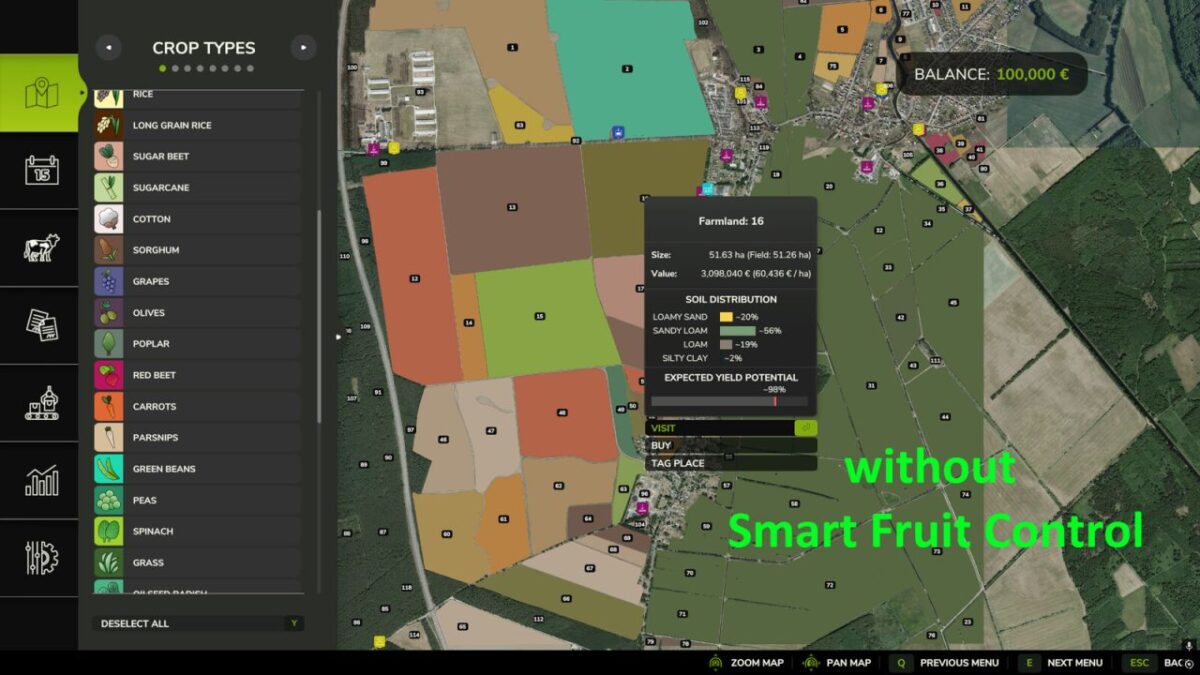
Smart Crop Control regulates selected NPC crops based on field size.

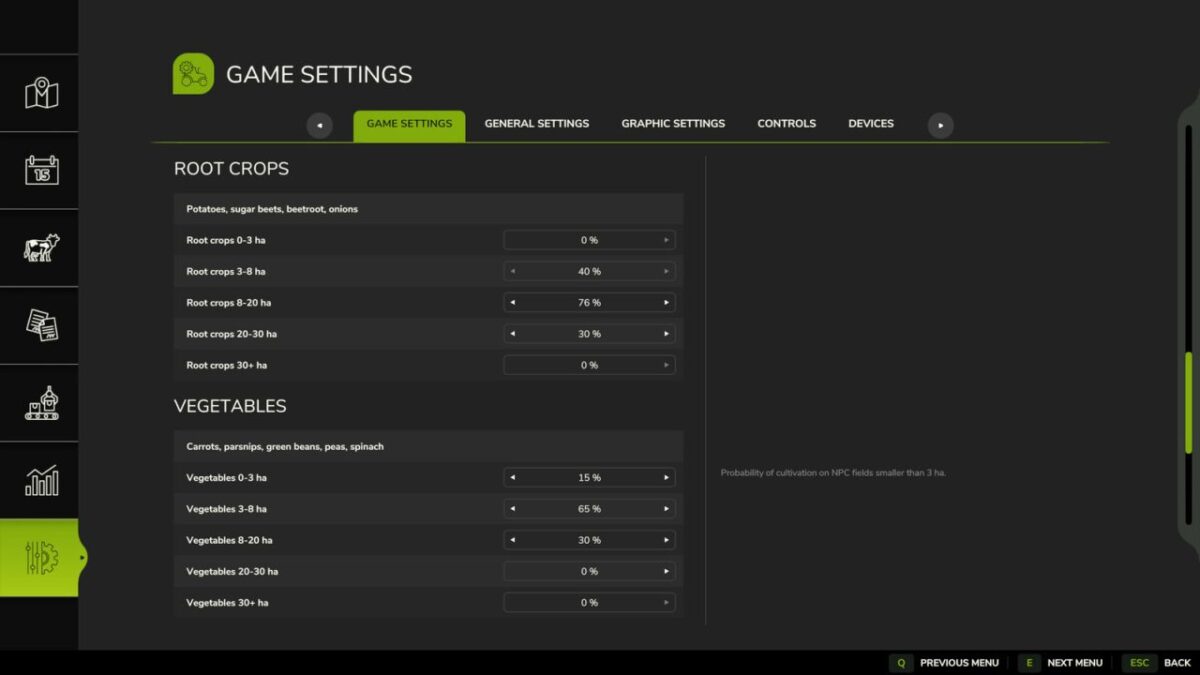
The mod separates the controlled crops into two categories:

Root crops:
Potatoes
Sugar Beets
Beetroot
Onions

Vegetables:
Carrots
Parsnips
Green Beans
Peas
Spinach

The rules are applied when creating a new savegame and whenever NPC fields are replanned after harvest or at the start of a new year.
In the game settings you will find separate percentage sliders for root crops and vegetables for the field size categories 0-3 ha, 3-8 ha, 8-20 ha, 20-30 ha and 30+ ha.
Player-owned fields and regular crops remain unaffected.

Version 1.1:
* Categorized as root crops and vegetables

Credits:

Razak

How to install FS25 Misc?
Firstly find a mod which you like and want to download. Then download a mod to your PC. Mods are usually in .zip format file. But sometimes it can be in .rar. If a mod file is a .zip format no needed additional actions. If a file is in .rar, then you must unarchive mod with software like WinRar or Zip7. Windows 10 users no need to use software for archives, Win10 itself has a feature to unarchive files.
The next step is to find mods folder in your PC. Usually, it is in Documents/My Games/Farming Simulator 25/2025. Open the "mods" folder and put downloaded .zip archive or unarchived .rar file to this folder.
Last step. Enjoy of FS25 mods!

Leave a Reply

Your email address will not be published. Required fields are marked *