

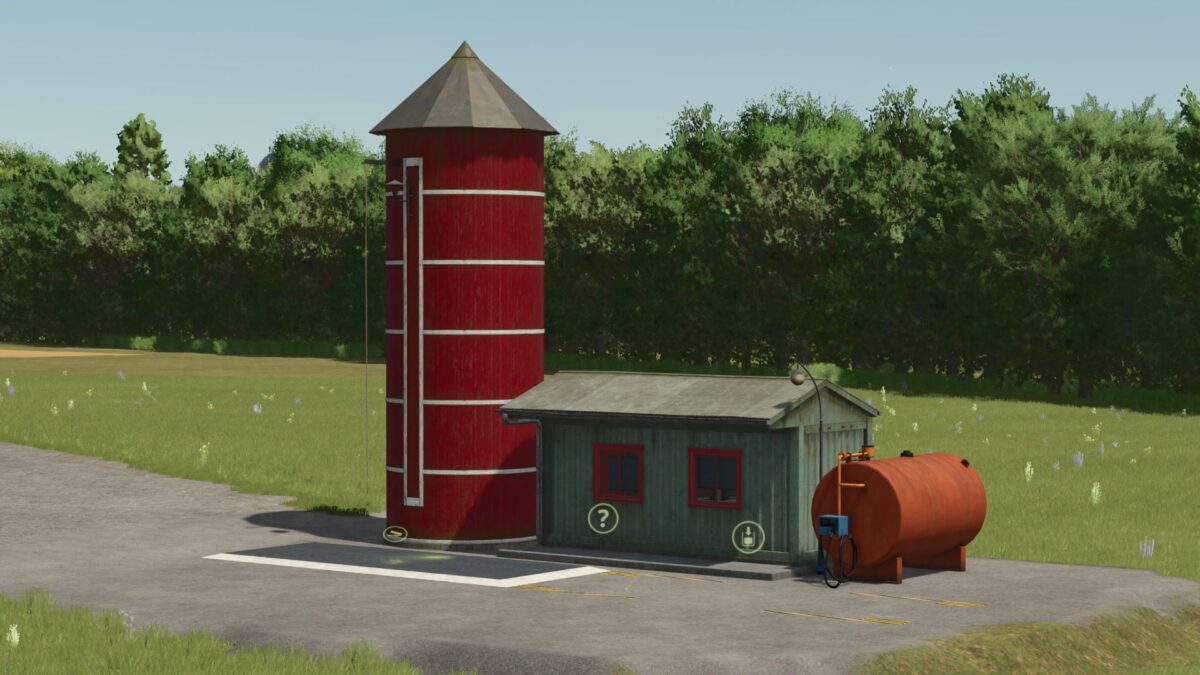
Small Refinery v 1.0


The Small Refinery mod for Farming Simulator 25 provides players with the opportunity to produce diesel fuel from sunflowers or rapeseed. This facility allows you to convert your harvested crops into usable fuel, which can then be utilized to refuel your own vehicles or used as an additive in various production processes within the game. With a cost of €32,500, this refinery is a viable option for enhancing your farm’s efficiency and sustainability.
The refinery operates with a total of 480 cycles per month, offering a steady production rate that can help optimize your farming operations. This mod can add an interesting layer to your gameplay, incentivizing the cultivation of specific crops and improving the economic aspects of your farming activities.
– Produces diesel from sunflowers and rapeseed
– Can be used to refuel own vehicles
– Serves as an additive in other productions
– Purchase price: €32,500
– Monthly operational cycles: 480
Credits:
Torakin


