
FS25 Buildings

Small Pallet Storages v 1.0

Small Pallet Storages v 1.0

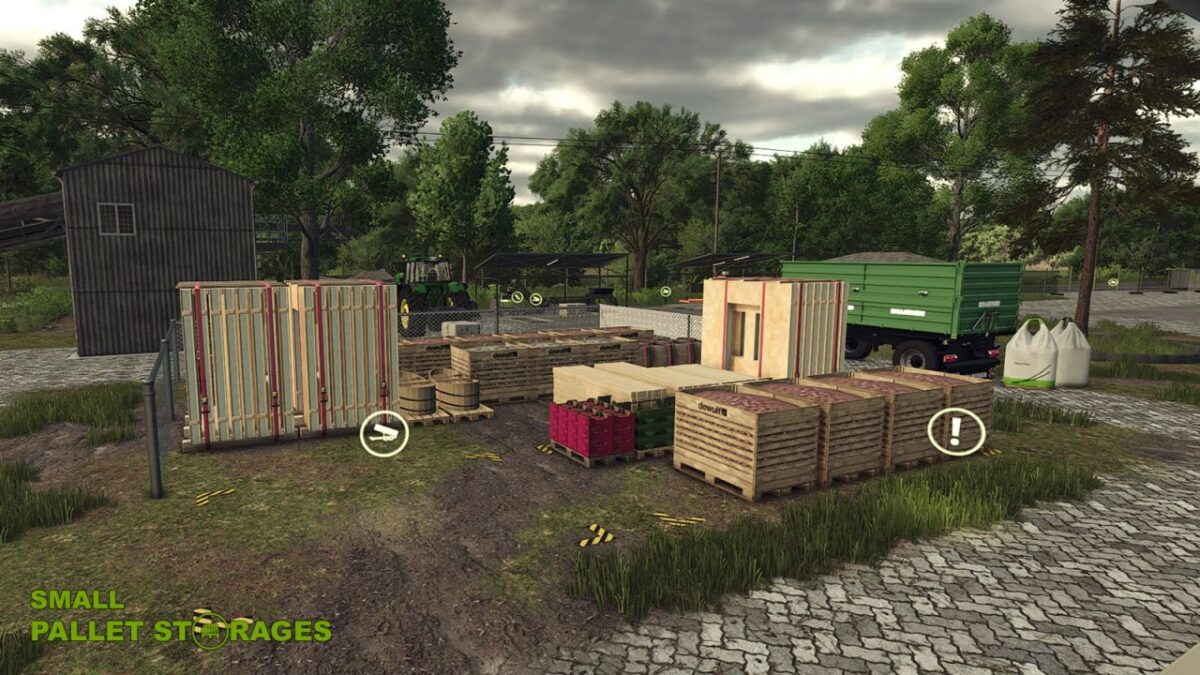
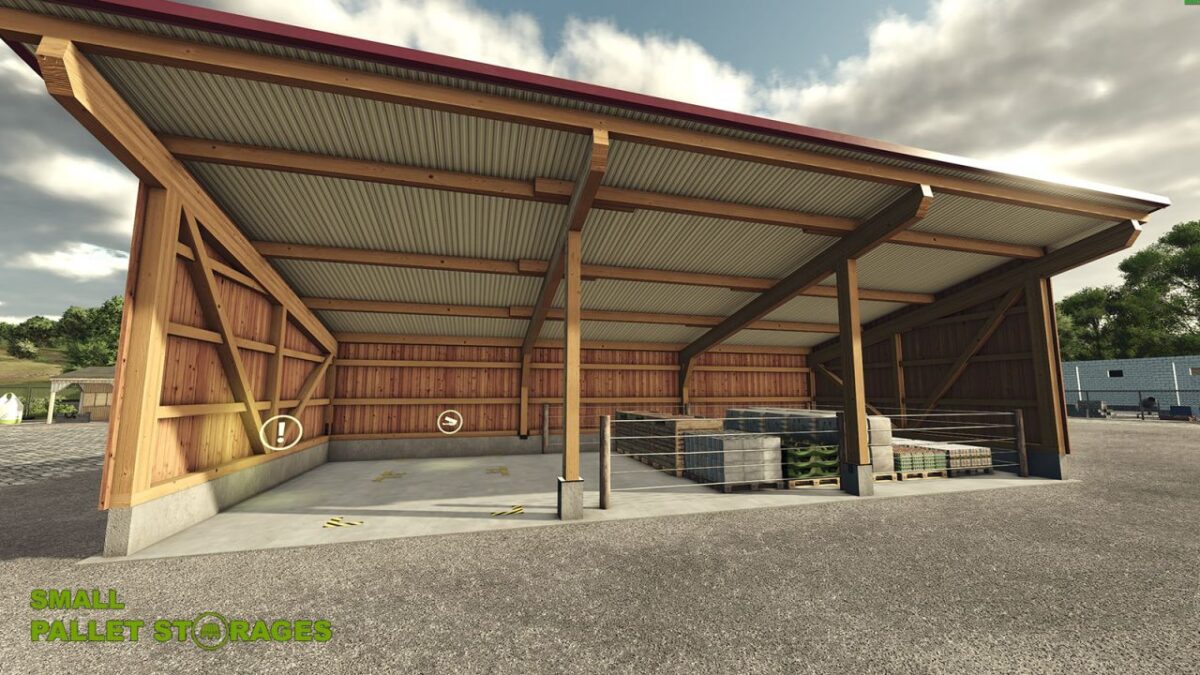
This fits in every corner! Two small pallet storages.
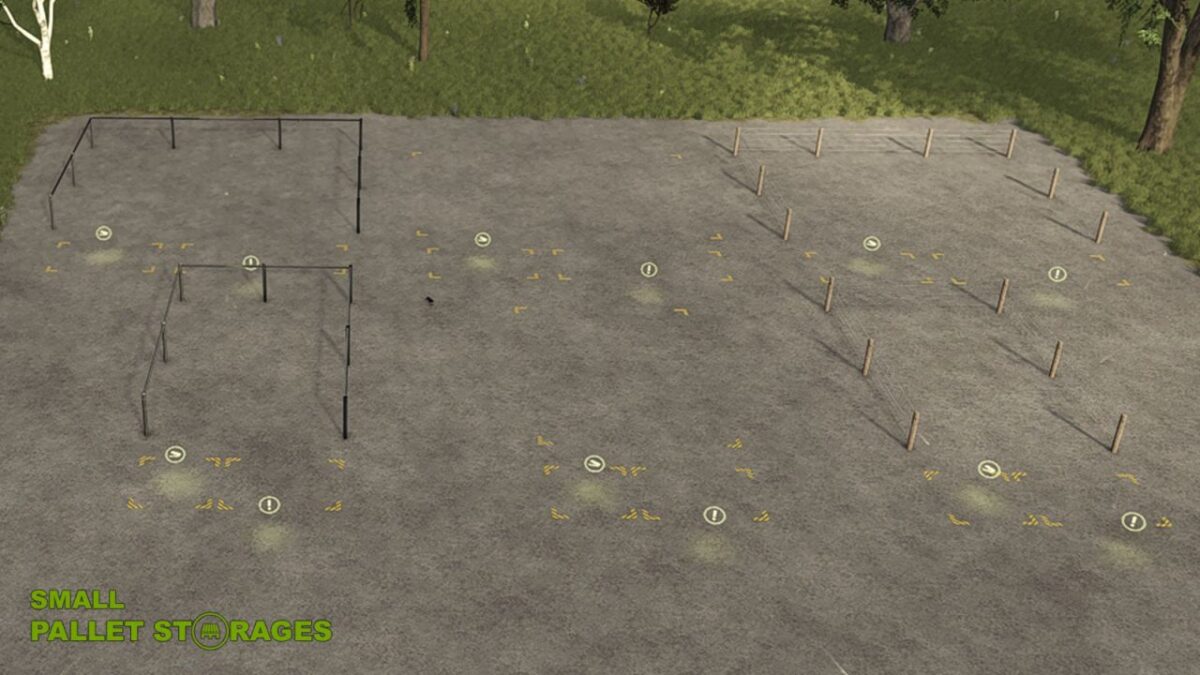
Two pallet storages with different storage capacities and fence configurations.
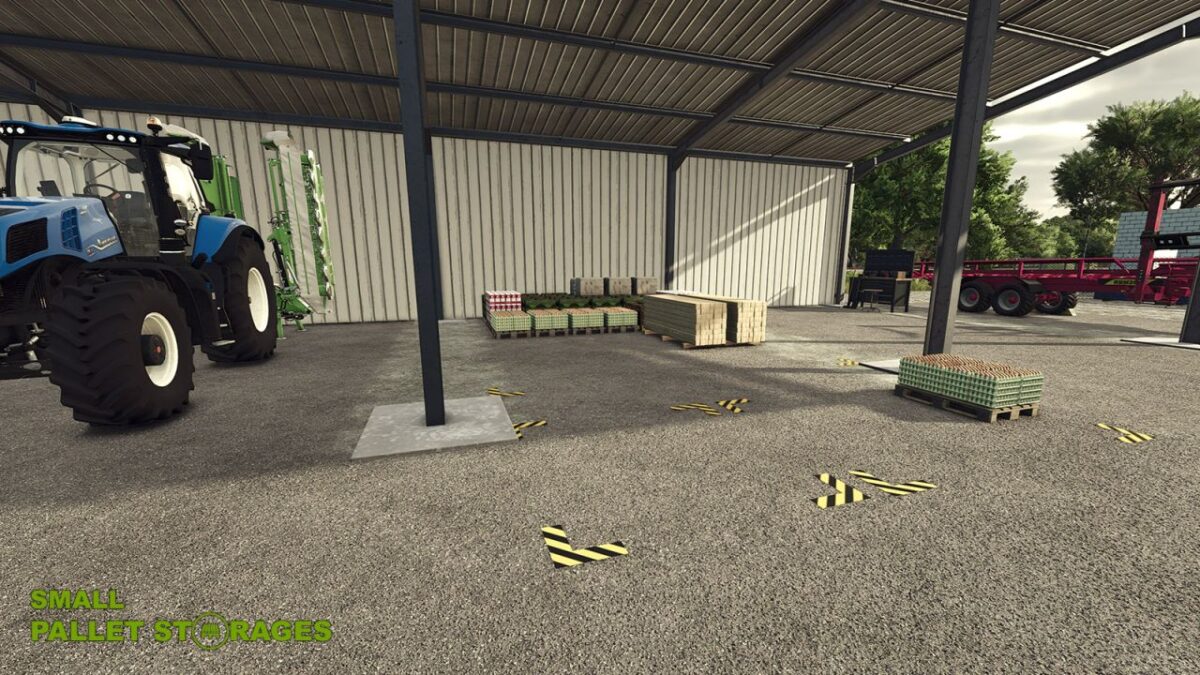
Either place them openly in the area or squeeze them into a hall. The possibilities are almost endless due to the compact size.

Info:
Fence configurations via the “F” key in the construction menu
To place the pallet storage in buildings or machine halls, I recommend the “free construction mode” and ideally without a fence.
All Palett Storages can be freely renamed

Pallet storage Small
Category: Silos
Price: €4000
Capacity: 72 pallets
Monthly maintenance costs: €15
Configurations: Chain link fence / Wooden fence / No fence

Pallet storage Narrow
Category: Silos
Price: €2000
Capacity: 36 pallets
Monthly maintenance costs: €15
Configurations: Chain link fence / Wooden fence / No fence

Credits:

TRIDENTE

How to install FS25 Buildings?
Firstly find a mod which you like and want to download. Then download a mod to your PC. Mods are usually in .zip format file. But sometimes it can be in .rar. If a mod file is a .zip format no needed additional actions. If a file is in .rar, then you must unarchive mod with software like WinRar or Zip7. Windows 10 users no need to use software for archives, Win10 itself has a feature to unarchive files.
The next step is to find mods folder in your PC. Usually, it is in Documents/My Games/Farming Simulator 25/2025. Open the "mods" folder and put downloaded .zip archive or unarchived .rar file to this folder.
Last step. Enjoy of FS25 mods!

Leave a Reply

Your email address will not be published. Required fields are marked *