

Small Bavaria Pack v 1.0


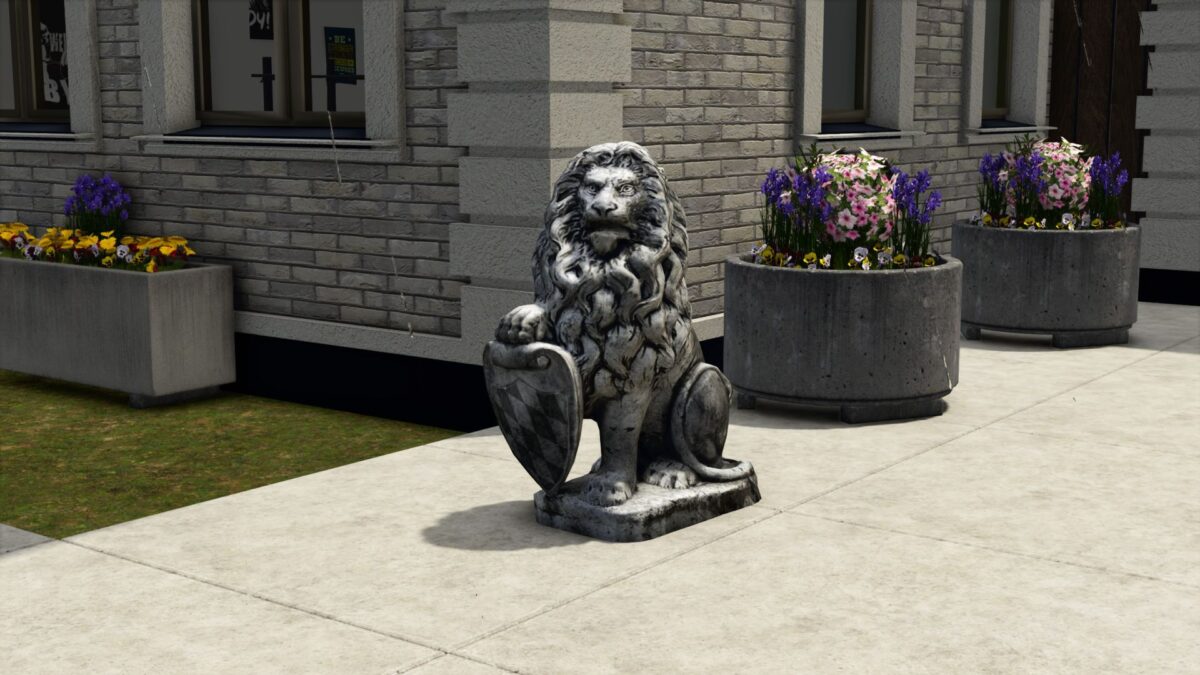
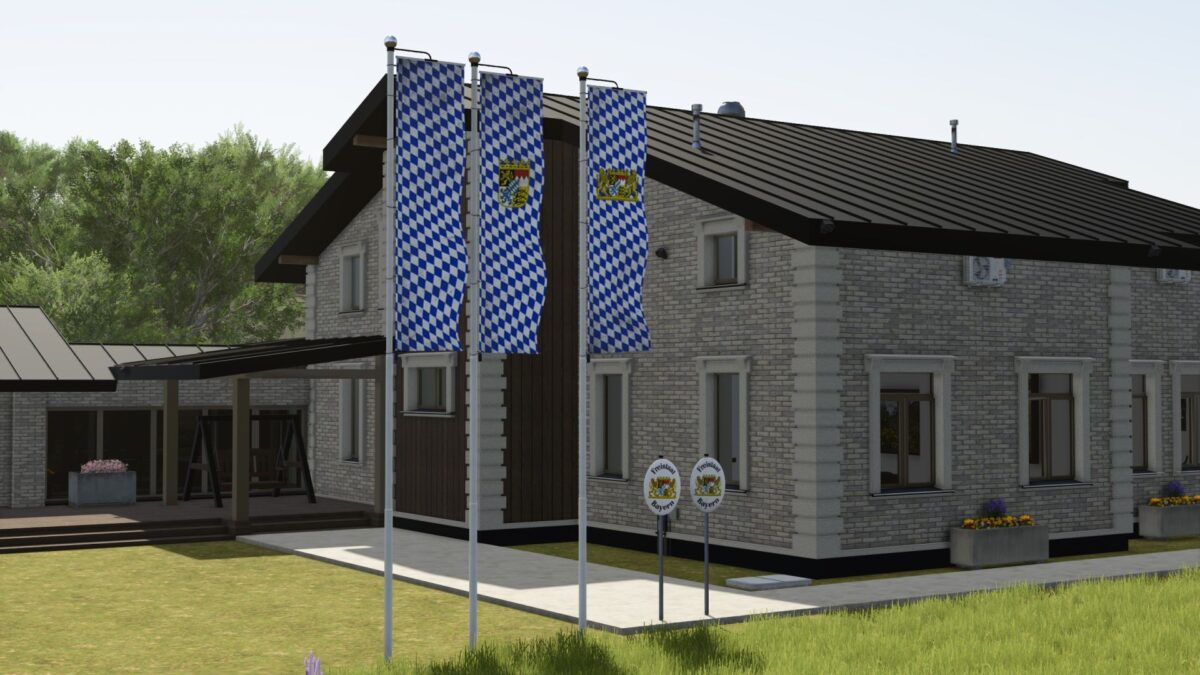
The Small Bavaria Pack v 1.0 offers a variety of decorative items inspired by Bavarian culture that can enhance the aesthetic of your farming environment. This pack includes three distinct Bavarian diamond flags, two signs representing the Free State of Bavaria, and a statue of the Bavarian lion. Each piece is designed to bring a touch of regional charm to your yard, garden, or home setting.
In terms of practicality, all items in this pack are available for free, meaning you will not incur any purchase or maintenance costs. This makes it easy to incorporate these decorative elements into your game without worrying about budget constraints. You can locate these items within the game under the Building / Decoration category.
– Three Bavarian diamond flags
– Two Free State of Bavaria signs
– Bavarian lion statue
– Cost: 0 € (Free)
– Maintenance: 0 €
– Accessible under: Building / Decoration
– Available languages: German, English, French, Italian, Spanish, Polish
Credits:
Landbauer


