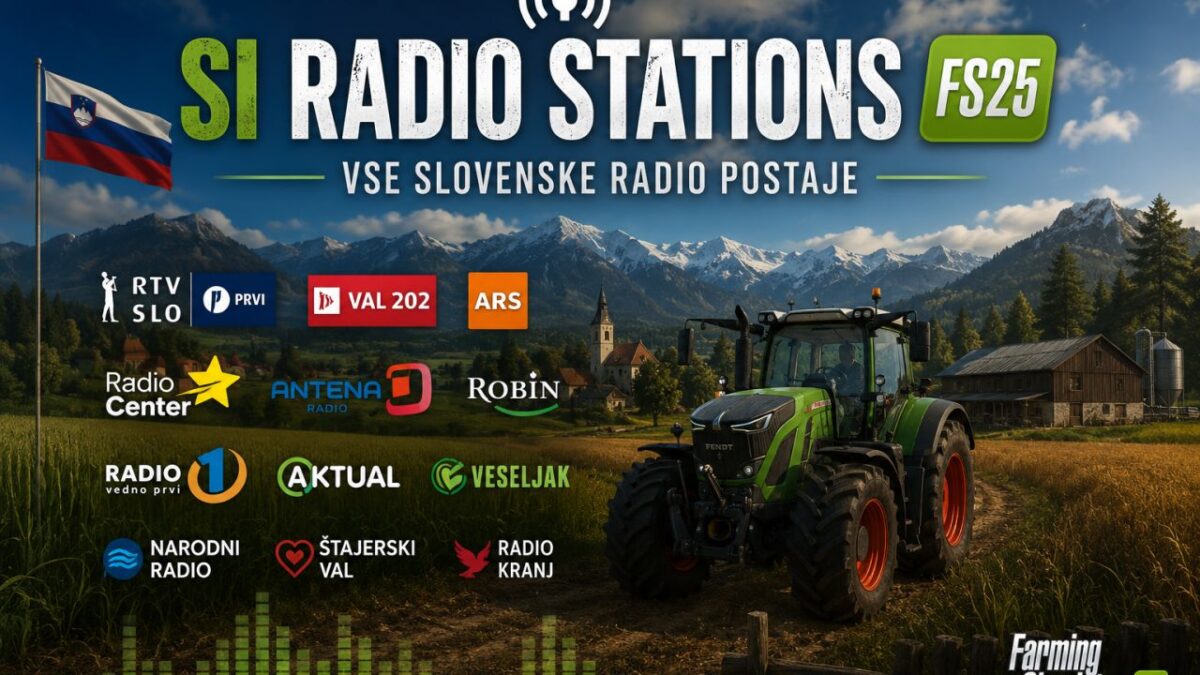
Slovenian Radio Stations v 1.1


UPADATED Slovenian radio stations mod. This mod adds a large collection of Slovenian radio stations to Farming Simulator 25. It includes the most popular national and regional radio stations, as well as a variety of themed music channels. Enjoy the rhythm of home while mowing, sowing, and harvesting!
National & Public Service
VAL 202
Radio Si
Radio Prvi
Radio Ars
Radio MMR
Radio Capodistria
Rock & Alternative
Rock Radio Slovenija
Rock Radio Hard & Heavy
Rock Maribor
Radio Student (regular program)
Radio Student Kaki (night program)
Radio Študent (HIQ)
Pop & Hit Music
Radio 1
Radio Center
Radio Antena
Radio Aktual
Radio Celje
Radio Hit
BestFM
Regional & Local
Radio Rogla
Radio Triglav
Radio Krka
Radio 94
Radio Ptuj
Radio Robin
Radio Gorenc
Radio Sloven’c
Radio Prlek
Radio Maribor
Radio Žica
Themed & Specialized
Radio Frajer
Radio Veseljak
Radio Ognjišče
Zeleni val
Retro Radio
Radio Meteor
bAm BaM RADIO
Capris Radio Channels
Radio Capris Hits
Radio Capris Rock
Radio Capris Love
Radio Capris 80s
Radio Capris Poletje
Radio Capris XMAS
INSTALLATION INSTRUCTIONS:
1. Download the streamingInternetRadios.xml file from this mod.
2. Navigate to the following folder on your computer:
Documents/My Games/FarmingSimulator2025/music
Note: If the “music” folder does not exist, create it manually.
3. REPLACE the existing streamingInternetRadios.xml file with the downloaded one. If the file does not exist yet, simply copy it into the folder.
4. Start Farming Simulator 25.
5. Open the radio menu and enjoy Slovenian radio stations while farming.
IMPORTANT NOTES:
– The mod does NOT replace the default radio stations. They will still appear in the list.
– All stations are online streaming. An active internet connection is required.
– If a station does not play, the stream link may be temporarily unavailable. This is not a mod error.
Version 1.1:
* Added 25 new Slovenian radio stations
* Fixed broken stream links
* Ad free download (no ads, no redirects)
* Completely safe 100% virus & malware free
Credits:
VIS