

FS25 Misc

SiloPilot v1.0.0.0

SiloPilot v1.0.0.0

SiloPilot v1.0.0.0

SiloPilot v1.0.0.0

SiloPilot v1.0.0.0

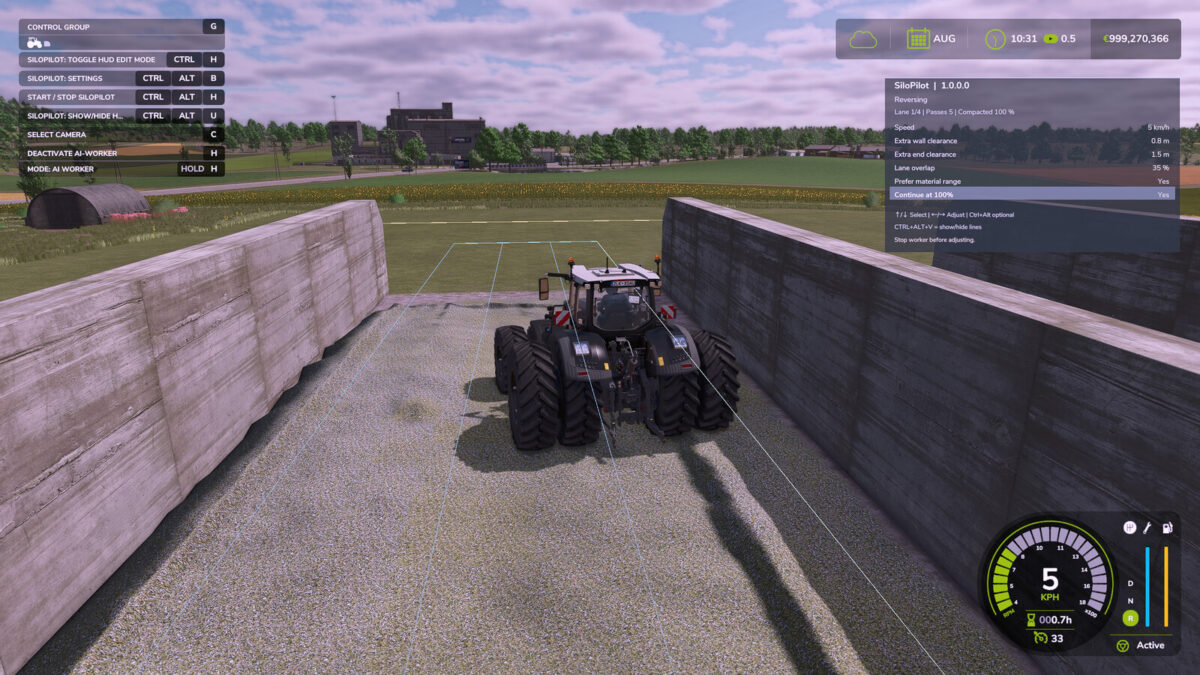
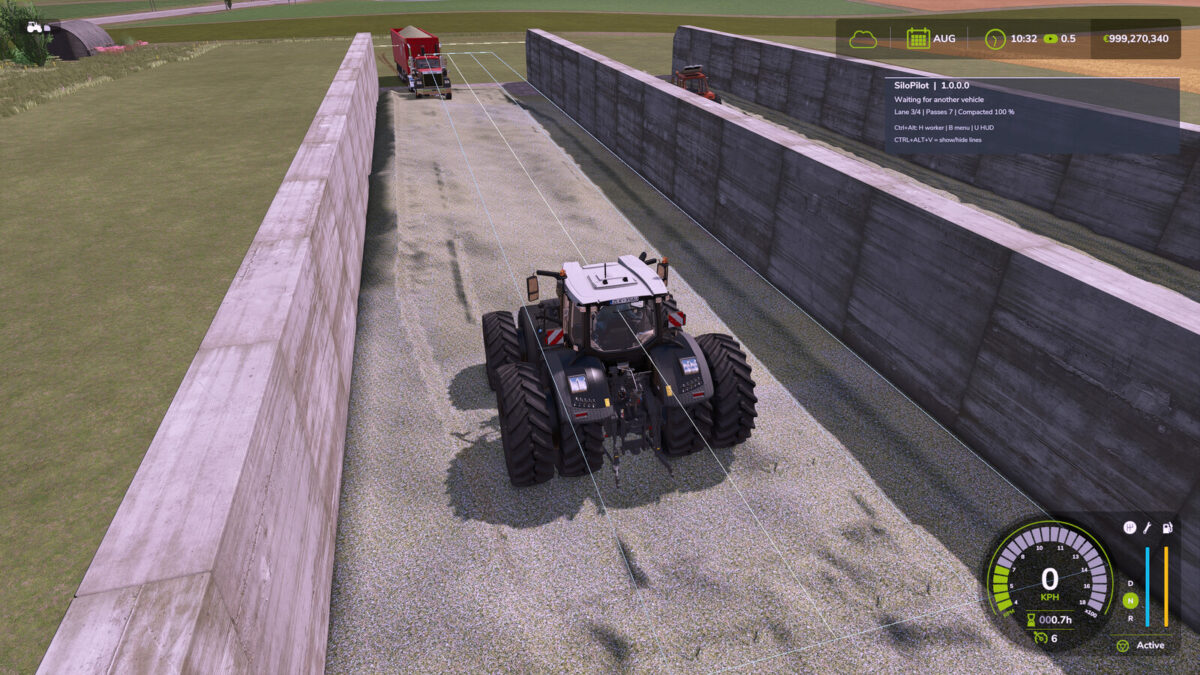
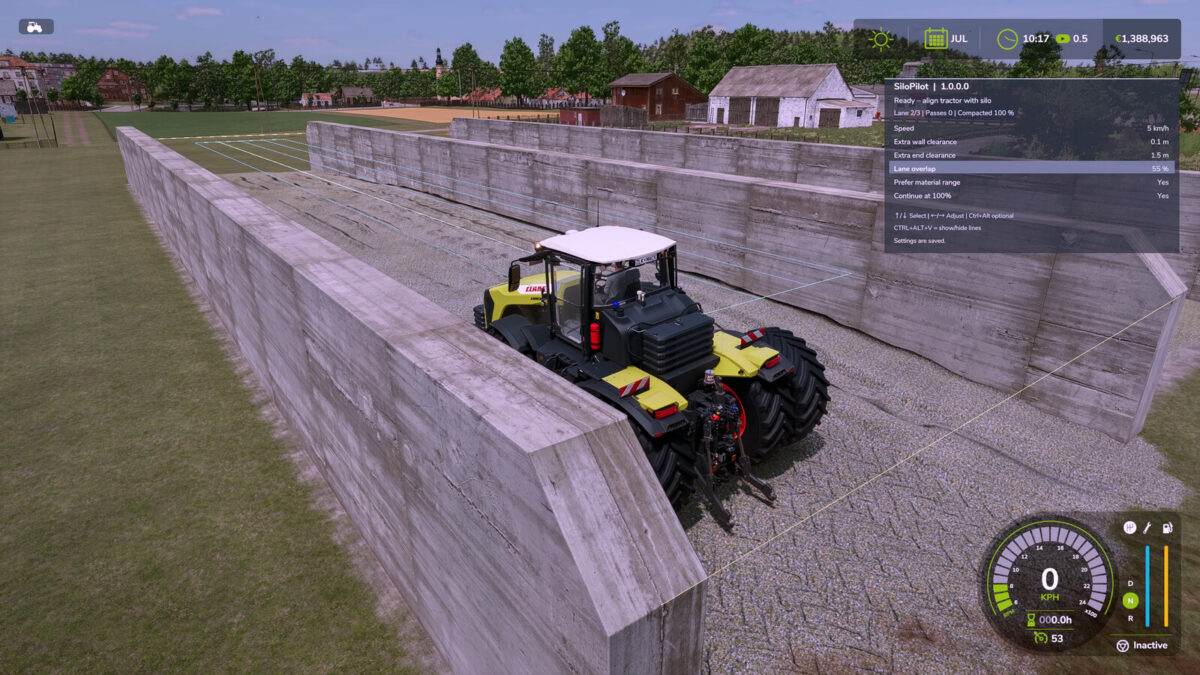
SiloPilot is an independently developed bunker silo helper for FS25. It drives forwards and backwards along calculated lanes and waits for delivery vehicles.
– CTRL + ALT + H starts/stops the helper
– CTRL + ALT + B opens the settings
– CTRL + ALT + V shows the guide lines
– CTRL + ALT + U shows/hides the HUD
– CTRL + H enables/disables HUD edit mode; hold the left mouse button to move it
– CTRL + R resets the HUD position; the position is saved locally
– The HUD and settings are only available inside a bunker silo
– Up/Down arrow keys select the setting; Left/Right arrow keys change its value
– Wall and end clearances can be set from 0.1 m
– The “Continue at 100%” option allows additional passes even after full compaction

Credits:

DtP Mario

How to install FS25 Misc?
Firstly find a mod which you like and want to download. Then download a mod to your PC. Mods are usually in .zip format file. But sometimes it can be in .rar. If a mod file is a .zip format no needed additional actions. If a file is in .rar, then you must unarchive mod with software like WinRar or Zip7. Windows 10 users no need to use software for archives, Win10 itself has a feature to unarchive files.
The next step is to find mods folder in your PC. Usually, it is in Documents/My Games/Farming Simulator 25/2025. Open the "mods" folder and put downloaded .zip archive or unarchived .rar file to this folder.
Last step. Enjoy of FS25 mods!

Leave a Reply

Your email address will not be published. Required fields are marked *