

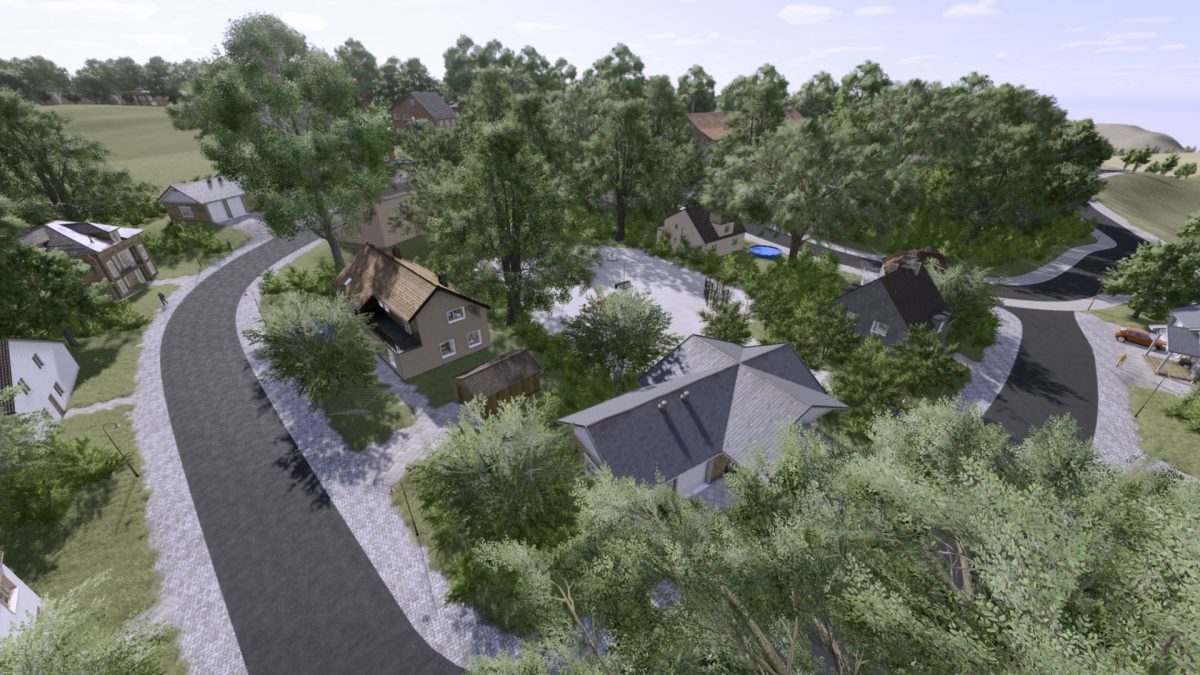
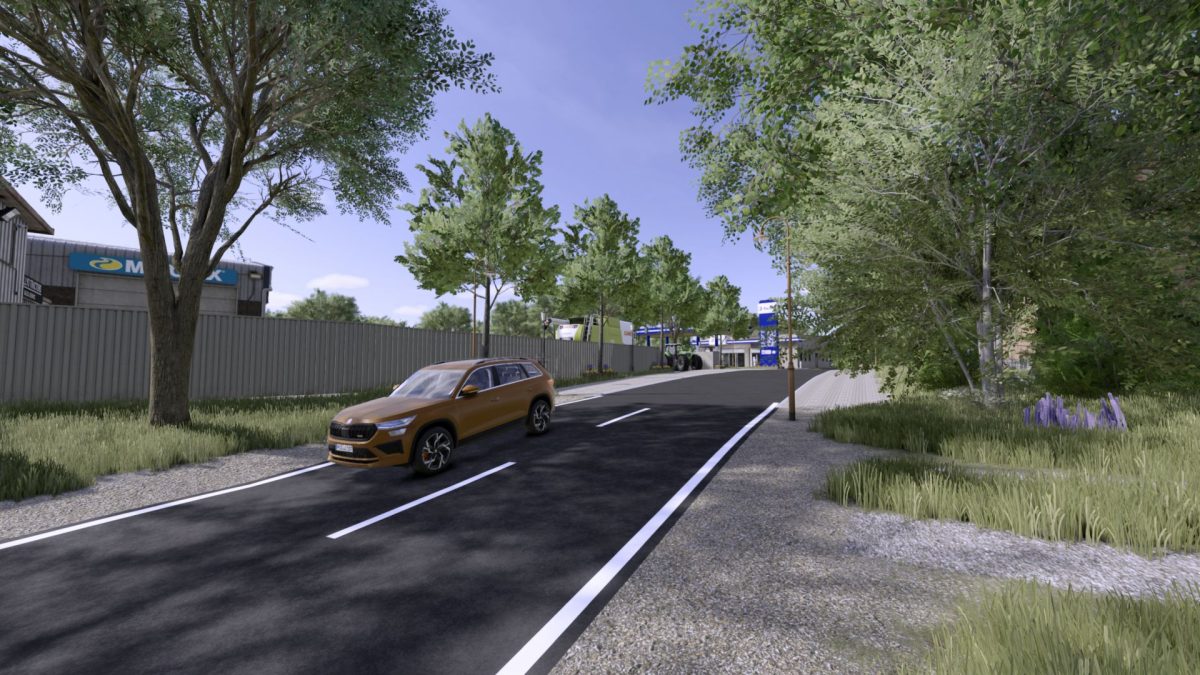
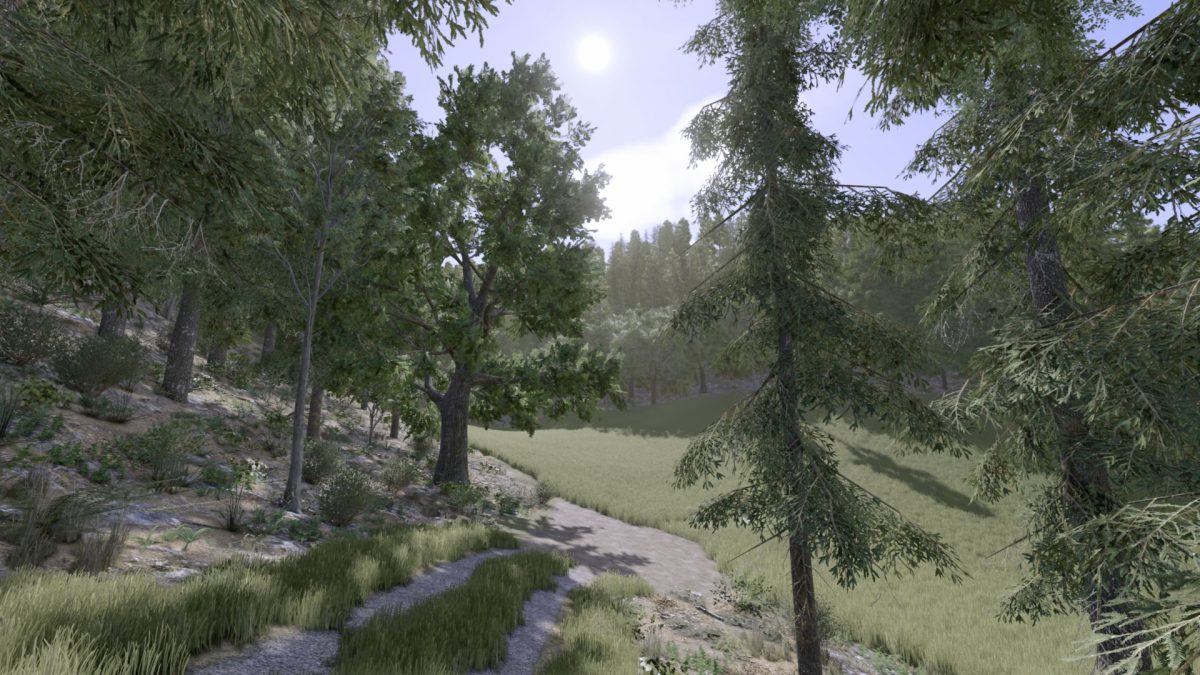
Sickinger Hoehe Rheinland Pfalz Map v 1.0.0.3


– 206 fields with a total area of 825 hectares, here everything is from 0.33 hectares to 28.23 hectares
– 36 forest areas that can be bought
– 8 farms which are prefabricated but can also be edited yourself
– 3 BGA falsify these can also be processed individually
– Additional fruits (rye, spelled, triticale and much more)
– Stepper disorder is also available
– Realistic license plates, as they are in real life
– Higher number of soil angles
– 8 sales stations, including 3 available productions
Version 1.0.0.3:
* When placing a cow pasture grass is now also planted
* Summer wheat/barley and winter wheat/barley as a single fruit
* There is also a flowering middleman, clover, meadow, lucerne
* A tractor was added to the AI traffic
* Dirt roads/field edges have been revised
* Forest paths were revised
* Map was optimized in some places
* Map ZIP file was curtailed and files that were not required were removed (only 1.1 GB tall)
* Forests were newly created from 0 to
* Waldboden Texture changed and soil deformation removed in it
* Forests have received decorations (mushrooms, sticks, other plants)
* Forests have got new trees so that the variety is better
* AI Splines added for each dirt road/forest path, helpers should now get directly to the field
* Added more textures to paint
* Added more plants to paint
* More trees to choose from
* More texture adjustments
* Maiz plants adapted
* 2 other mods are required
* Characteristics was adjusted (you can choose the district freely 1.2 or 3 letters)
* Ki Verhicle tractor has received a realistic sound
* Colorgradingnight.xml has been added and adjusted (at night it gets even more realistic)
* Flasch painted textures were corrected
* Other floating objects were corrected
* Grass that went through objects was removed
* Grass which grew by dirt roads was remedied
Credits:
BierKasten


