
FS25 Maps

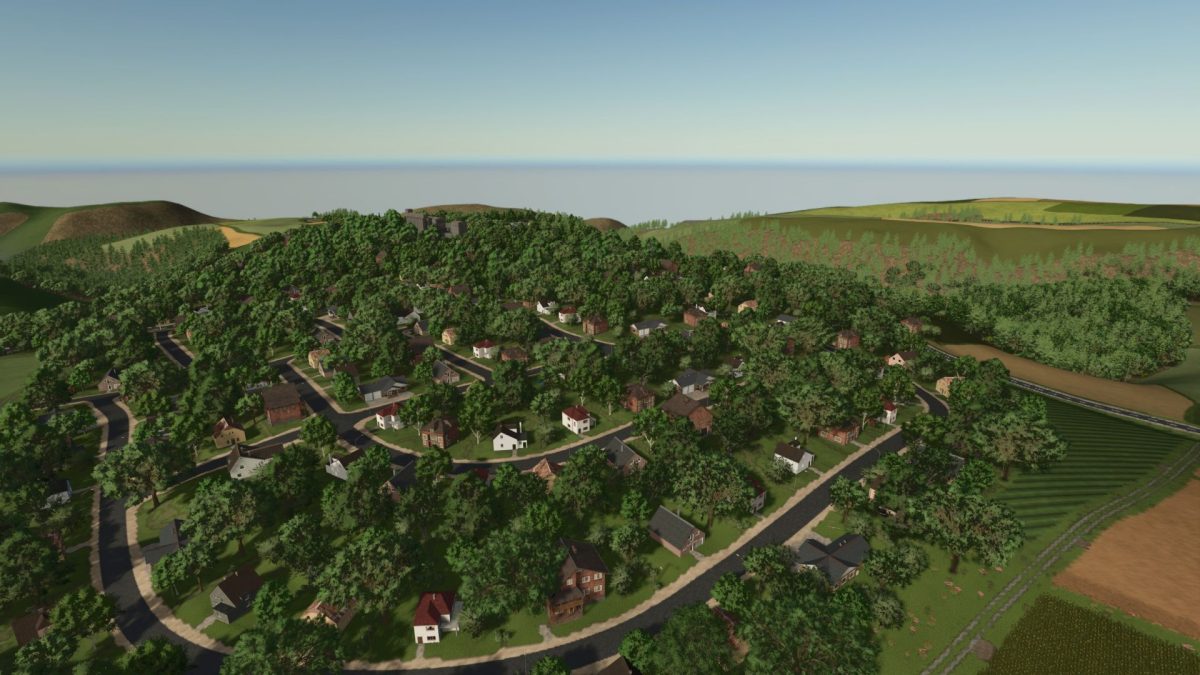
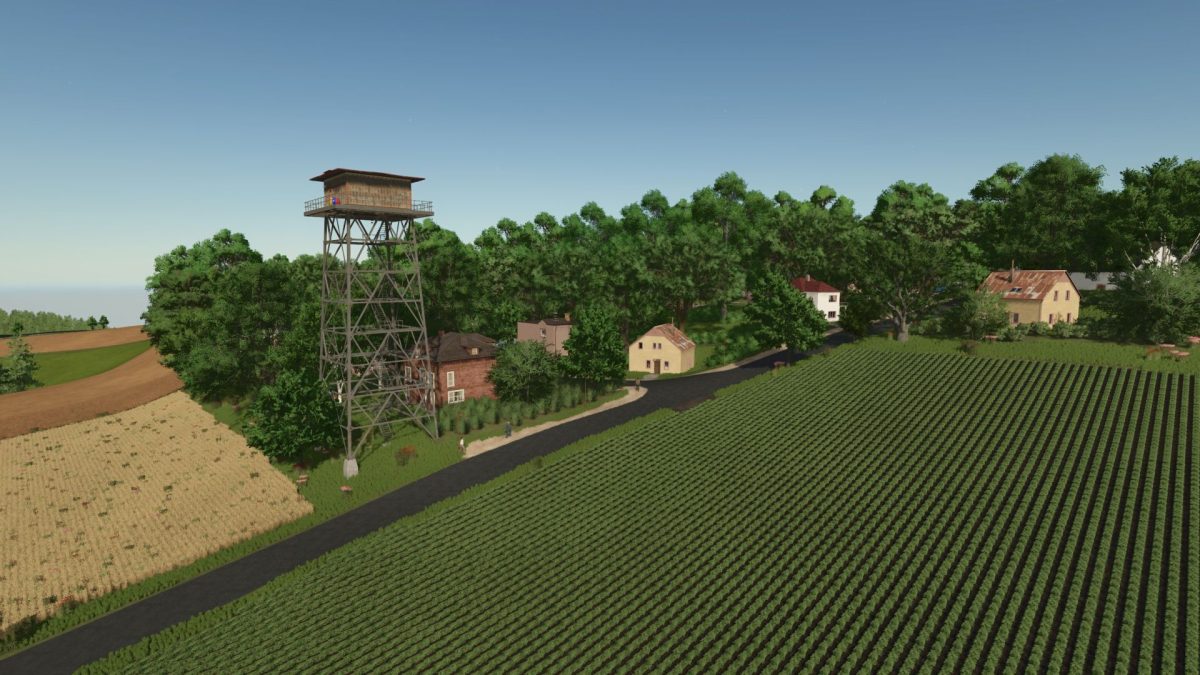
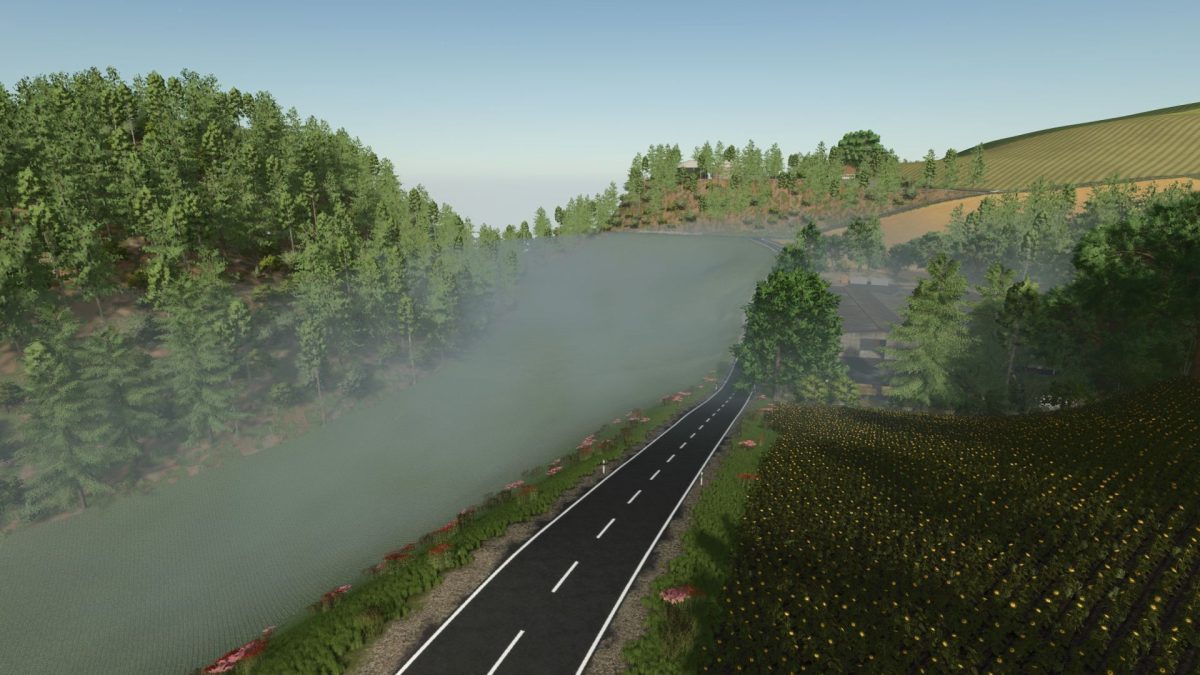
Sickinger Heights Romania Map v 4.1

Sickinger Heights Romania Map v 4.1

– Realistic reproduction of a Romanian mountainous region
– Varied terrain, with steep areas and deep valleys
– 206 agricultural plots, with a total area of ​​825 hectares
– Sizes between 0.33 ha and 28.23 ha
– 8 fully equipped farms, but completely editable according to your style
– 3 fully functional and customizable BGA (biogas) stations
– Additional crops: rye, spelt, triticale and others
– Stubble destruction enabled for added realism
– Realistic license plates, in Romanian style
– Detailed soil textures, with a large number of placement angles
– 8 points of sale, including 3 productions that can be purchased
– An authentic and immersive experience

Credits:

xStefanut

How to install FS25 Maps?
Firstly find a mod which you like and want to download. Then download a mod to your PC. Mods are usually in .zip format file. But sometimes it can be in .rar. If a mod file is a .zip format no needed additional actions. If a file is in .rar, then you must unarchive mod with software like WinRar or Zip7. Windows 10 users no need to use software for archives, Win10 itself has a feature to unarchive files.
The next step is to find mods folder in your PC. Usually, it is in Documents/My Games/Farming Simulator 25/2025. Open the "mods" folder and put downloaded .zip archive or unarchived .rar file to this folder.
Last step. Enjoy of FS25 mods!

Leave a Reply

Your email address will not be published. Required fields are marked *