

Settlers Map 1.2


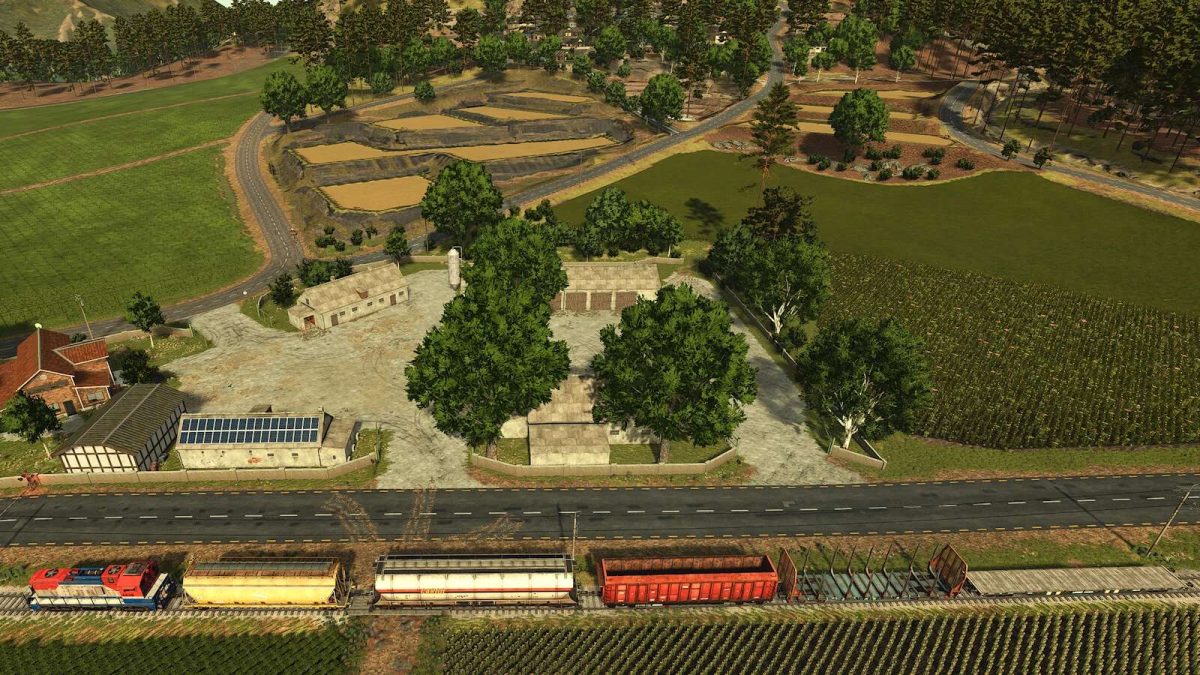
– A home where you can sleep and change clothes
– A Workshop where vehicles can be repaired with space to store them
– A warehouse where you can collect bales, pallets and eggs in different rooms
– A chicken coop for 100 animals
– A pigsty for 56 pigs with rooms to store vehicles
– A large storage grain silo.
– A fuel tank
– All the farms are the same although with different distribution
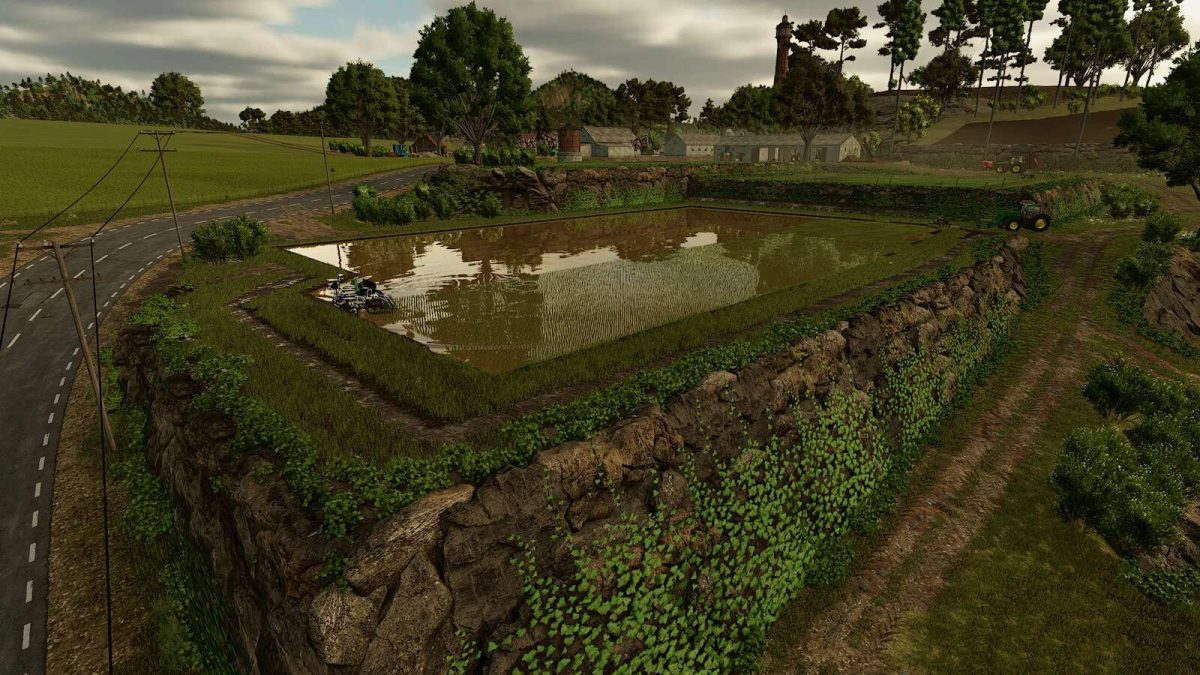
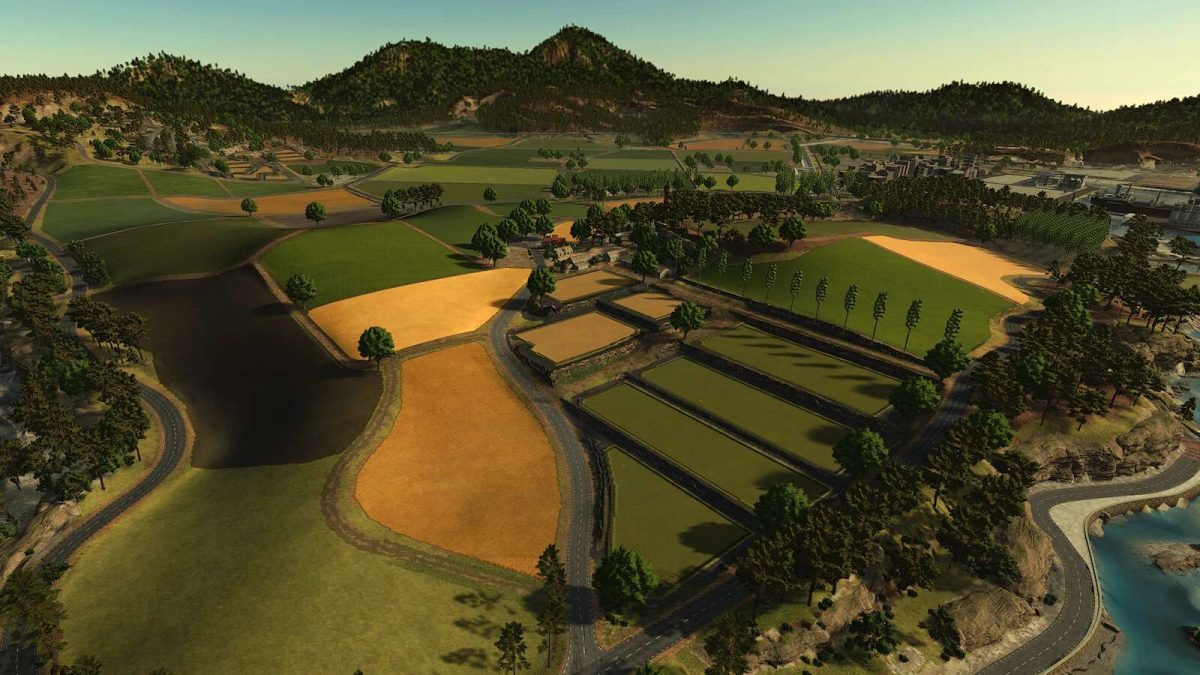
– 15 rice fields, some with stone walls, ready to work
– 48 Fields for cultivation
– 23 Forest Zones.
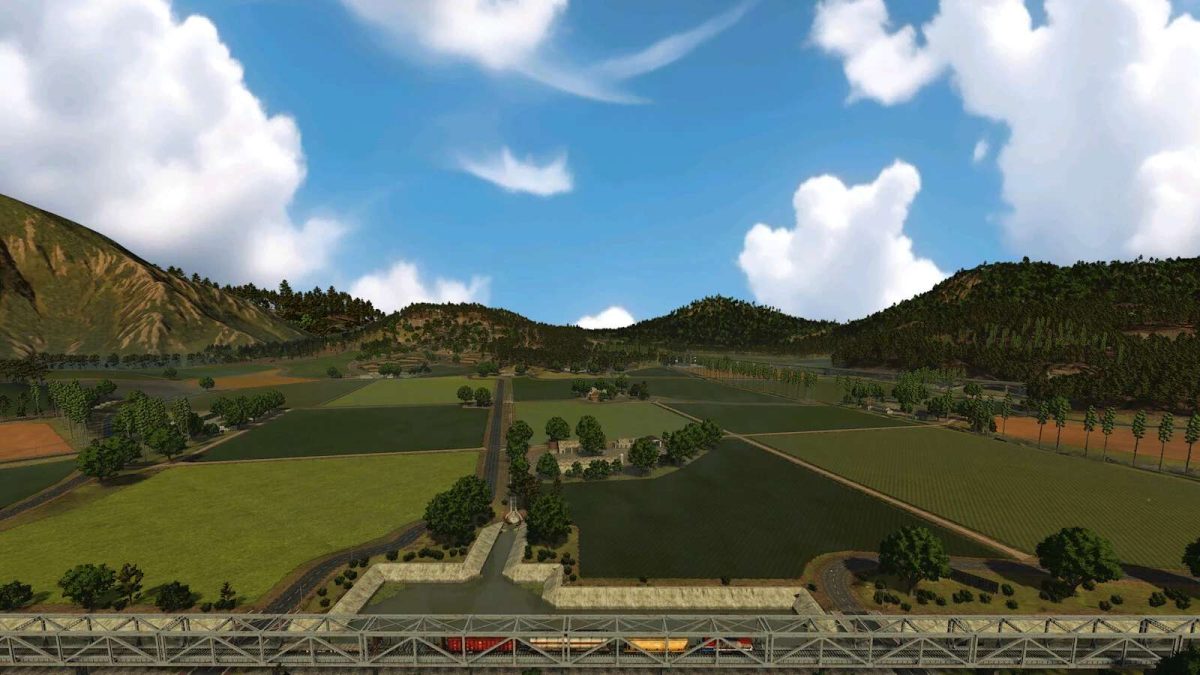
– Changed the entire train route with points for loading wood
– Custom and Expanded Missions
– Several buildings, the vehicle workshop and factories relocated near the city and some changes that you will discover while playing
Version 1.2:
* Fixed Vineyard bug
* Added Destroying stubble
* Added Plant Wheat and Barley in Summer
* Modified Graphic details and decoration
Credits:
SETKA SIMULATORS


