Serbian Radio Stations v 1.0


Bring Serbian music and radio atmosphere into Farming Simulator 25 with this custom internet radio pack.
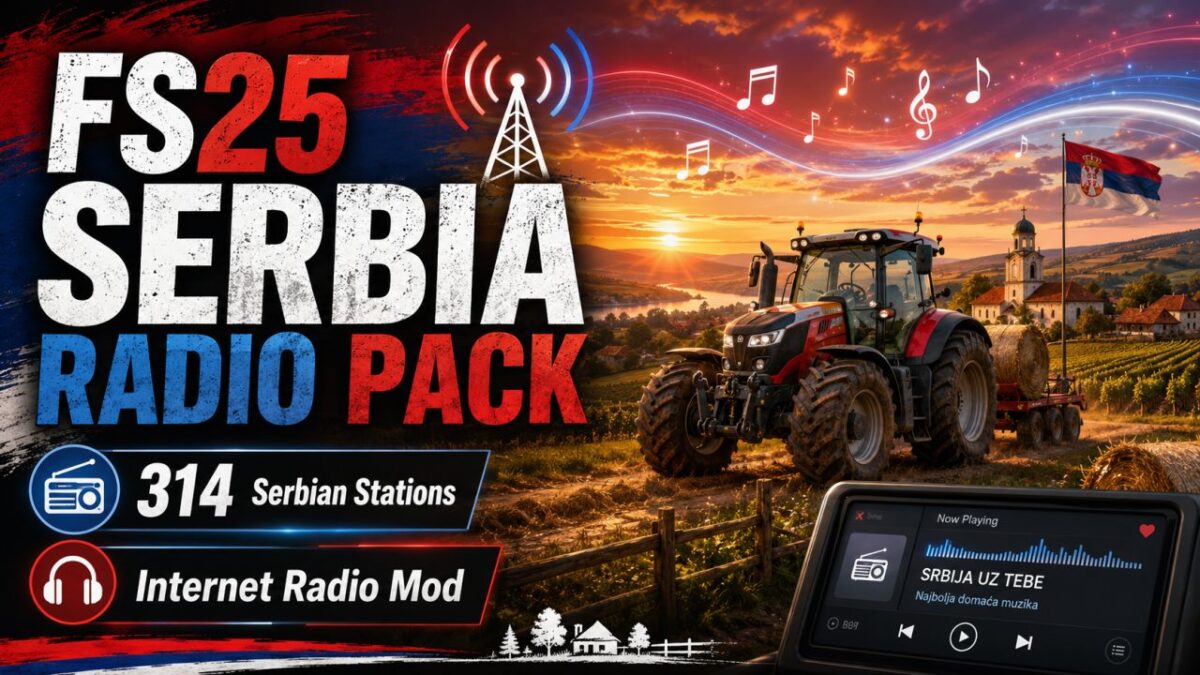
This mod adds a large collection of Serbian online radio stations to the in-game radio system, giving you more variety while farming, driving, harvesting, or working around your farm. The pack includes 314 Serbian radio stations, covering music, talk, local stations, and general entertainment streams.
Features:
– 314 Serbian radio stations
– Works with the Farming Simulator 25 in-game radio
– Easy installation
– Includes public online radio streams
– Great for players who want a more realistic Balkan / Serbian farming atmosphere
Installation:
1. Close Farming Simulator 25.
2. Go to: Documents/My Games/FarmingSimulator2025/music
3. Back up your existing streamingInternetRadios.xml file if you already have one.
4. Copy the included streamingInternetRadios.xml file into the music folder.
5. Start the game and enjoy Serbian radio stations in FS25.
Important:
Some internet radio streams may occasionally stop working because they are hosted by third-party radio providers. If a station does not play, the stream may be temporarily offline or changed by the radio owner.
This is not an official Farming Simulator product. It is a custom radio pack made for players who want Serbian online radio stations in FS25.
Credits:
CLS940