

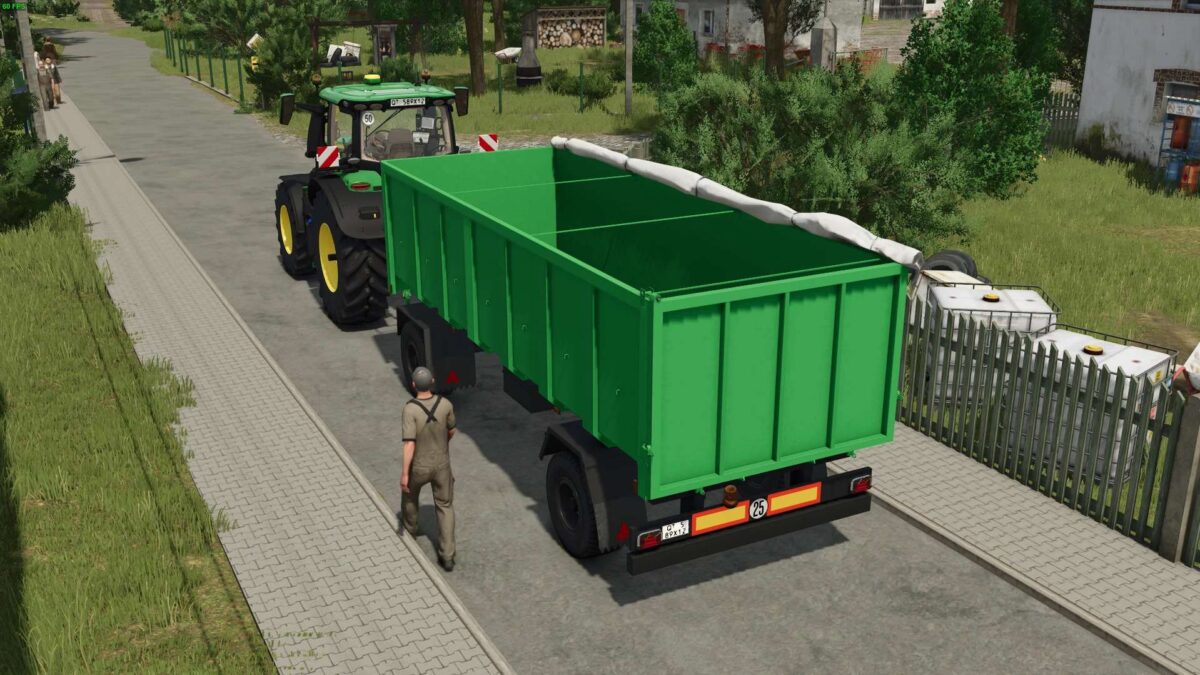
Selfmade Trailer 18T v 1.0


The Selfmade Trailer 18T v 1.0 is designed to enhance your Farming Simulator 25 experience by providing a durable and functional transport option for your farming operations. This trailer features a washable surface, ensuring that it maintains its appearance and cleanliness even after heavy use in various terrains. It is built to withstand wear and tear, making it a reliable choice for transporting goods across your virtual farm.
For added realism, the trailer is equipped with hoses that can be visually represented and may interact with other equipment in the game. With a weight of 6.7 tons, it strikes a balance between stability and usability, while boasting a generous capacity of 24,500 liters. The trailer is available at a base price of 23,000, making it a valuable addition to any player’s fleet.
– Washable surface
– Durable design resistant to wear
– Hoses for enhanced realism
– Weight: 6.7 tons
– Capacity: 24,500 liters
– Base price: 23,000
Credits:
supesmile, teor


