

Selectable Bale Capacity Pack v 1.8


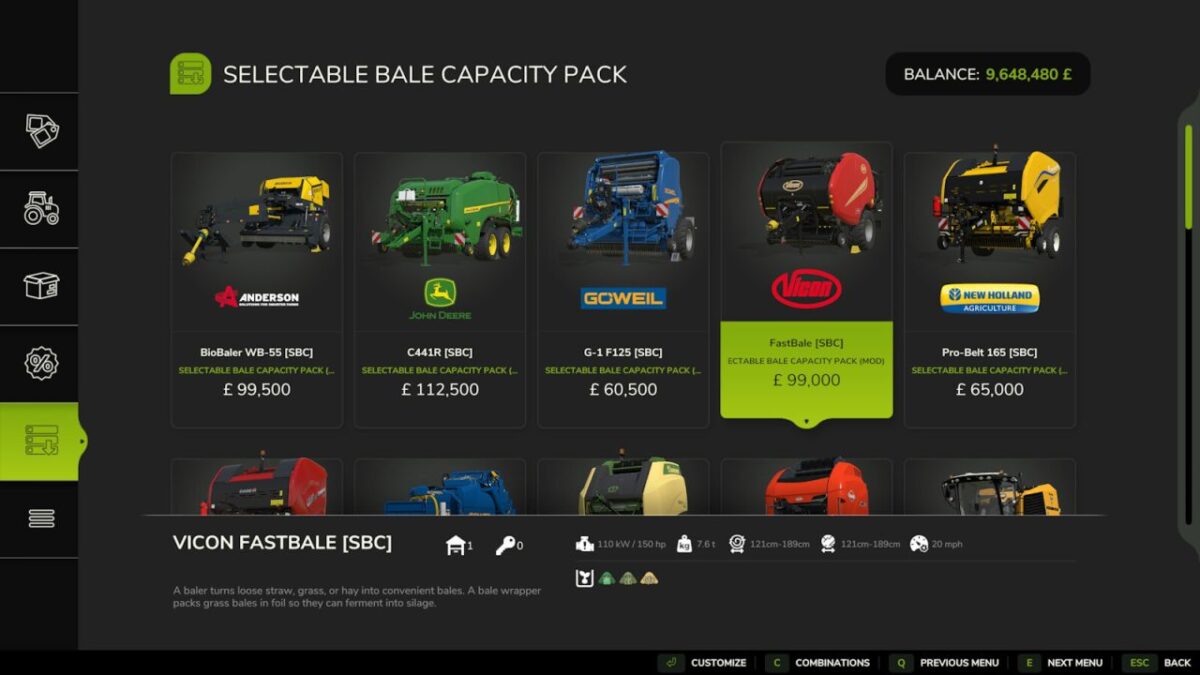
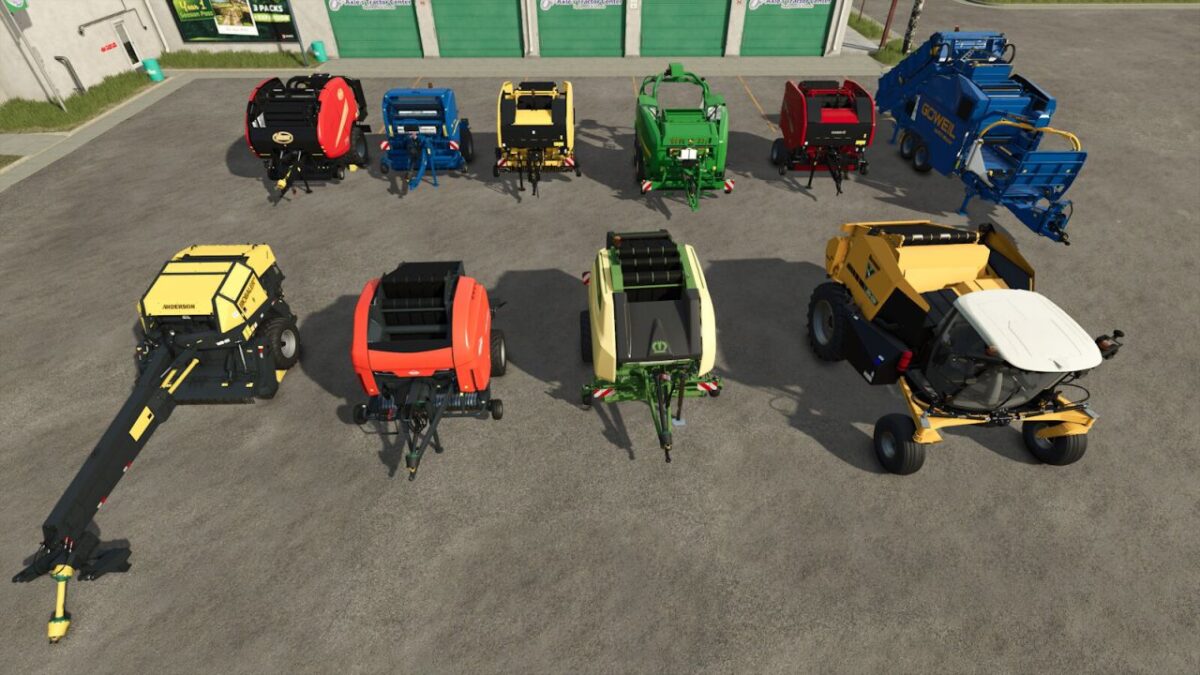
This pack includes modified versions of all the base game Balers that allows you to select a bale capacity of up to 9x the standard bale capacity.
Each Baler has a store configuration option that allows you to select between the default pickup width and a +2m or +5m wider pickup width. (Thanks GMNGjoy)
Also included are modified base game Bale Transport, Bale Wrappers and high capacity Forage Mixers that support the larger capacity bales.
The increased capacities are displayed in the CONTROLS window of the HUD as additional bale size options and can be selected as you would normally select bale sizes.
The bales produced by the 1x, 2x, 4x & 9x bale options as listed below are set to a max weight of 100kg so are liftable by hand.
The size options displayed are:
[Roundbales]
125cm = standard. 121 = 1x, 122 = 2x, 124 = 4x, 129 = 9x
150cm = standard. 151 = 1x, 152 = 2x, 154 = 4x, 159 = 9x
180cm = standard. 181 = 1x, 182 = 2x, 184 = 4x, 189 = 9x
[Squarebales]
120cm = standard. N/A. 122 = 2x, 124 = 4x, 129 = 9x
180cm = standard. 181 = 1x, 182 = 2x, 184 = 4x, 189 = 9x
220cm = standard. 221 = 1x, 222 = 2x, 224 = 4x, 229 = 9x
240cm = standard. 241 = 1x, 242 = 2x, 244 = 4x, 249 = 9x
NOTE: Due to the modified bale sizes any Bale Loaders & Bale Wrappers that are NOT modified to support the new bale sizes will not work.
NOTE 2: The included Fastbaler is not supported by the PC only Round Baler Extension mod. (Does not wrap bales)
NOTE 3: I recommended using a higher HP tractor than normal when making large capacity bales to compensate for the extra weight of product in the baler.
Version 1.8:
* Updated xml files for compatibility with game update v1.21.1.0
* Edited windrow mass so when an incomplete bale is in the baler it is only 10% of the normal filltype mass, requiring less HP to move the baler with larger capacity bales
* Changed the extra pickup width options to a fixed 6m, 9m and 12m to make it easier to know what width to set when using GPS
* Minor adjustments to improve pick efficiency
* Updated mod description
Credits:
GH66Mods


