
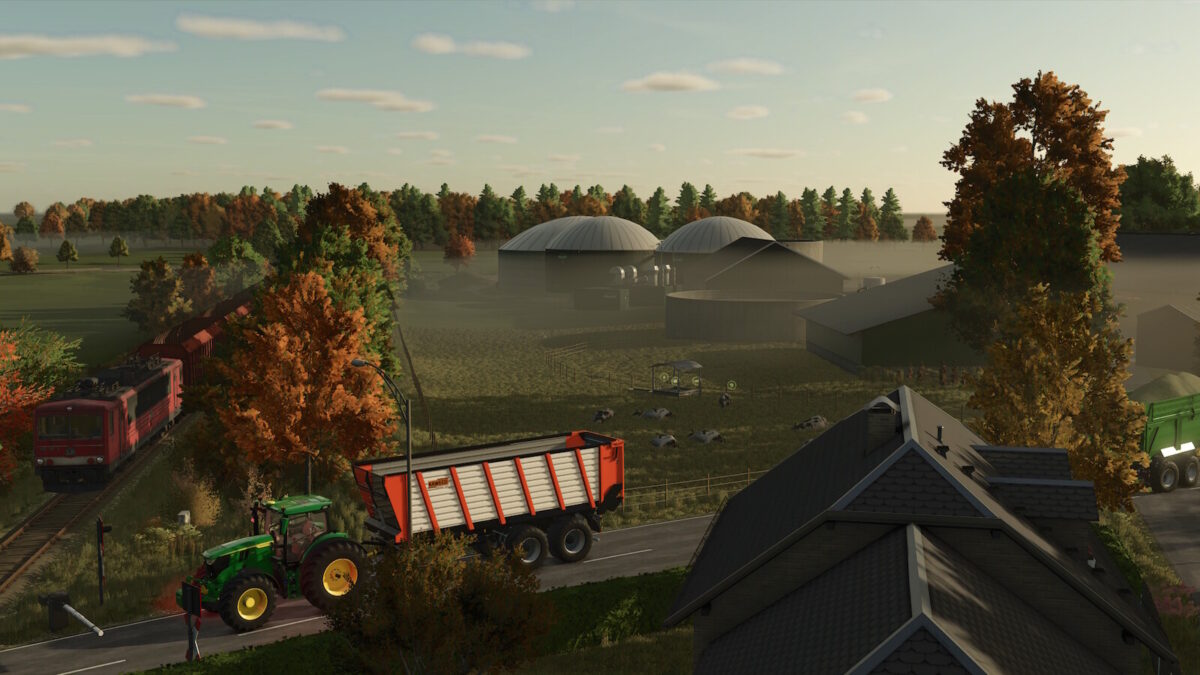
Schwesing Bahnhof Map v 2.0


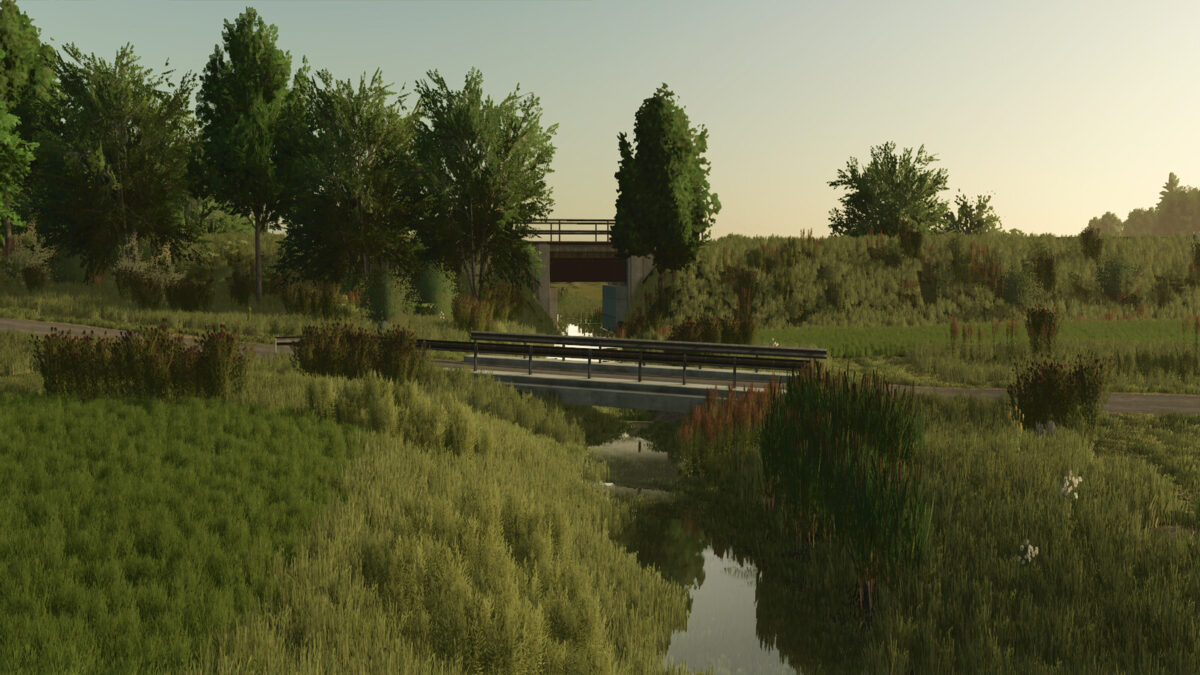
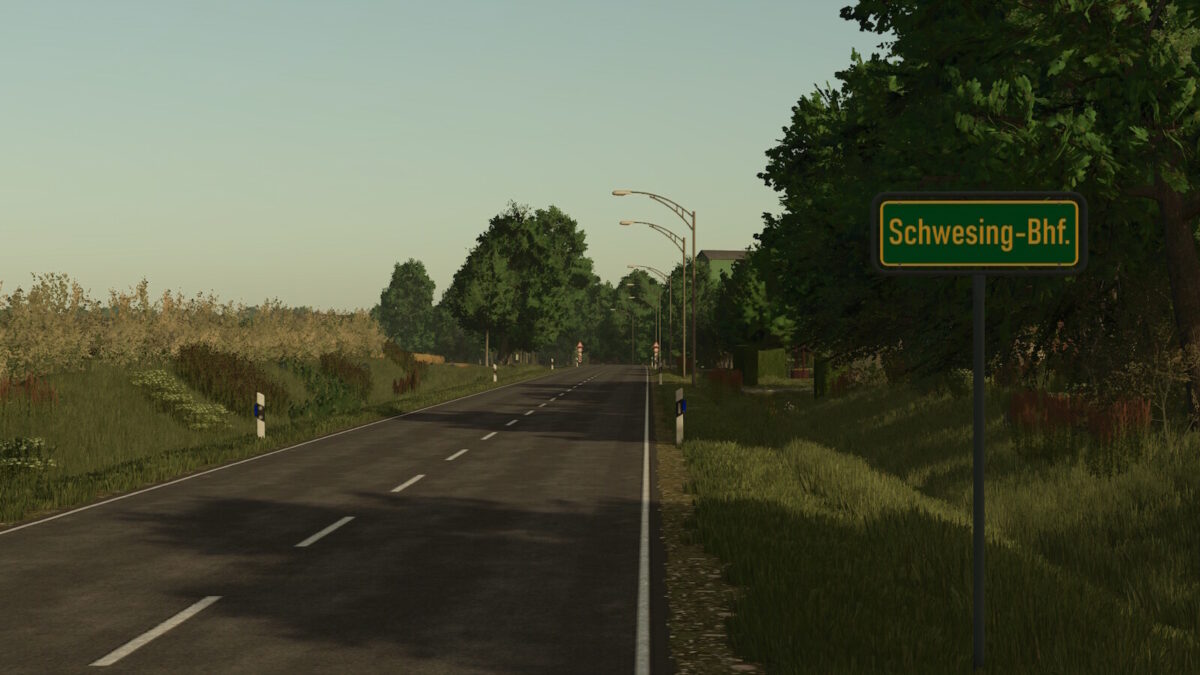
– Detailed replica of the district Schwesing Bahnhof with realistic road layouts, including new bridges and signs
– 255 fields, 242 of which are purchasable, with a total area of 955 hectares (an average of about 4 hectares per field), and prices calculated individually based on size and crop type
– 18 customizable farms, with buildings that can be sold and individually designed
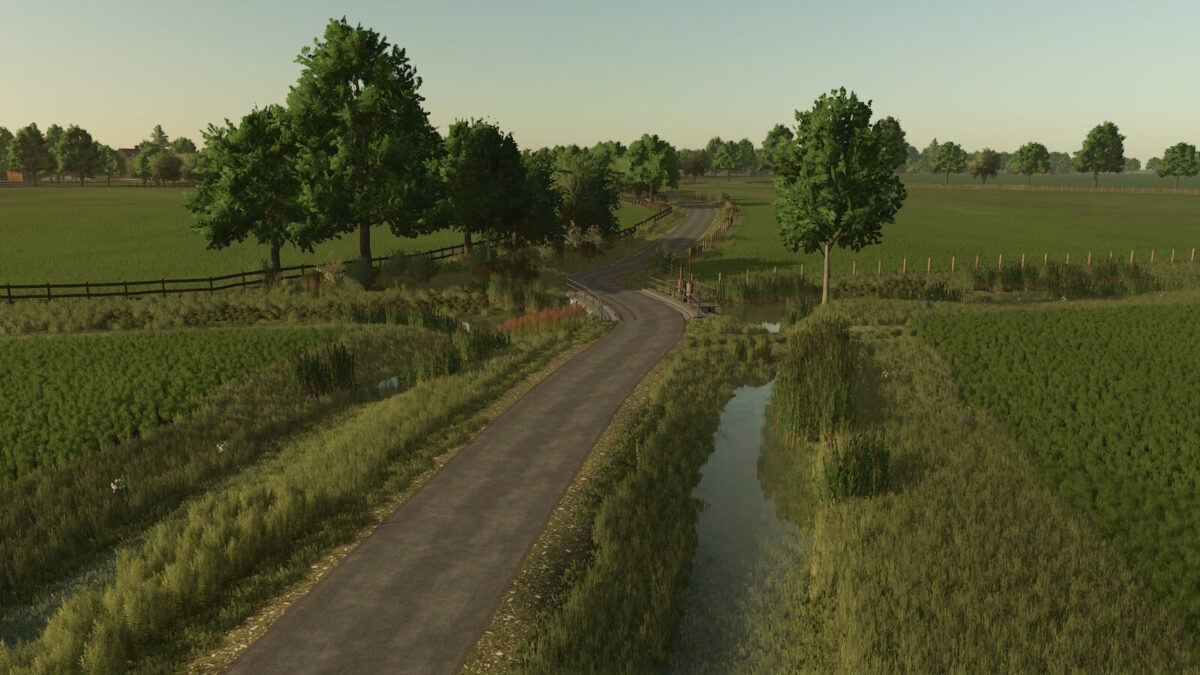
– Authentic North Frisian landscapes with unique field entrances that cross meadows, ditches, and North German hedgerows
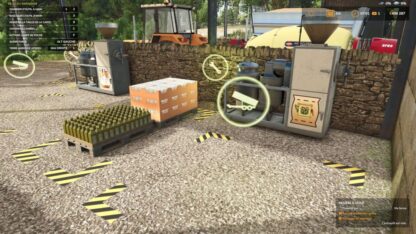
– Various selling stations, including a station with rentable trains and a detailed railroad crossing
– Extended soil angles for greater precision in soil cultivation
– Stubble destruction in wheel tracks
– German license plates for vehicles
– Transport missions for additional revenue opportunities
Version 2.0:
* All farms rebuilt
* Villages and sell points completely redesigned
* Roadsides and field edges adjusted
* Trees and bushes reworked
* Road signs added
* Added clover, alfalfa and additional cover crop
* Readded soybean and millet
* Added grass silage, adjusted maize silage
* Feeding system adjusted (grain required as mineral feed)
* Extended fruit and height types for future updates
* All yields and fill weights adjusted to North German conditions
* Price adjustments for crops, pigs and biogas
* Improved visibility of straw and grass windrows
* Farmland 255 is now purchasable
* Cars are now sellable
* Additional starting fields added based on real life layout
Credits:
LazZlow