
FS25 Trucks

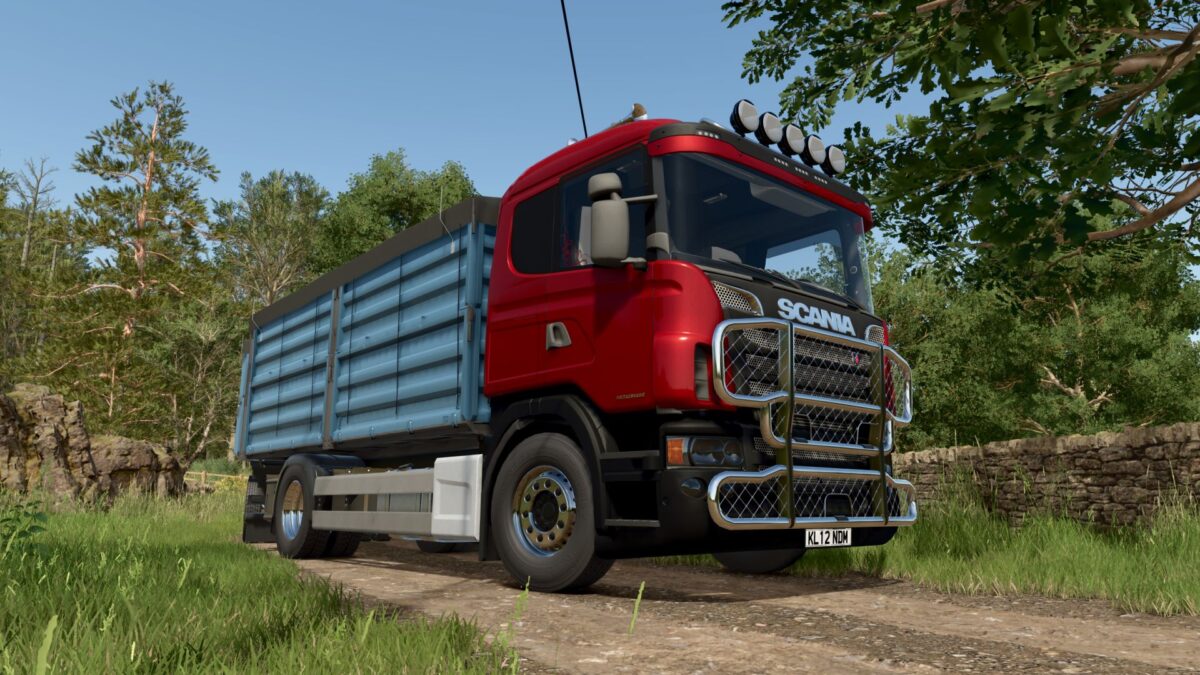
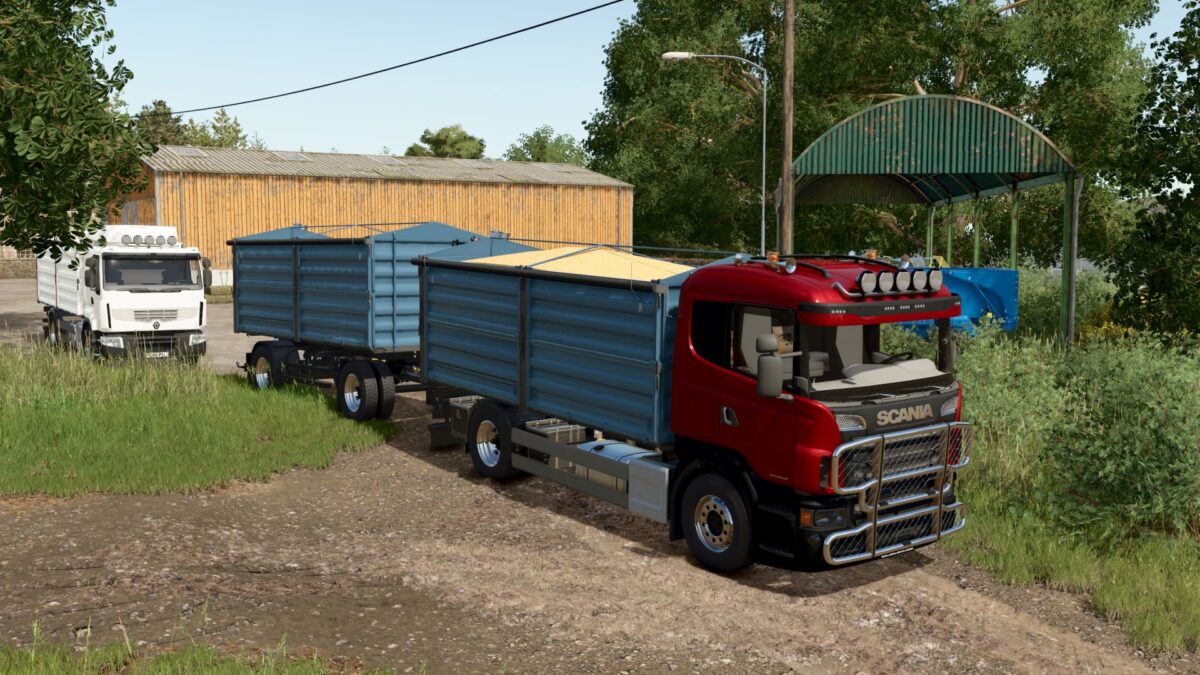
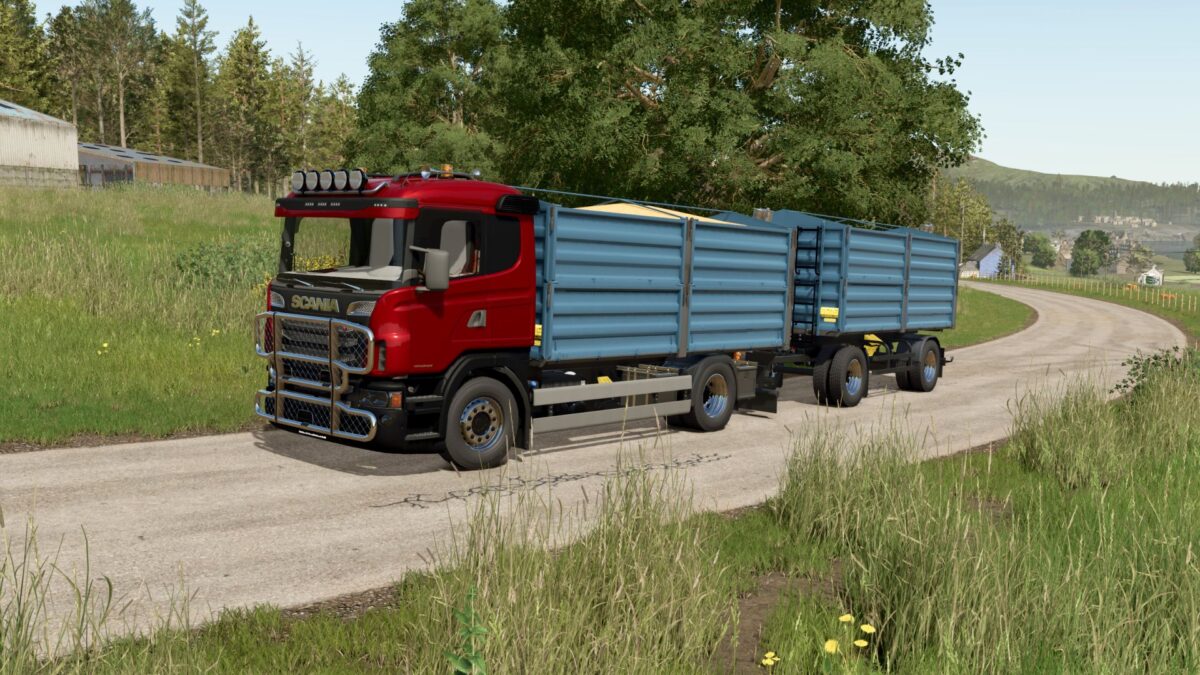
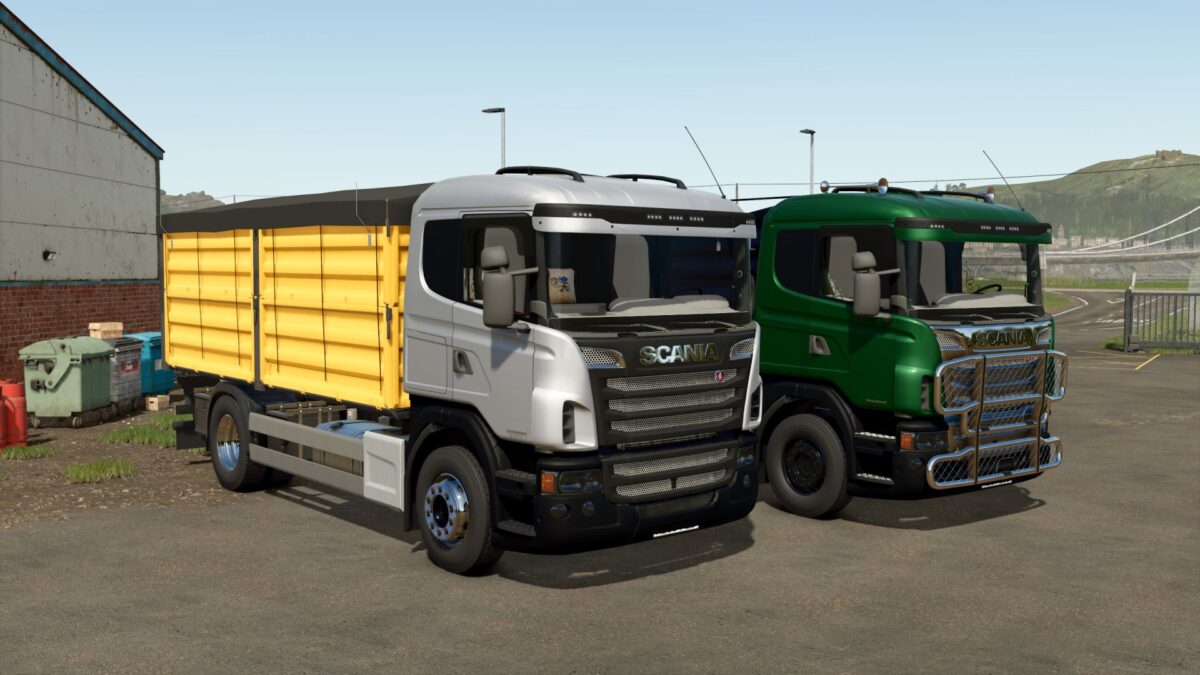
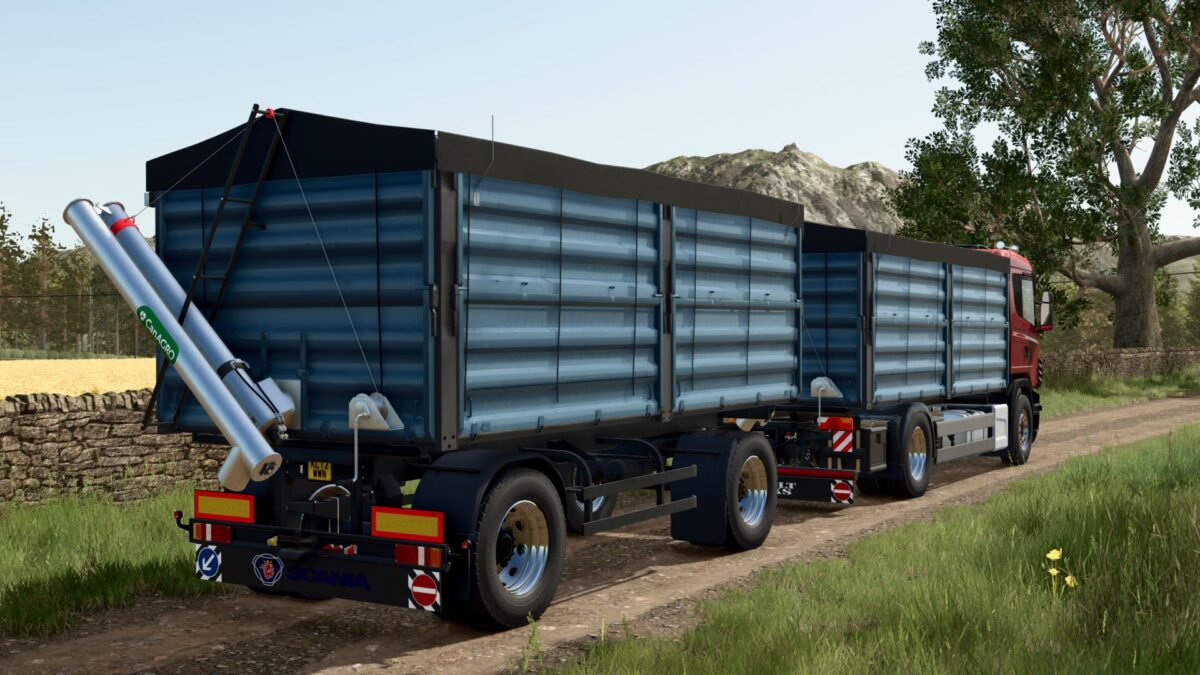
Scania R 4x2 Grain Truck v 1.0

Scania R 4×2 Grain Truck v 1.0

– Grain and overload configuration
– Power: 400-620 hp, 12-speed gearbox, rear-wheel drive;
– Speed: 100 km/h;
– Fuel tank capacity: 440 l.;
– Cost: 19000 €;
– Selection of the main color, grill color, wheels color, and two body colors;
– Animated suspension;
– License plate configuration;
– Dynamic hoses;
– Animated dashboard;
– Working lighting equipment;
– Working mirrors;
– Working wipers;
– Leaves traces;
– Gets dirty and washable;
– Design options: additional light, beacon lights, bullbar, horns, side decal;

Credits:

Pederelli, SCS Software, FTmodding, Rick Black Labele, Noah1735 TWD Modding, Crownzilla, GDNfix, Canada FS

How to install FS25 Trucks?
Firstly find a mod which you like and want to download. Then download a mod to your PC. Mods are usually in .zip format file. But sometimes it can be in .rar. If a mod file is a .zip format no needed additional actions. If a file is in .rar, then you must unarchive mod with software like WinRar or Zip7. Windows 10 users no need to use software for archives, Win10 itself has a feature to unarchive files.
The next step is to find mods folder in your PC. Usually, it is in Documents/My Games/Farming Simulator 25/2025. Open the "mods" folder and put downloaded .zip archive or unarchived .rar file to this folder.
Last step. Enjoy of FS25 mods!

Leave a Reply

Your email address will not be published. Required fields are marked *