

Santo Antonio Map v 1.0


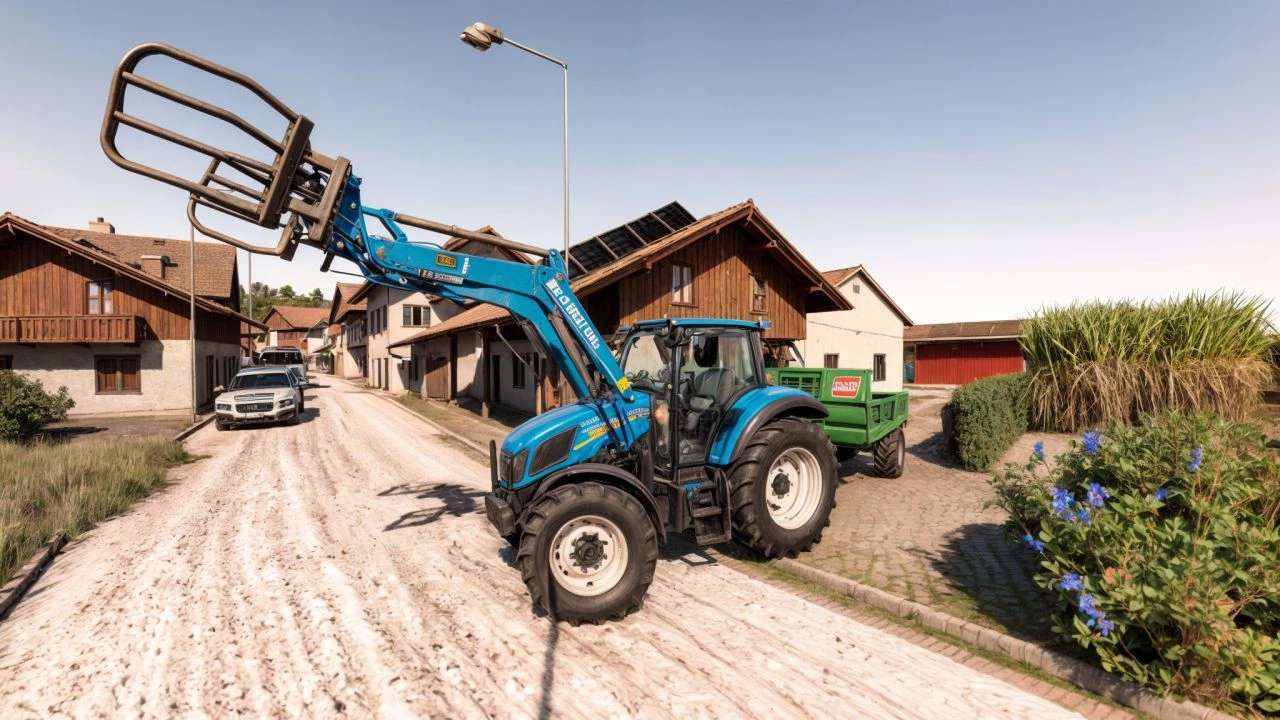
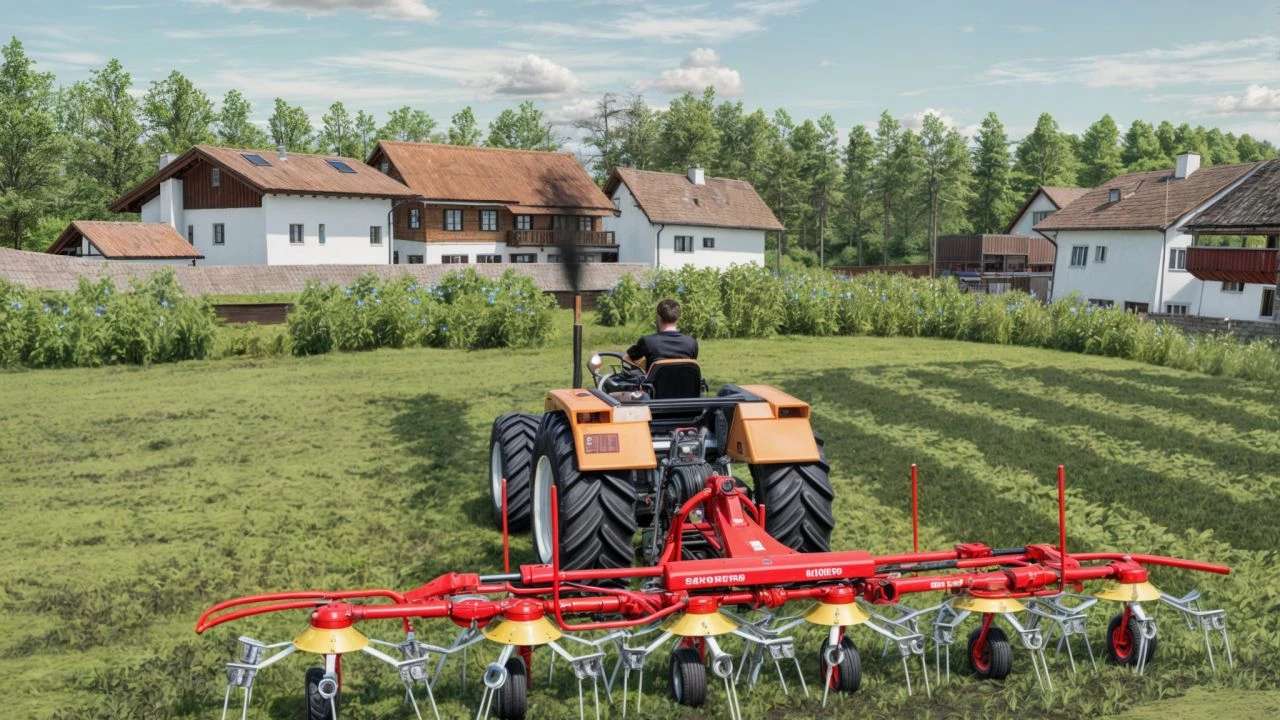
The Santo Antonio Map v 1.0 offers a detailed and immersive environment for players looking to enhance their Farming Simulator experience. This map features diverse landscapes, including lush fields, rolling hills, and a variety of terrains ideal for farming. The layout includes multiple fields of different sizes and shapes, providing ample opportunities for agricultural activities.
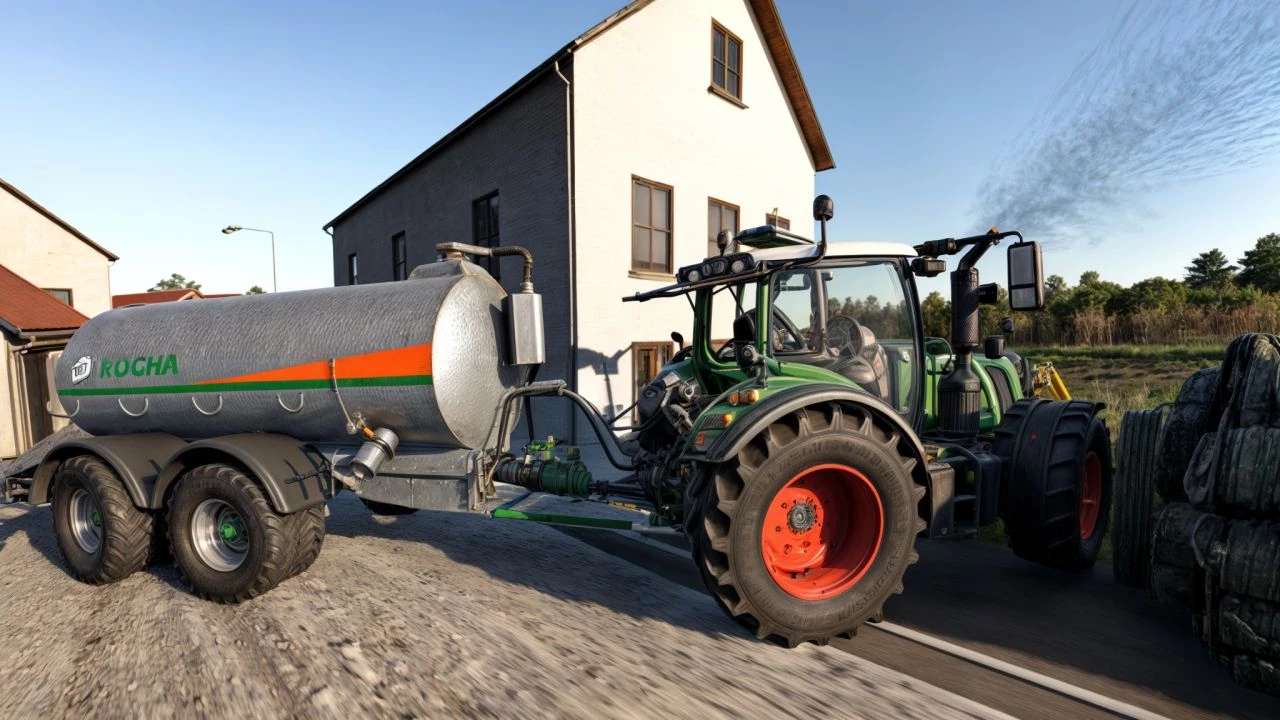
In addition to farmland, the map includes a small town with essential facilities such as shops, fuel stations, and storage sheds that cater to the needs of farmers. Players will find realistic road networks that connect various points of interest, making it easier to transport goods and equipment.
The Santo Antonio Map also includes custom points of interest, assets, and a well-thought-out terrain design that contributes to a more engaging gameplay experience. With its balance of natural beauty and functional elements, players are encouraged to explore and utilize the map for a range of farming operations. Overall, this map presents a versatile platform for both farming enthusiasts and newcomers alike.
Santo Antonio Map for Farming Simulator 22, based on real life.
Credits:
TiagoR, AzoresModding, LuiSSaoua


