

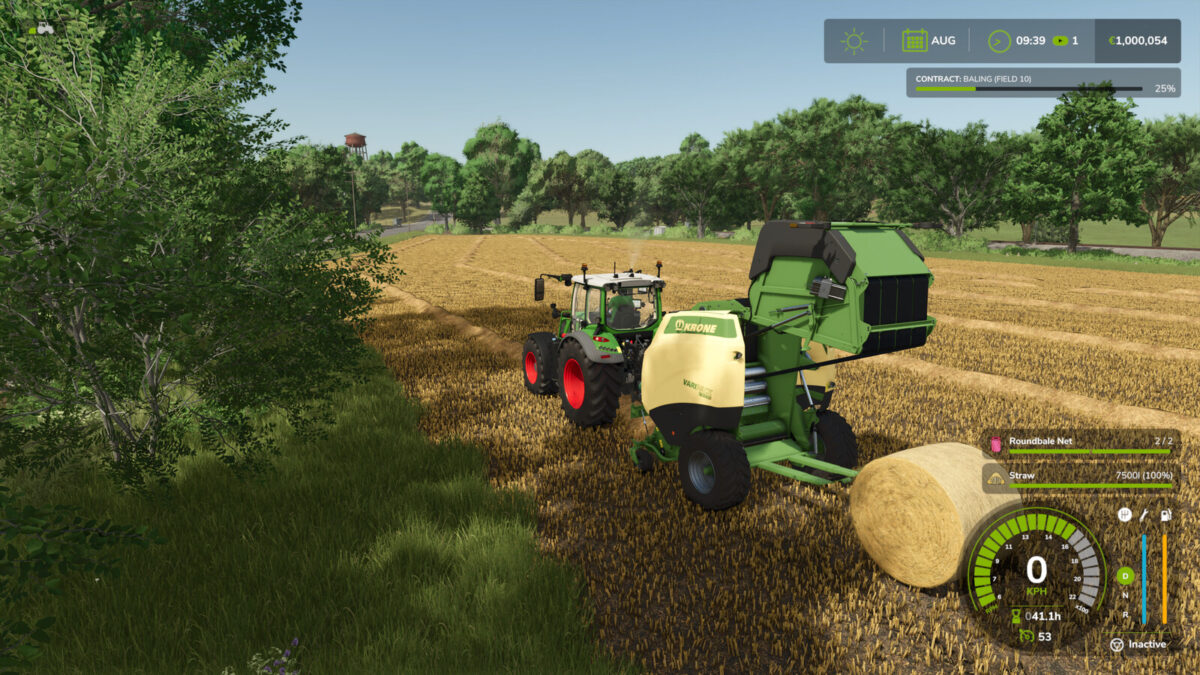
Round Baler Extension v 1.1


With this script the tractor stops when the round baler is full. If the fill level reaches 90%, the top speed is limited to 8 km/h so that the tractor does not have to brake so hard when the baler is full.
If you turn off the baler or raise the pickup, the tractor’s top speed is of course no longer limited.
Stopping works when you accelerate or the cruise control is active.
If the cruise control was active when the press gets full, it will be activated again automatically so that all you have to do is steer (which can even be partially taken over by the new GPS system).
Version 1.1:
* In version 1.0 was a test print command accidentally active and has been removed
* You can now deactivate the bale wrapper for balers with bale wrapper and you also have an collect mode for these. Here are always two bales placed one after the other. The first bale stays on the bale wrapper until the second bale is finished. Then, if the bales don’t roll away, you always have two next to each other and it’s easier to load them
* If the unloading mode is set to collect and the bale wrapper is active, the tractor will be held on until the wrapper has unloaded the second bale
* If the second bale is on the bale wrapper and the cruise control was active, the tractor moves forward a little bit, so that the second bale is not unloaded into the first bale
Key shortcuts for toggle on/off the bale wrapper:
– Keyboard: [CTRL] left + [ALT] left
– Controller (X-Box): [LB] + D-pad down
Keyboard shortcuts to toggle drop mode:
– Keyboard: [Y]
– Controller (X-Box): [LB] + [D-Pad Right]
Credits:
Ifko[nator]


