

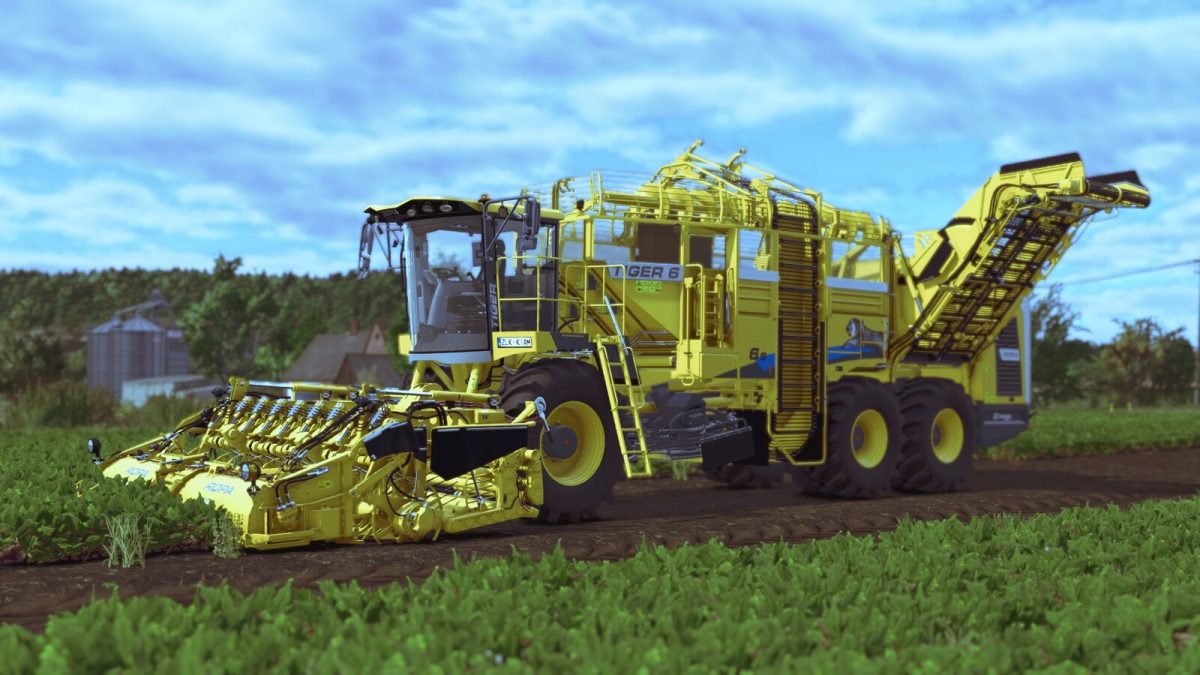
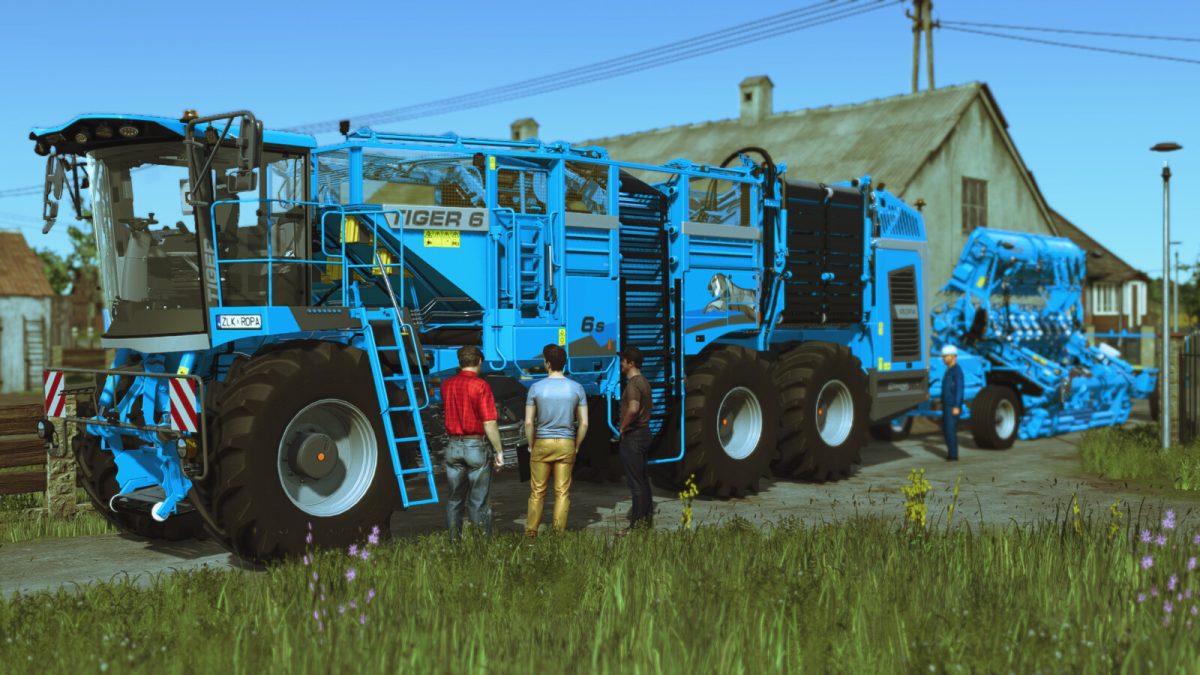
Ropa Tiger 6S Premium v 1.0.0.1


Thanks to new processing technologies, the ROPA Tiger6S Premium can now harvest “sugarBeet” “potato” “beetRoot” “carrot” “parsnip” thanks to interchangeable adapted heads.
Vegetable harvesters Ropa Tiger 6S Premium:
Price: 569.000 $
Power: 796 hp
Top speed: 40 kph
Capacity: 43.000 l
Color configurations
Tire configuration
Driver’s hand animation from external camera
Steering base animation when boarding the cambine
Changed sounds
Added a passenger in the cab
RR-XL 9×45 Premium:
Price: 97.000 $
Working width: 4.0 m
Color configurations
Rim color configurations
This cutterbar is designed for harvesting: sugarBeet, beetRoot, carrot, parsnip
RR-XL 9×45 Potato:
Price: 39.000 $
Working width: 4.0 m
Color configurations
This cutterbar is designed for harvesting Potato
RRXL Trailer premium:
Transport trailer “RR-XL 9×45 Premium” “RR-XL 9×45 Potato”
Price: 9000 $
Color configurations
Rim color configurations
Version 1.0.0.1:
* Fixed passenger in cab (display of player’s name, passenger’s entry and exit)
* Added one more passenger
* AI assistant works, with game patch update 1.5.0.1
Credits:
eFarmer


