


Rice Field Control v 1.0


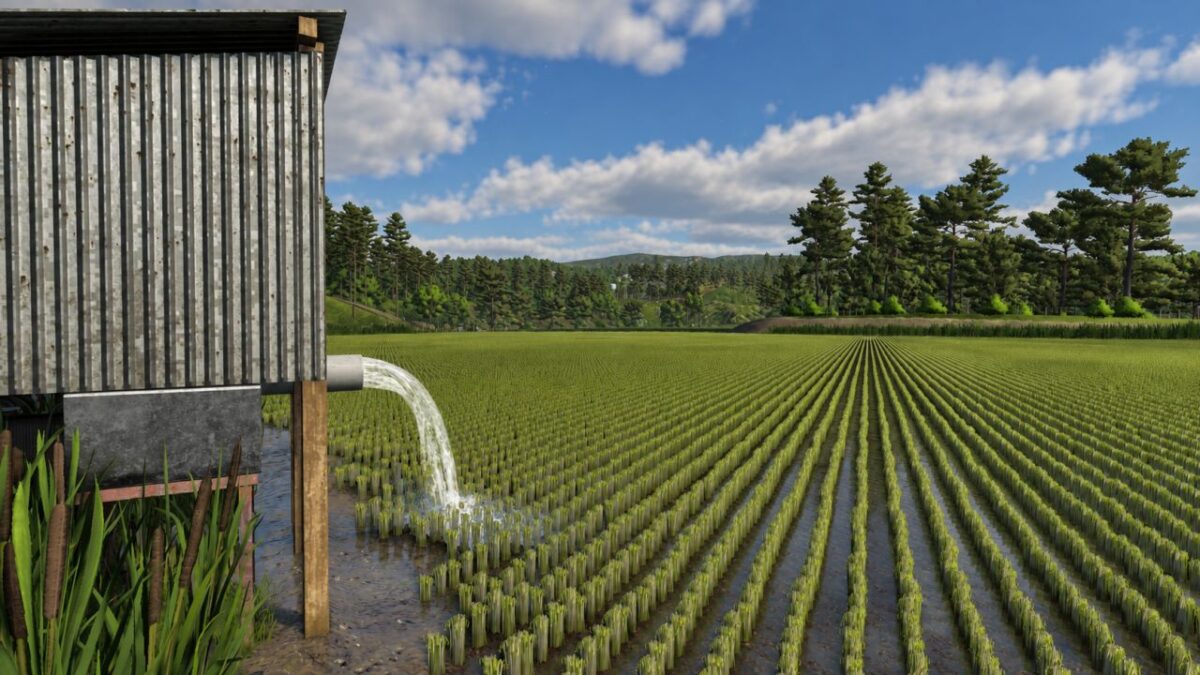
Controle de Arrozais adds an integrated page to Farming Simulator 25’s game menu for remotely managing the water in your farm’s rice fields.
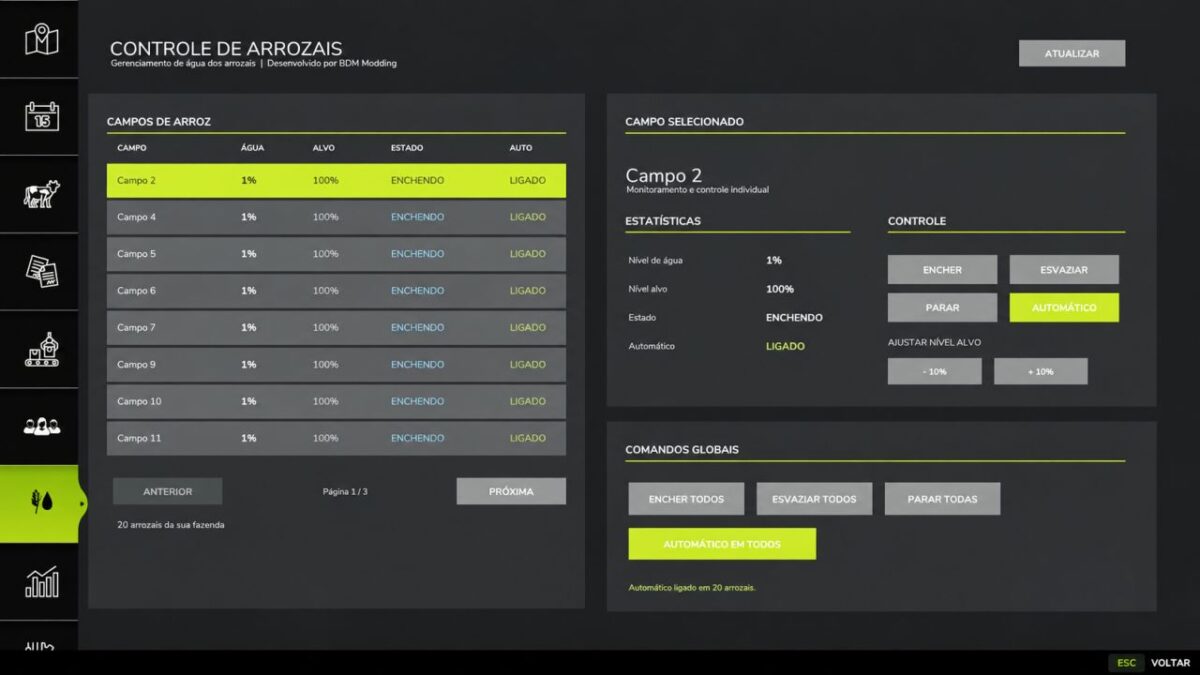
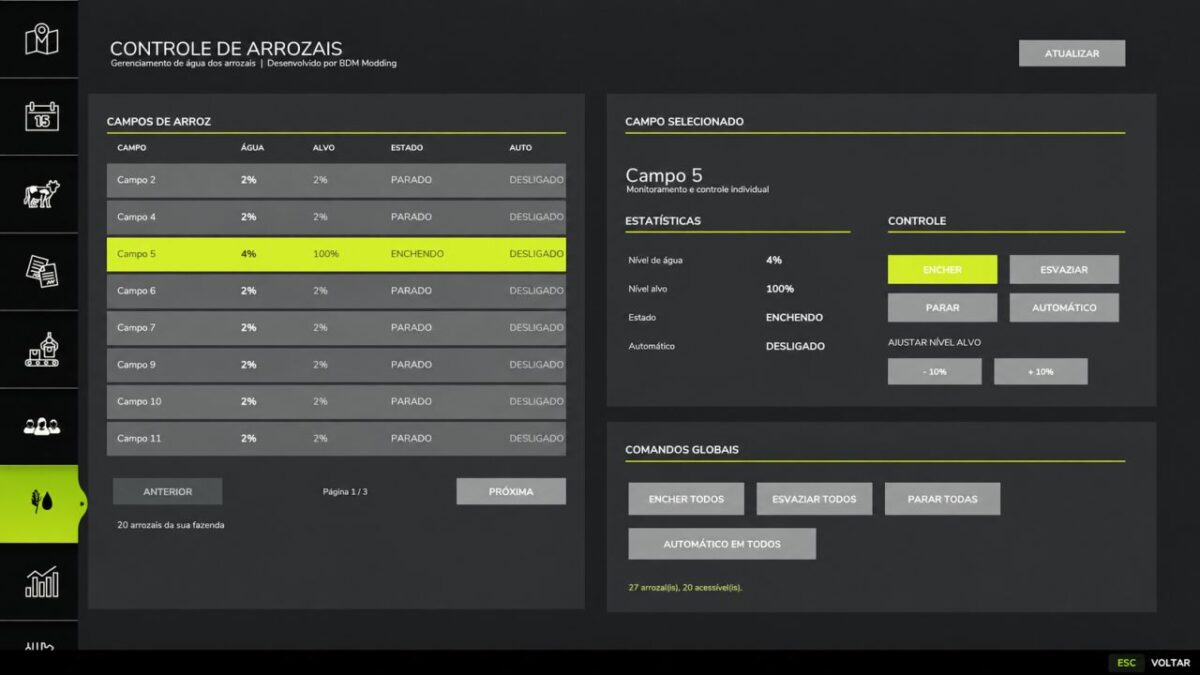
The mod automatically detects accessible rice fields and organizes them by field number, allowing you to control each area individually or all of them at once.
Main features:
– View the current water level;
– Set the target level;
– Fill and empty rice fields remotely;
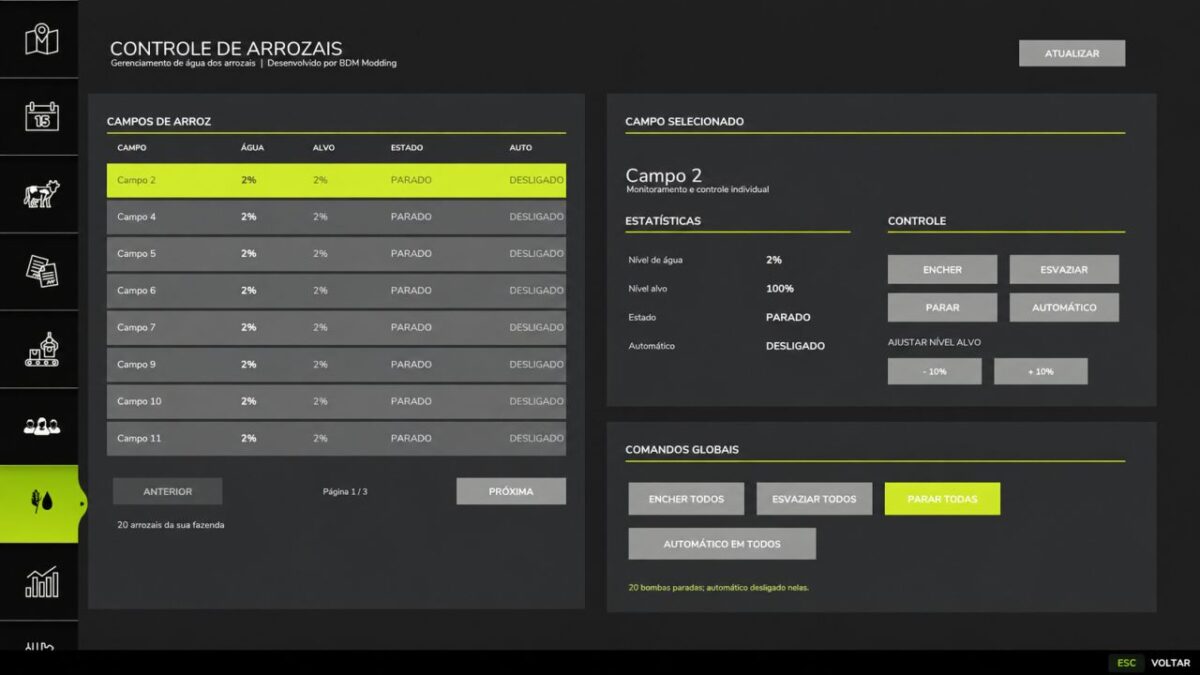
– Stop the pump at the current level;
– Adjust the target level in 10% increments;
– Automatic water refill;
– Global controls for all accessible rice fields;
– Automatic detection of newly acquired fields;
– List organized in numerical order;
– Automatic mode settings saved with the game save.
The system uses the original operation of the rice fields and pumps in Farming Simulator 25, aiming to maintain compatibility with other rice fields that use the game’s standard structure.
Version 1.0:
* First public release
* Complete rice field management system
* Individual and global control
* Target level system
Automatic water refill.
Credits:
BDM Modding


