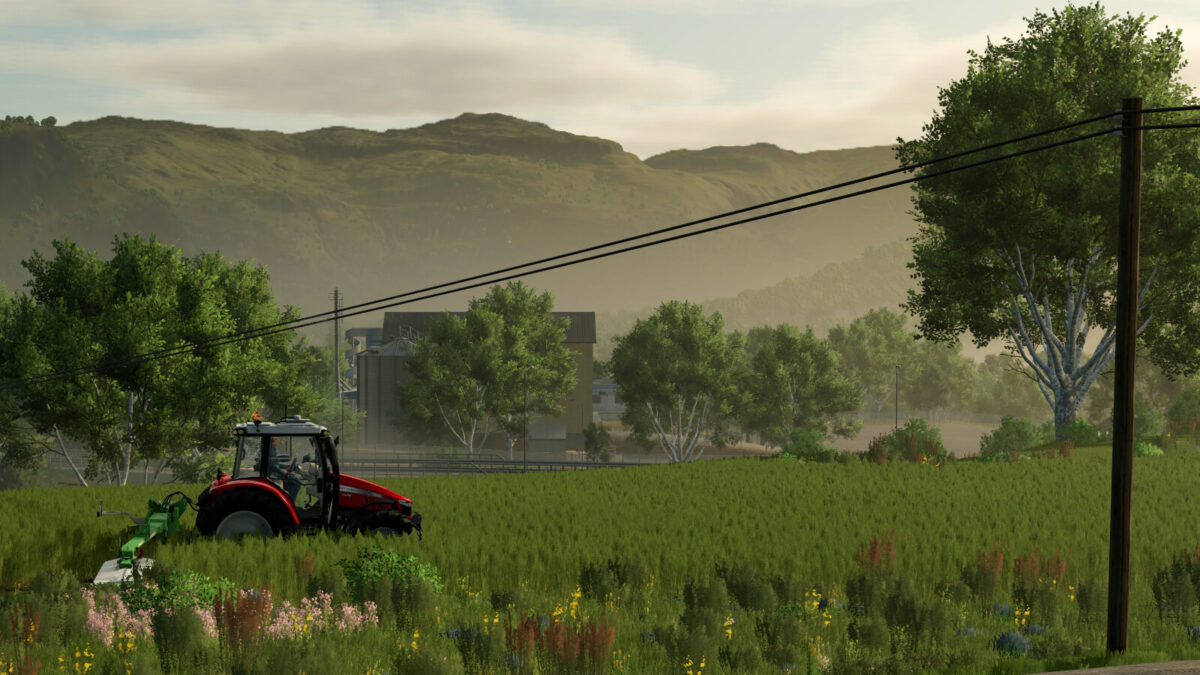
Rennebu 25 v1.0.0.4


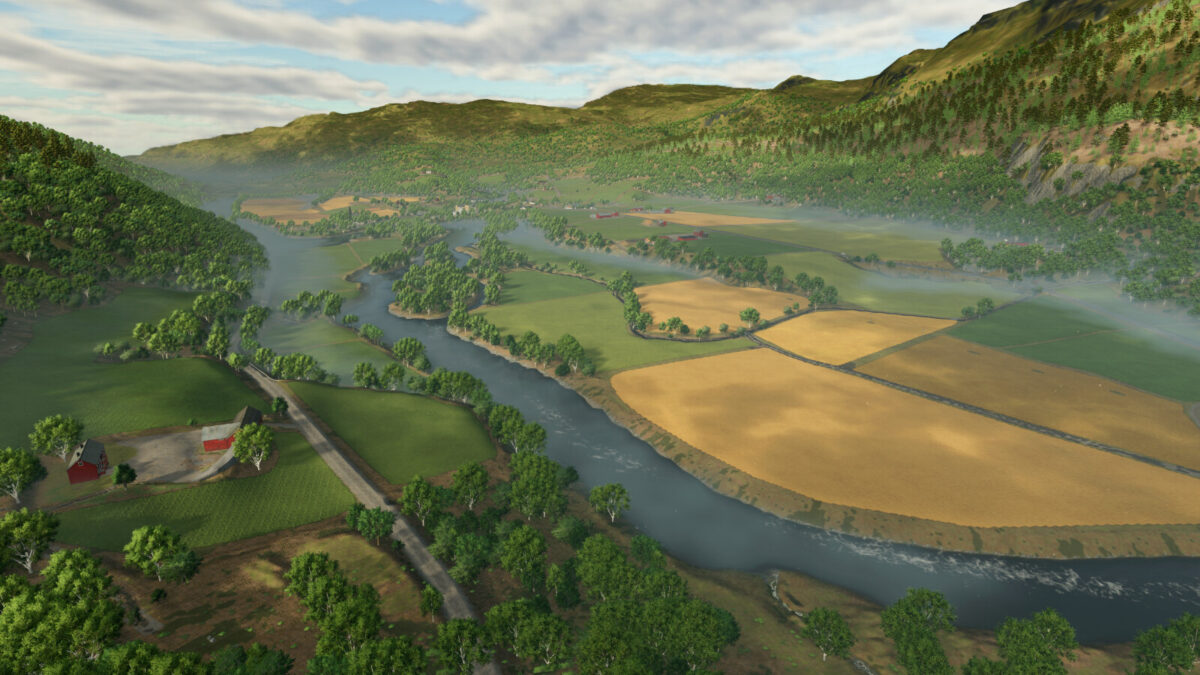
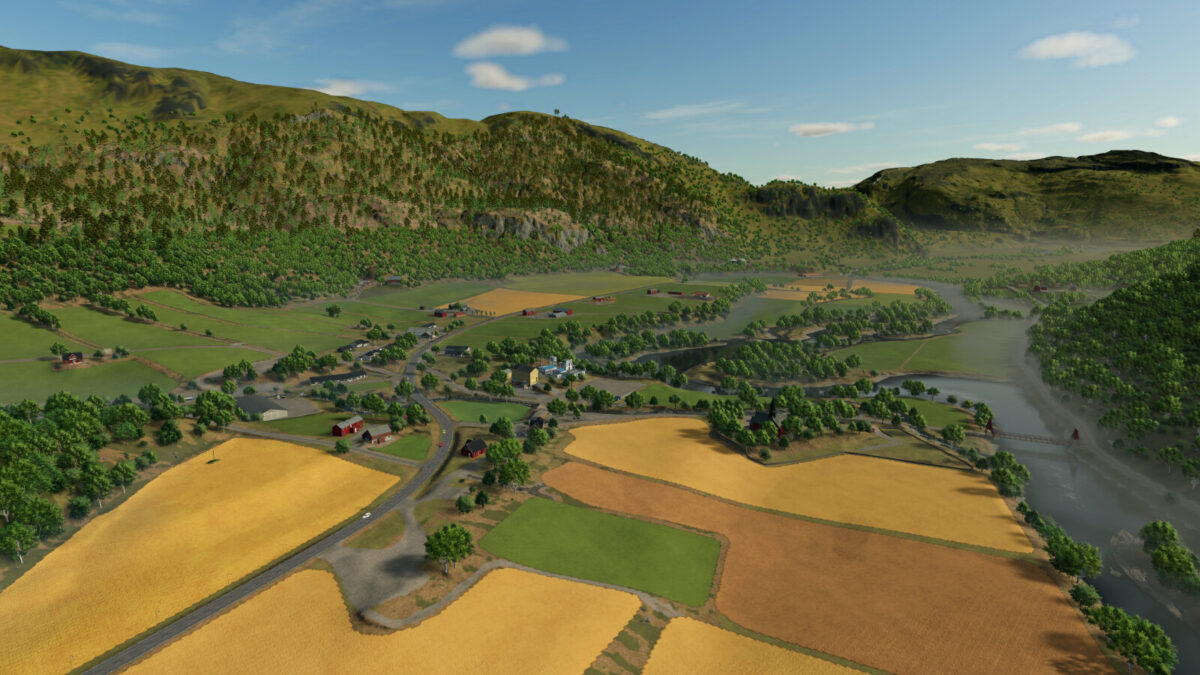
Rennebu is a narrow valley in Norway. Surrounded by mountains, divided by the river Orkla.
Even though the map is smaller, you should still feel at home, if you played the map in FS22.
The biggest changes from FS22 to FS25 are:
– The vehicle shop, dairy and grainmill have been relocated to the center of the map.
– BGA has been added.
– Animal dealer has been relocated.
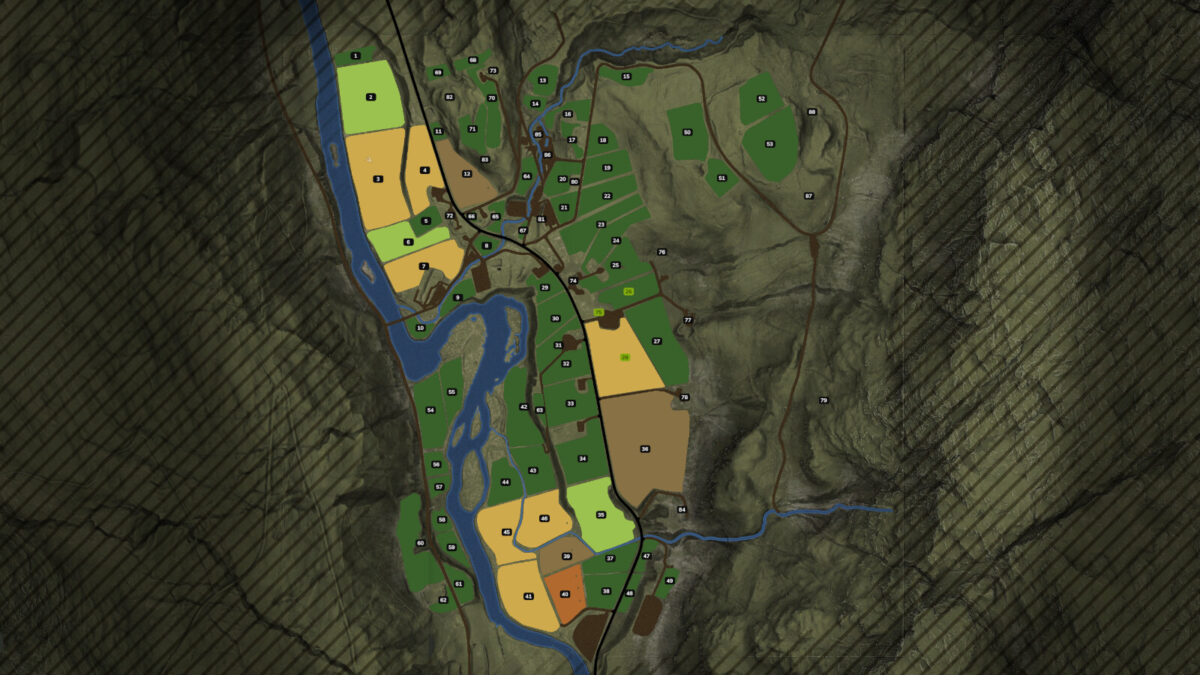
– 71 fields – more accurate size and shape.
– The bridge next to the church has been widened. Can now transport small and medium vehicles.
Changelog: 1.0.0.4
– Fixed the missing workshop and shop triggers. Requires new savegame. (or you can edit the placeables.xml in your savegame folder)
– Added feature to crush rocks anywhere, in order to also terraform and build anywhere.
– Added support for VisualSale mod (PC only). Vehicles that are on sale, and not too big, will show up at the shop area.
Credits:
OlaHaldor