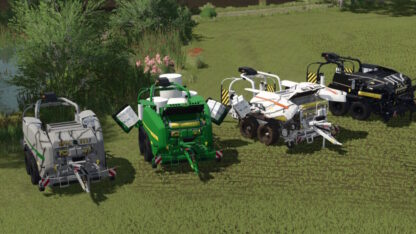
Reiter Respiro R7 Front Merger v 1.0


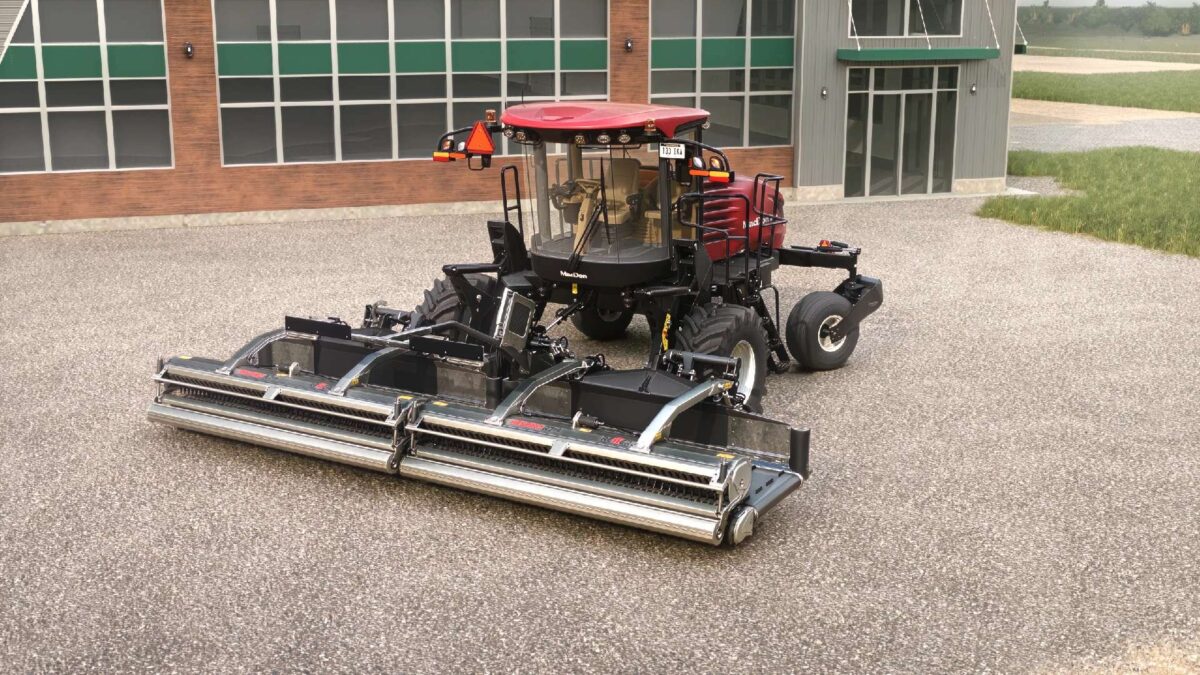
Base game Respiro R7, re-hung on the front of the MacDon M1240 self propelled windrower.
The R7 ships as a trailed unit.
This edit swaps the attacher over to the M1240’s header frame, which is how Reiter actually sells the Respiro — a front unit on a self propelled carrier, run on its own or paired with a trailed unit behind it.
WHAT IT DOES
Two pickup heads, one windrow.
It picks the crop up off the ground and belts it over instead of dragging it sideways, and it merges both sides into a single row you can come back through with a chopper or a big square baler.
7.0 m working width. 20 kph. $52,000 in the shop, under Windrowers.
Arms fold in for transport and lock. Rollers only spin when the unit is lowered.
COMPATIBILITY
The attacher is keyed to the M1240.
Will not attach to any other equipment in FS.
Credits:
Antler22