Regional Crop Calendar v 1.1.0.2


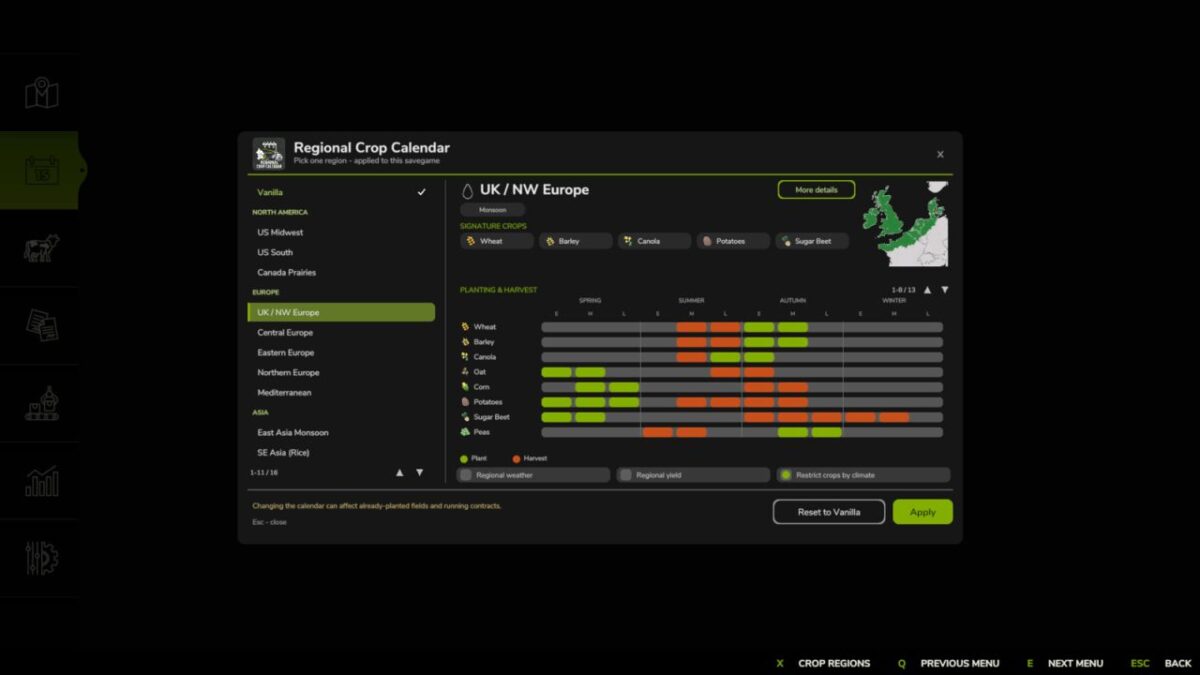
Regional Crop Calendar adds regional farming seasons for 15 climate regions around the world.
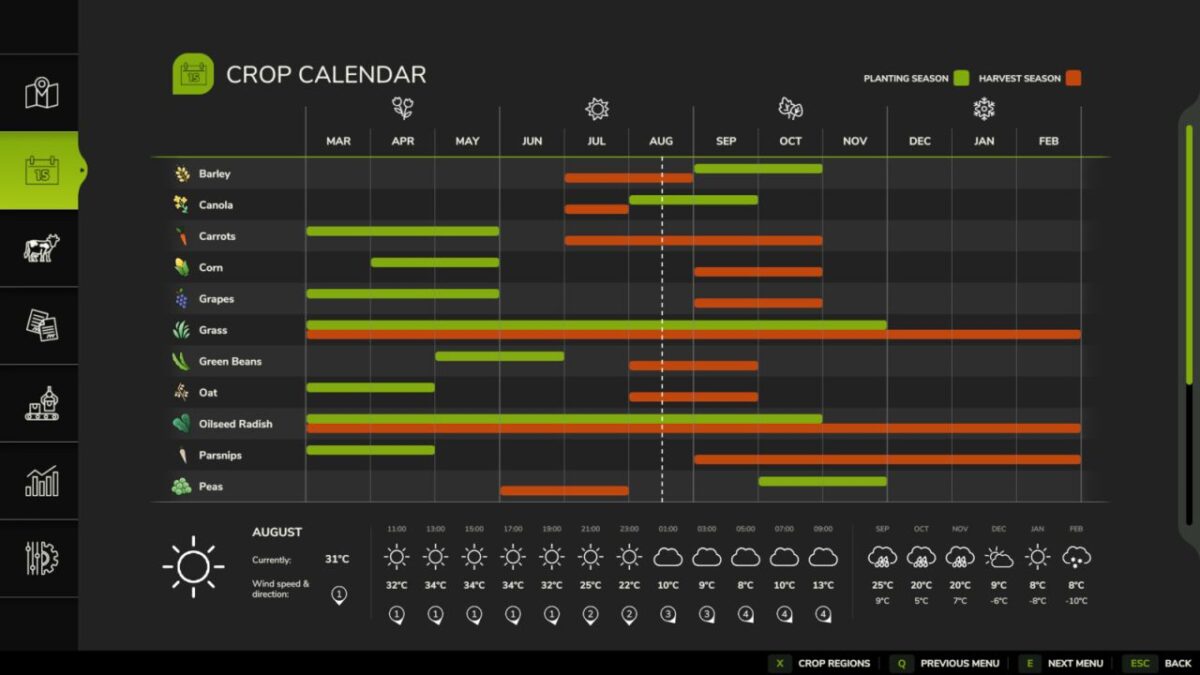
The selected region changes the planting, growth and harvest periods of 20 main crops, along with regional prices. The new schedule appears in the standard menu and on the separate Crop Regions page.
Grapes, olives, sugarcane, grass and crops from other mods retain the map’s calendar. Climate restrictions can still block new grape, olive or sugarcane planting where unsuitable.
Optional settings:
Regional weather
Changes temperature, precipitation chance, snow, cloud cover and other weather conditions relative to the current map’s climate.
Rainy months and spring snowmelt can increase yield. A prolonged drought gradually applies a penalty. The strength of the effect depends on the normal precipitation of the selected region.
The current weather bonus or penalty and its short cause are shown in the field information panel.
Regional yield
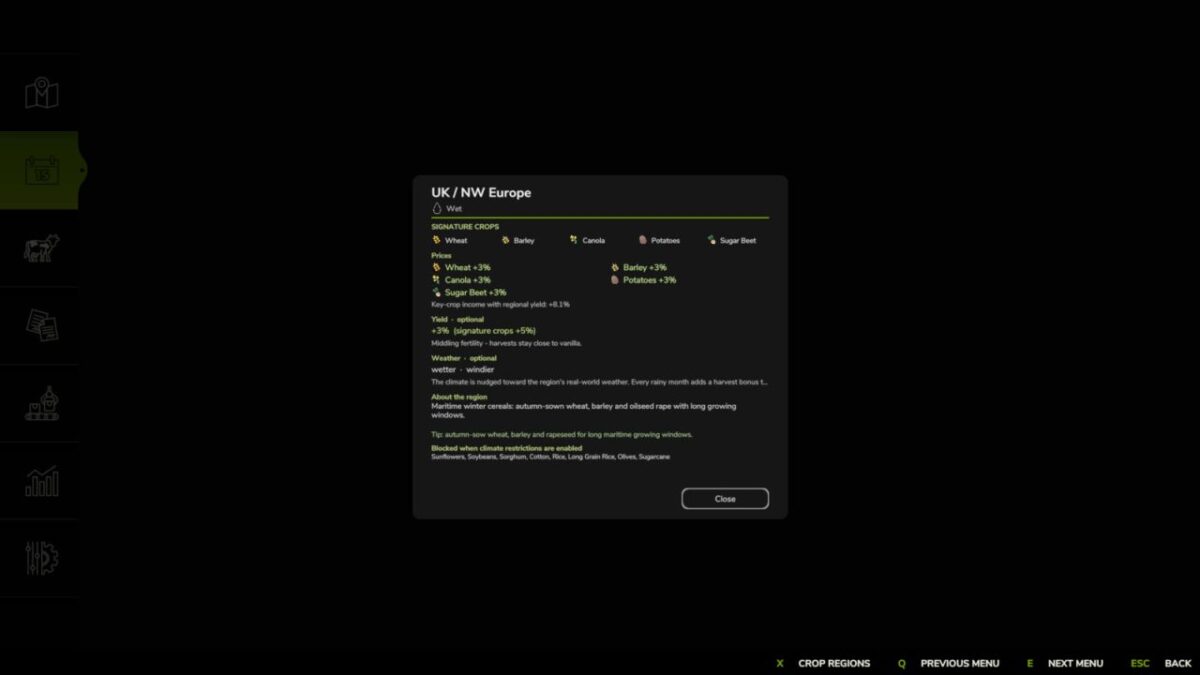
Applies the selected region’s overall fertility factor. Its signature crops may receive a small additional bonus.
Regional yield and weather effects work independently and can be enabled together.
Restrict crops by climate
Hides unsuitable crops from the Crop Calendar and from seeder/planter selections, and blocks new planting. Existing planted fields and orchards are not removed and continue to grow.
The region and its settings are stored separately for each savegame. Reset to Vanilla restores the map’s original settings. Multiplayer is supported; only the host or an administrator can change the region.
The data is based on NASA POWER climatology and agricultural calendars from USDA, JRC, FAO and national agricultural authorities.
Version 1.1.0.2:
* Reworked the calendars for all regions
* Added regional crop restrictions
* Added rain, drought and snowmelt effects on yield
* Added the weather bonus or penalty to the field information panel
* Added help text for the optional settings
* Fixed forecast refresh after changing the region
* Improved multiplayer synchronization
* Added Italian localization
* Increased the base drought penalty from -5% to -6% per step; its onset and four step cap are unchanged
Credits:
moji