FS25 Misc

Regional Crop Calendar v 1.0

Regional Crop Calendar v 1.0

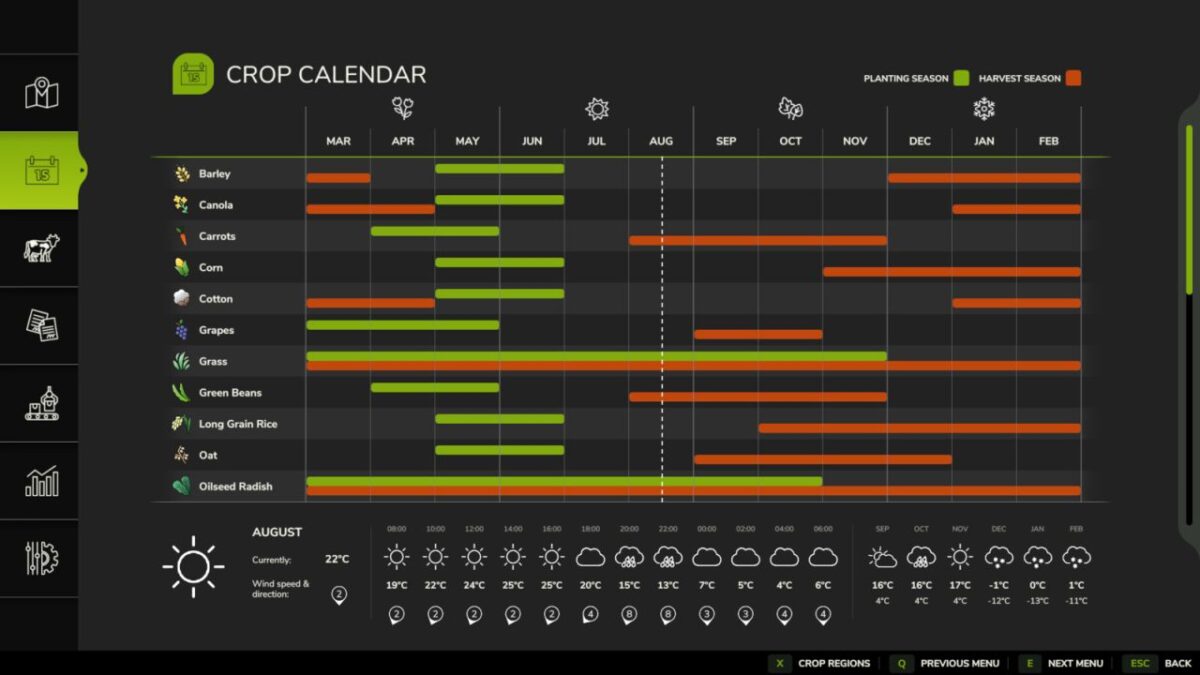
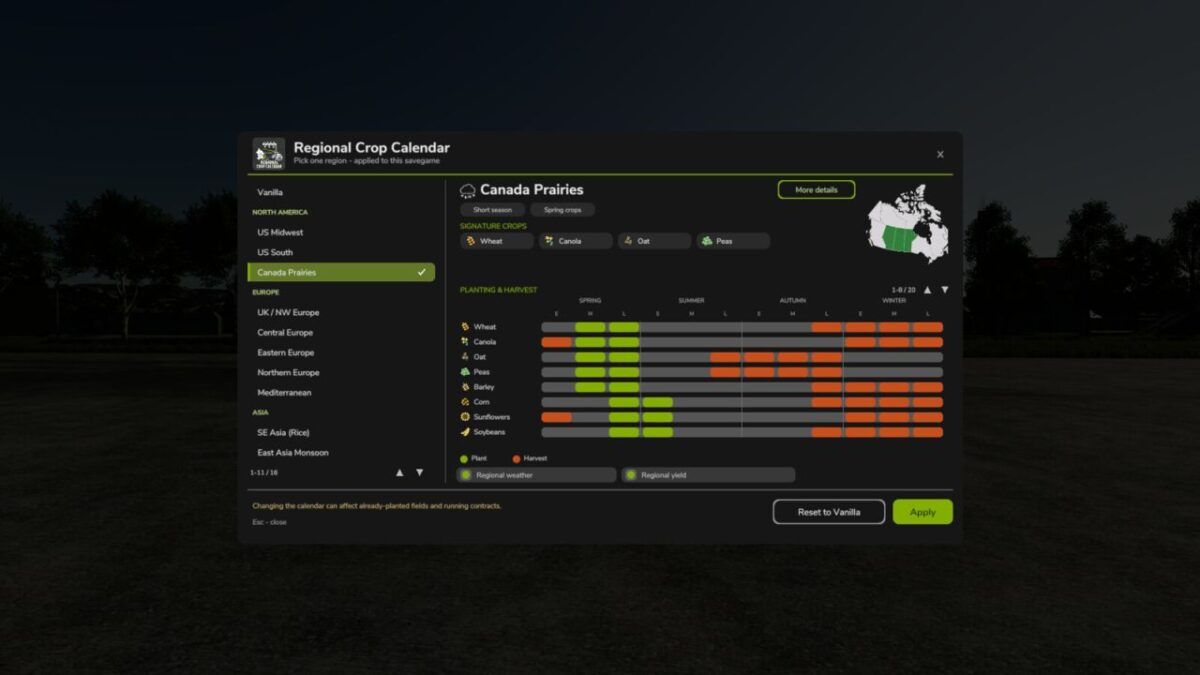
Bring real-world farming seasons to any map. Regional Crop Calendar retimes when your crops grow to match one of 15 world regions – from the US Midwest and the Mediterranean to SE Asian rice and the Brazilian tropics – and it all shows up on the game’s built in Crop Calendar page.
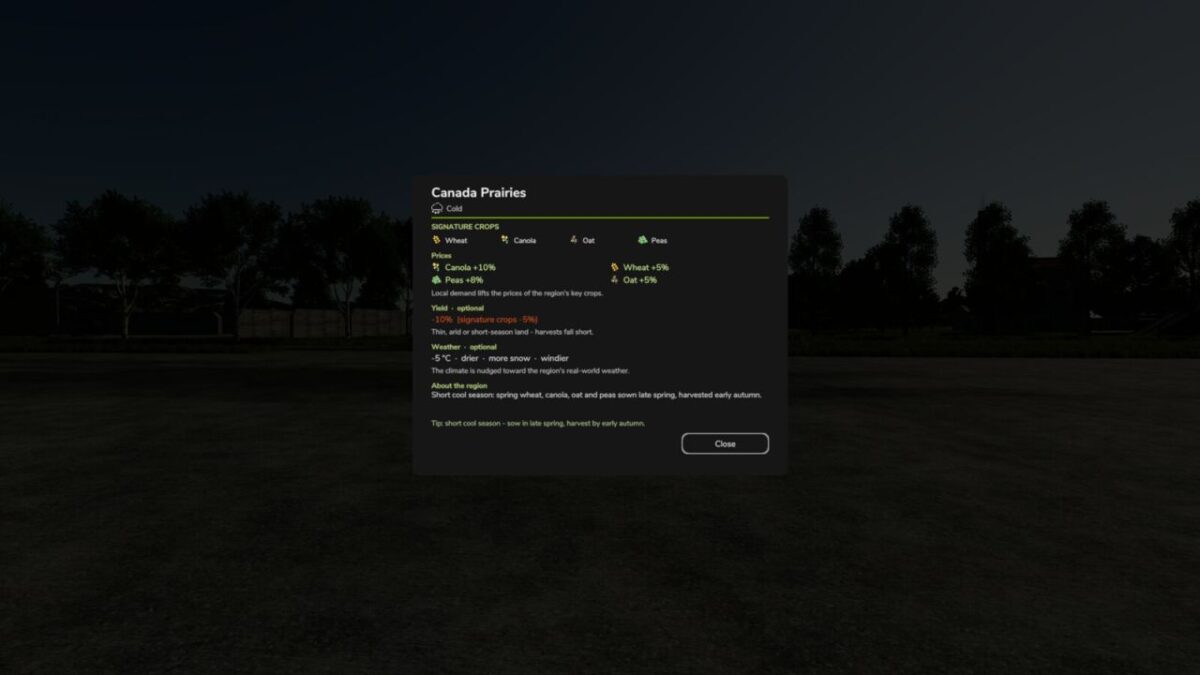
Choose a region and the mod re-times which months your field crops can be planted and harvested, and tunes that region’s market prices to match its climate. Optional toggles add regional weather and regional yields whenever you want them.
Everything applies to the current savegame only and is fully reversible to Vanilla – no base game files are replaced.
Single player and multiplayer.

Credits:

moji

How to install FS25 Misc?
Firstly find a mod which you like and want to download. Then download a mod to your PC. Mods are usually in .zip format file. But sometimes it can be in .rar. If a mod file is a .zip format no needed additional actions. If a file is in .rar, then you must unarchive mod with software like WinRar or Zip7. Windows 10 users no need to use software for archives, Win10 itself has a feature to unarchive files.
The next step is to find mods folder in your PC. Usually, it is in Documents/My Games/Farming Simulator 25/2025. Open the "mods" folder and put downloaded .zip archive or unarchived .rar file to this folder.
Last step. Enjoy of FS25 mods!

Leave a Reply

Your email address will not be published. Required fields are marked *