
FS22 Maps


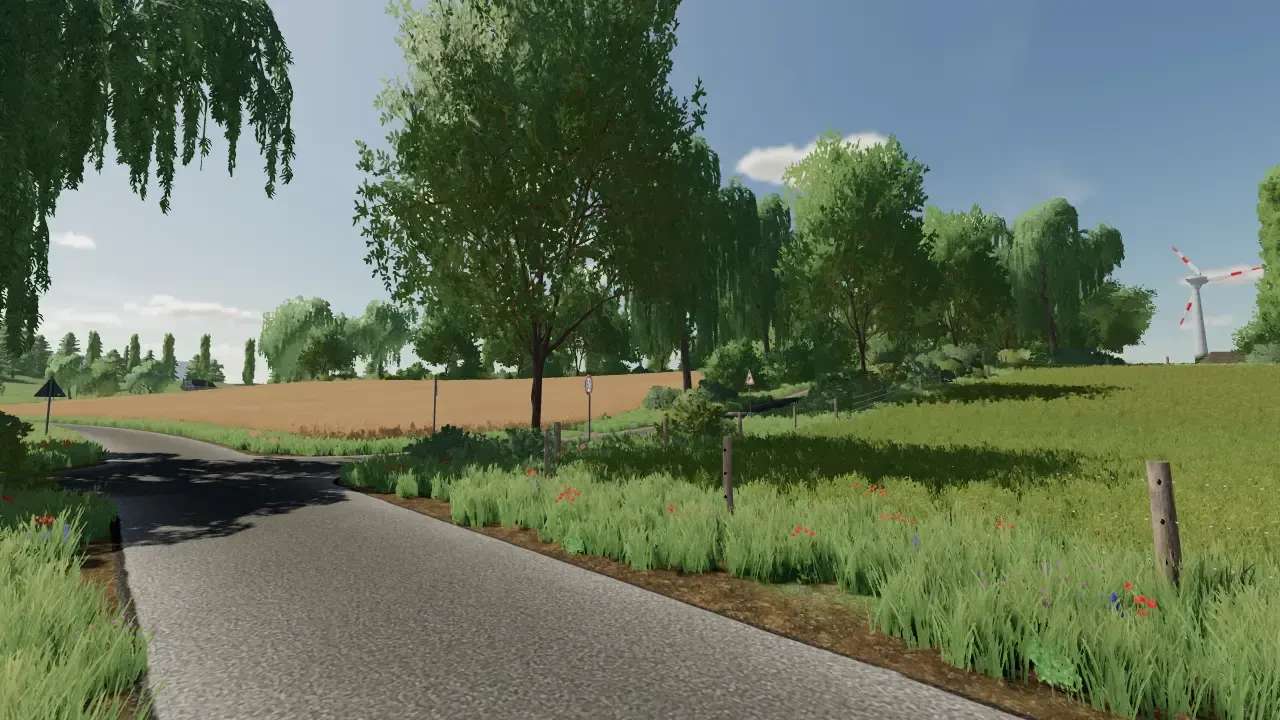
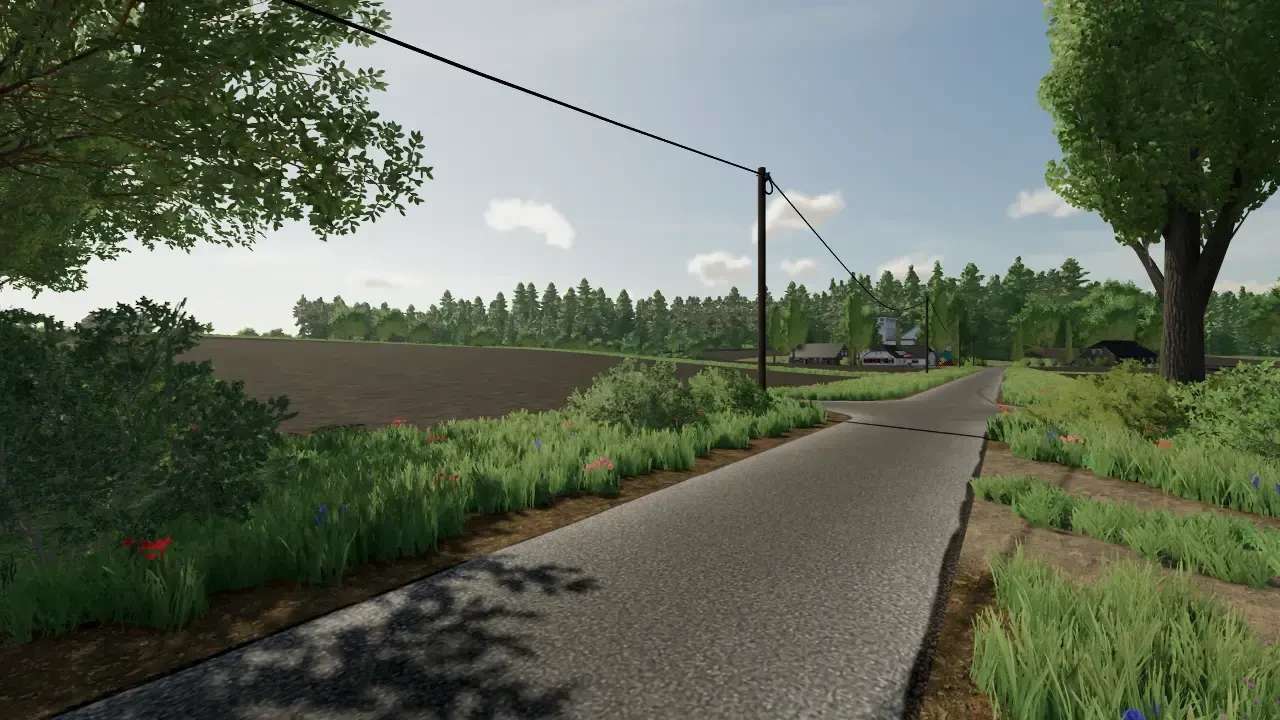
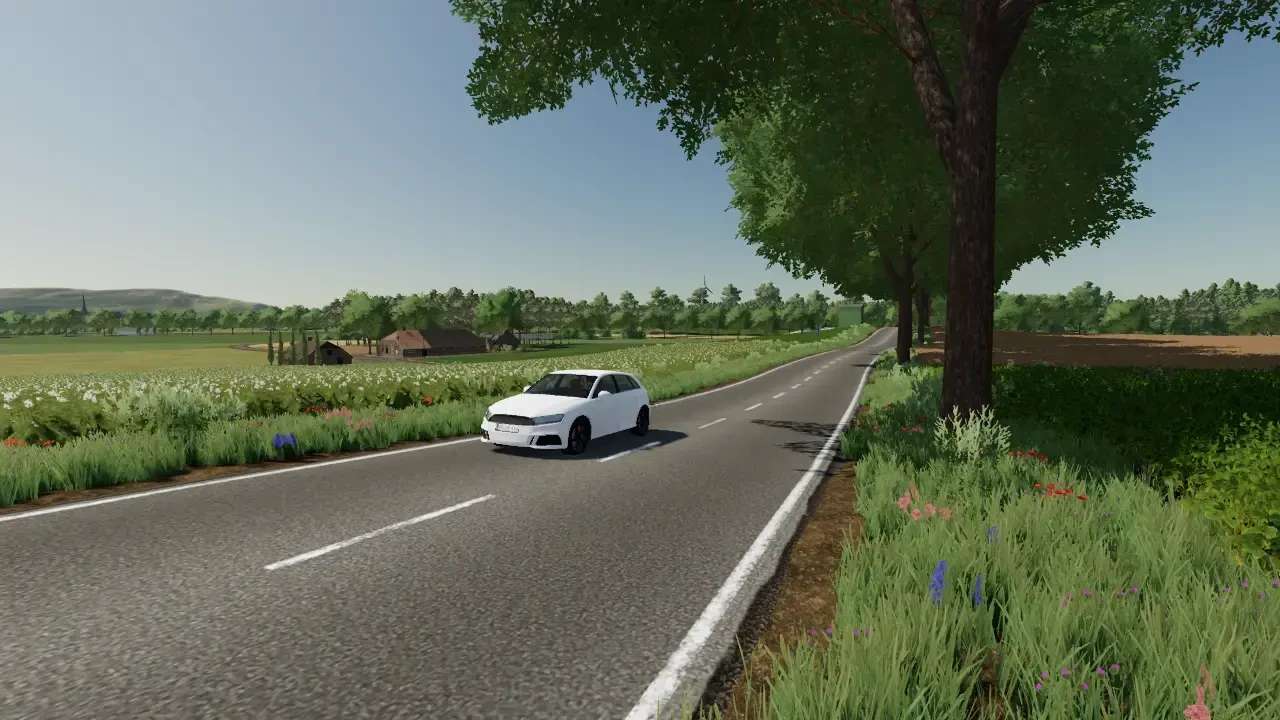
Region Niederrhein Map v 2.0

Version 2.0:
* LogFile is now clean (no more Lua call stacks)
* Reduced the downloadable ZIP file to approx 850 mb
* Multifruit has been temporarily removed
* Roundabout has been revised
* New PDA and new cover photo
* BGA revised
* Raiffeisen grain mill revised
* Added missing objects
* Map boundaries revised and improved
* Traffic signs and bridges are collision-free
* No more floating objects
* Map is AutoDrive capable
* Initial fleet has been adjusted
* Wind turbines are now owned by third parties and no longer generate income
* ReadMe has now been inserted into the ZIP file, so it is no longer a RAR file
* Various little things

Credits:

FendtFanNK, Niklas

How to install FS22 Maps?
Firstly find a mod which you like and want to download. Then download a mod to your PC. Mods are usually in .zip format file. But sometimes it can be in .rar. If a mod file is a .zip format no needed additional actions. If a file is in .rar, then you must unarchive mod with software like WinRar or Zip7. Windows 10 users no need to use software for archives, Win10 itself has a feature to unarchive files.
The next step is to find mods folder in your PC. Usually, it is in Documents/My Games/Farming Simulator 25/2025. Open the "mods" folder and put downloaded .zip archive or unarchived .rar file to this folder.
Last step. Enjoy of FS25 mods!

Leave a Reply

Your email address will not be published. Required fields are marked *