
FS25 Misc

Reduced Organic Fertilizer Usage v 1.1

Reduced Organic Fertilizer Usage v 1.1

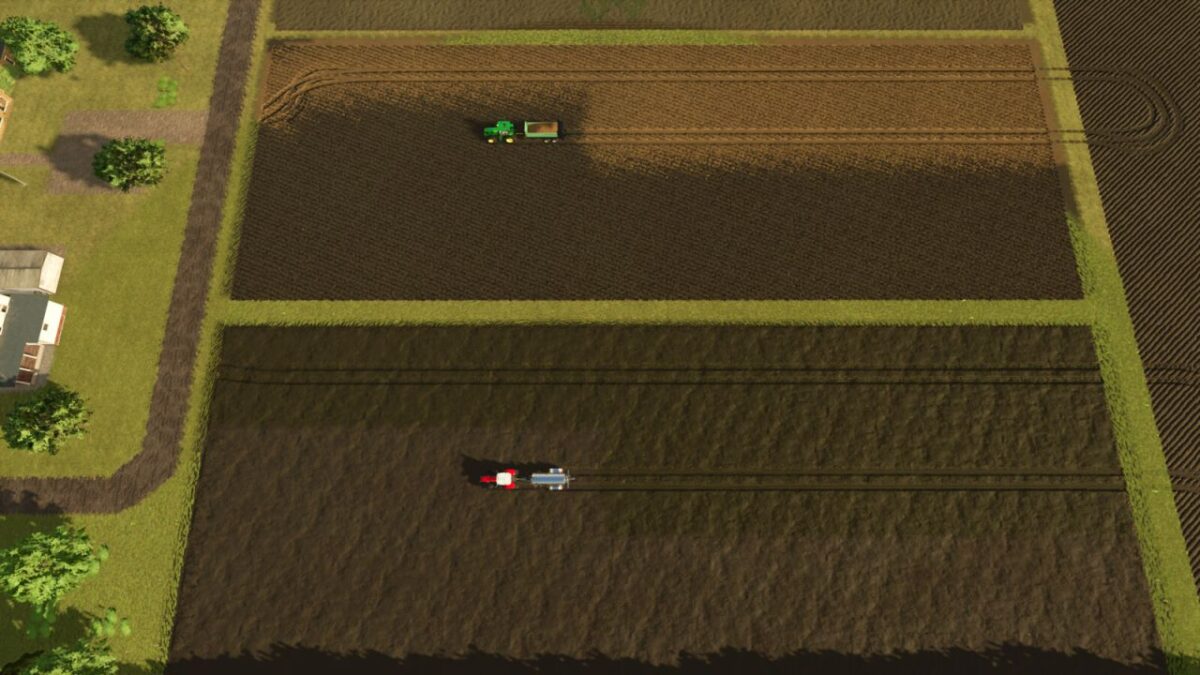
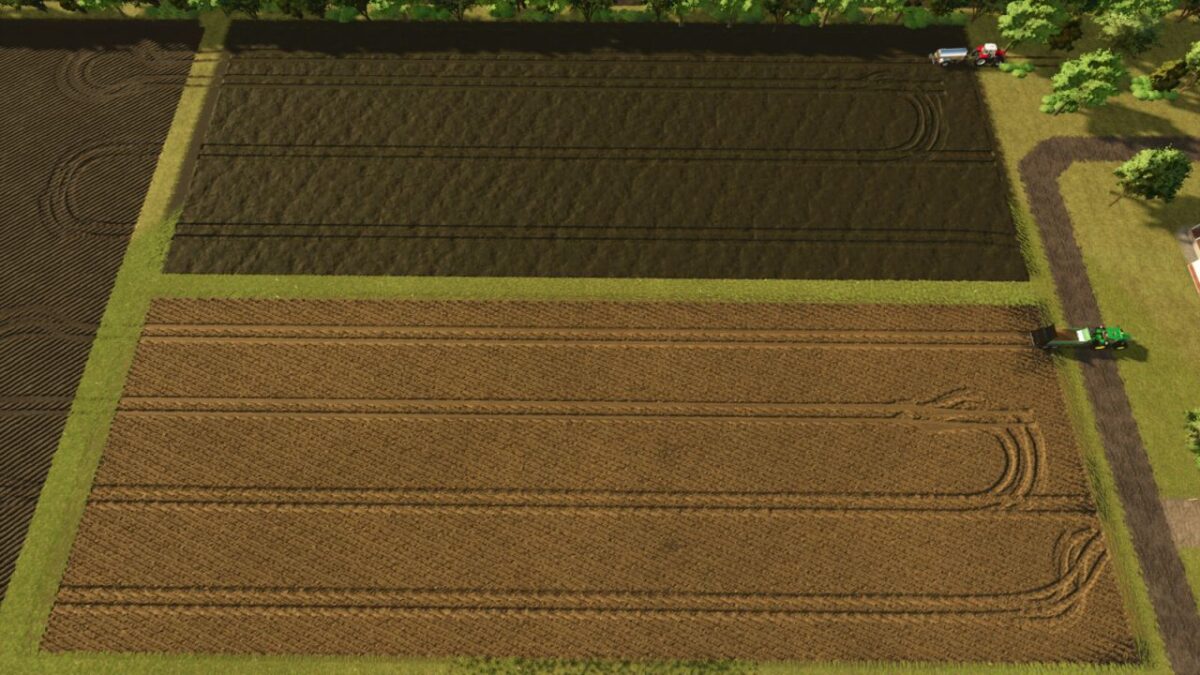
Use manure, slurry and digestate without running back to refill after every few passes.
This mod lowers how much organic fertilizer your fields need, so animal by products finally become practical and worthwhile to spread.
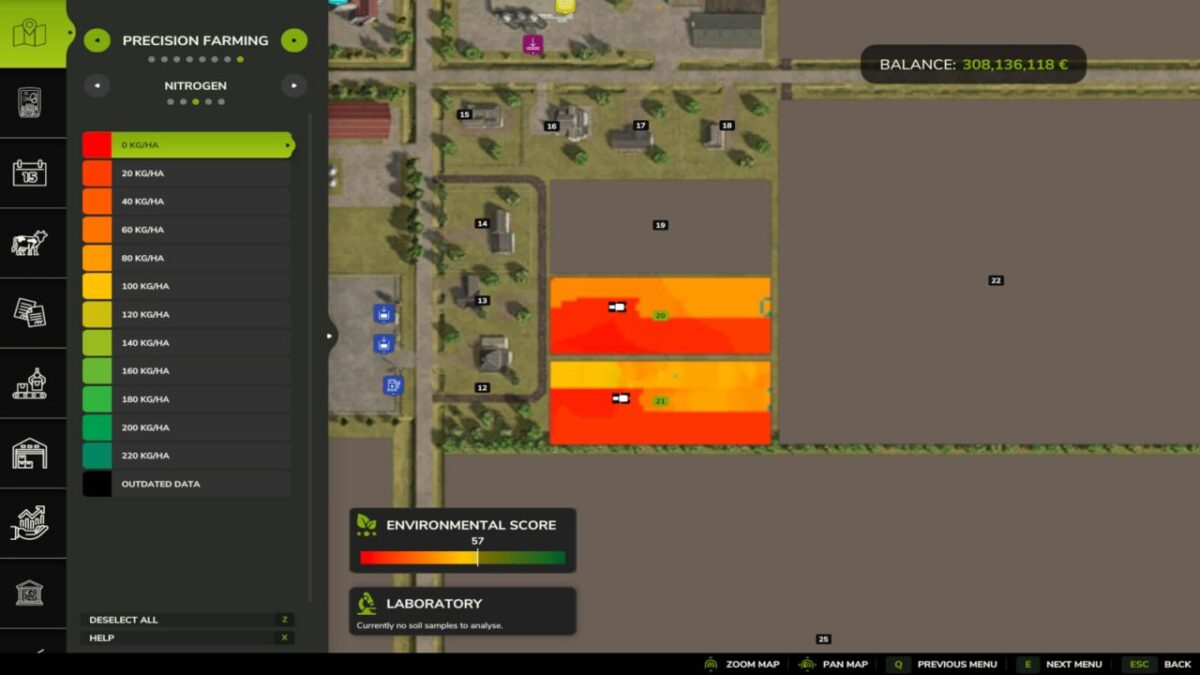
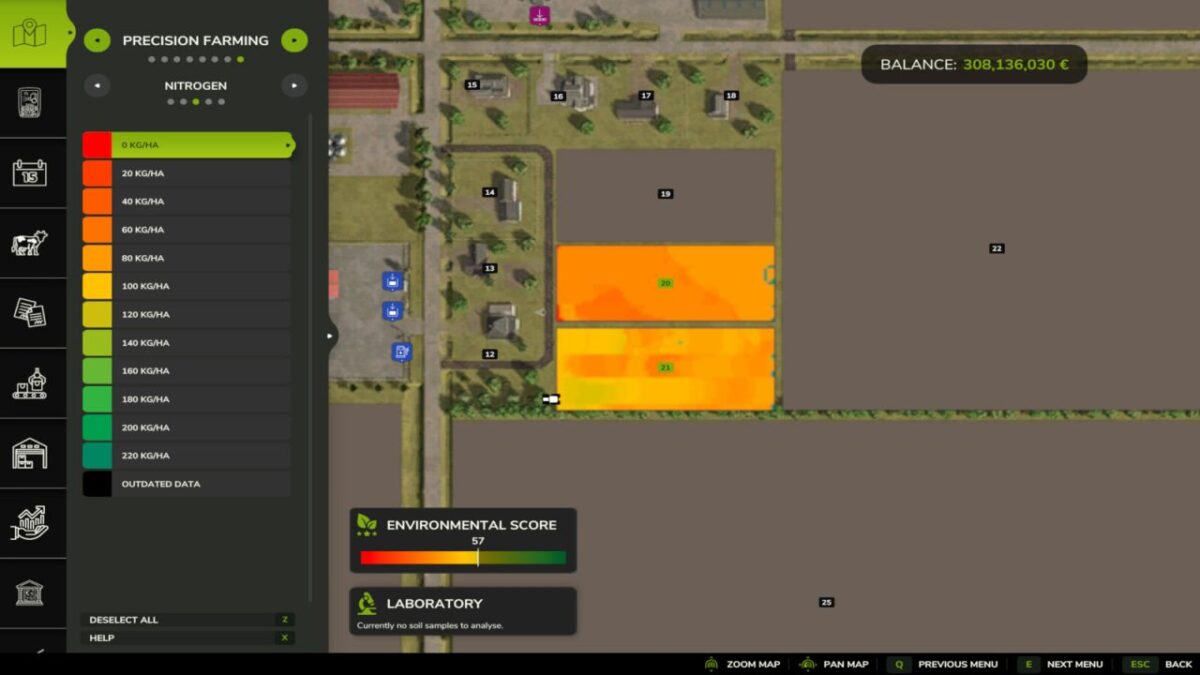
Precision Farming is fully supported, and multiplayer works too.

Out of the box it uses just 40% of the normal amount — roughly 2.5x less material.
Organic fertilizer usage can be set in the XML file created in your /modSettings directory, anywhere in the 0.01 – 1.0 range.
In multiplayer, the server settings are synchronized to every joining player.

Version 1.1:
* Server authoritative settings are synchronized to joining multiplayer clients
* Improved Precision Farming compatibility and performance

Credits:

moji

How to install FS25 Misc?
Firstly find a mod which you like and want to download. Then download a mod to your PC. Mods are usually in .zip format file. But sometimes it can be in .rar. If a mod file is a .zip format no needed additional actions. If a file is in .rar, then you must unarchive mod with software like WinRar or Zip7. Windows 10 users no need to use software for archives, Win10 itself has a feature to unarchive files.
The next step is to find mods folder in your PC. Usually, it is in Documents/My Games/Farming Simulator 25/2025. Open the "mods" folder and put downloaded .zip archive or unarchived .rar file to this folder.
Last step. Enjoy of FS25 mods!

Leave a Reply

Your email address will not be published. Required fields are marked *