Realistic Weather v 1.1


An overhaul to the weather system, focusing mainly on snow.
Features:
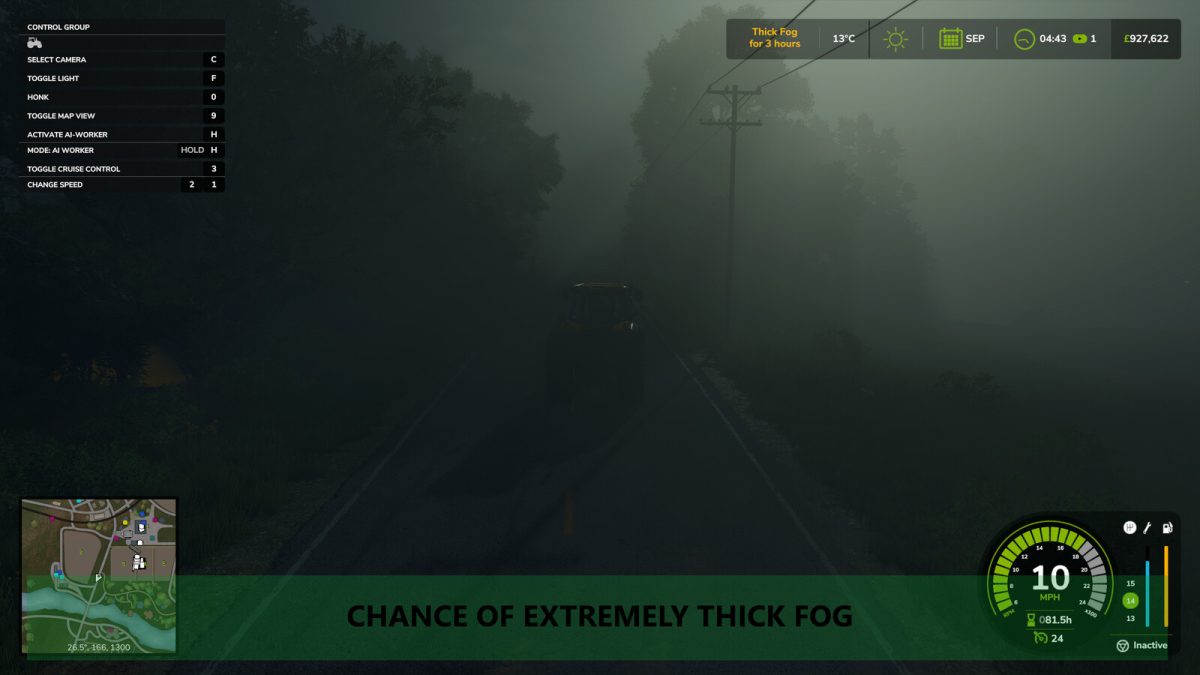
– Adds 3 new “disaster” weather events, blizzards, droughts and extremely thick fog
– New grass moisture system which dries tedded grass into hay over time
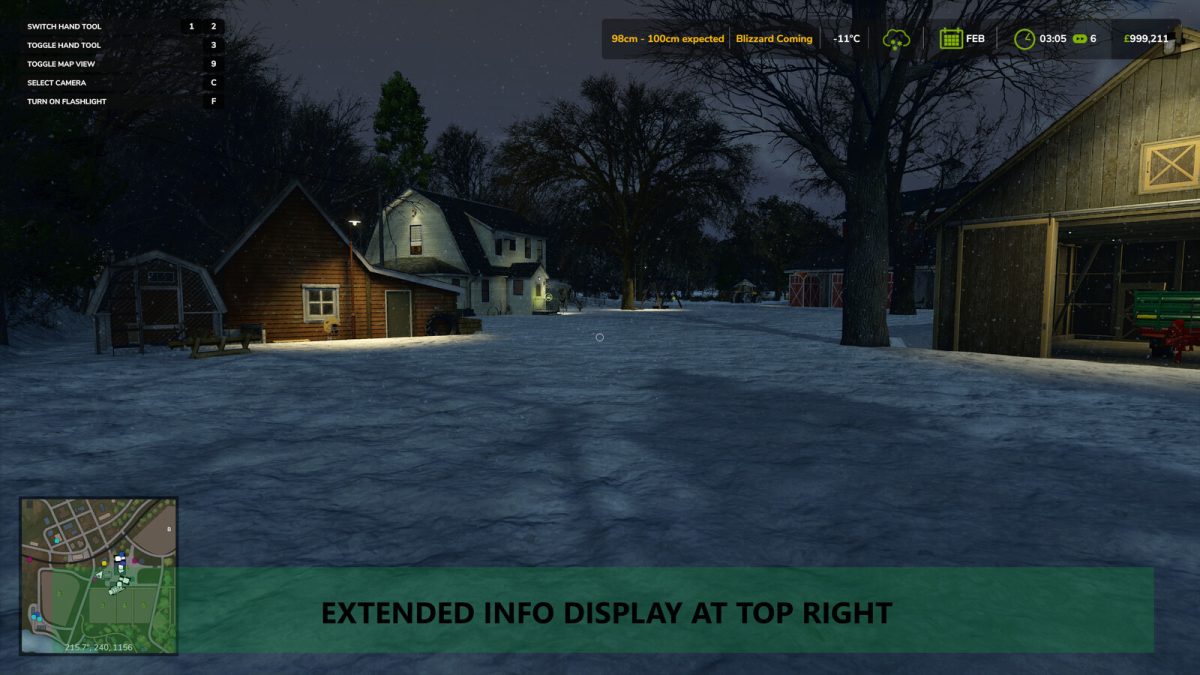
– Extends the info display in the top right, adding information on temperature, upcoming disasters and predicted snow amount
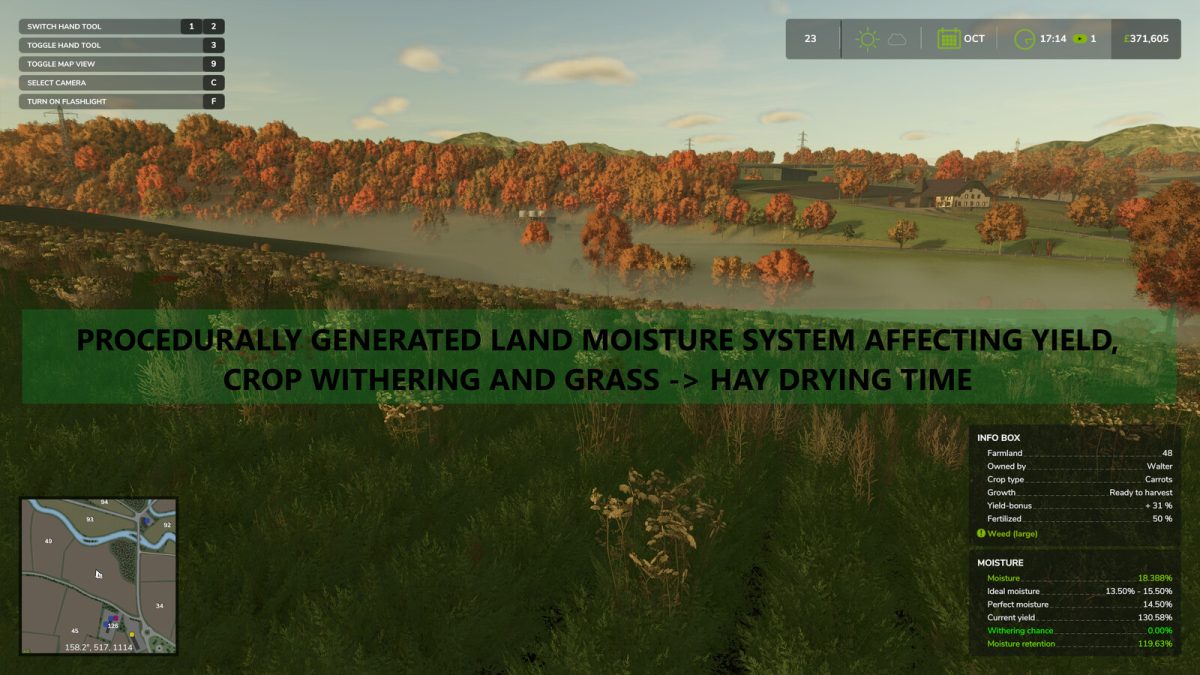
– Adds a moisture mechanic to fields; each type of crop has an ideal moisture range, being inside this range increases harvest yield
– Moisture changes constantly depending on sunlight, temperature and rainfall
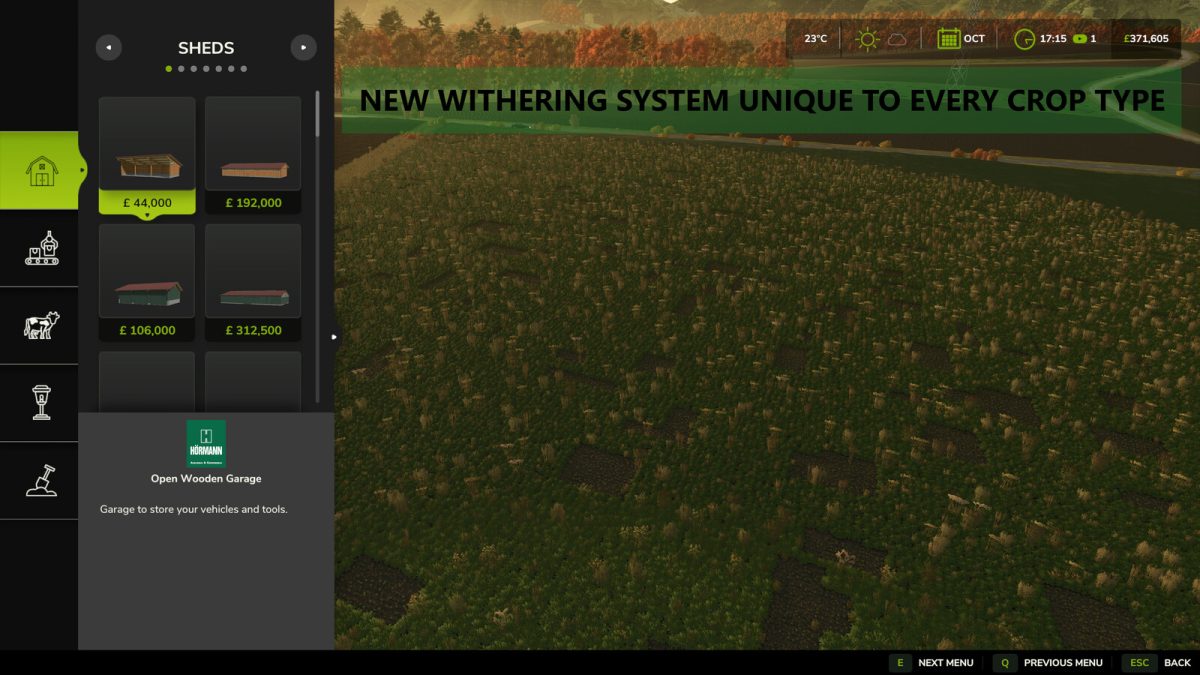
– Crops with extremely low moisture will wither
– Hail will now cause damage and wear to vehicles left outside
– Wheel physics changed significantly
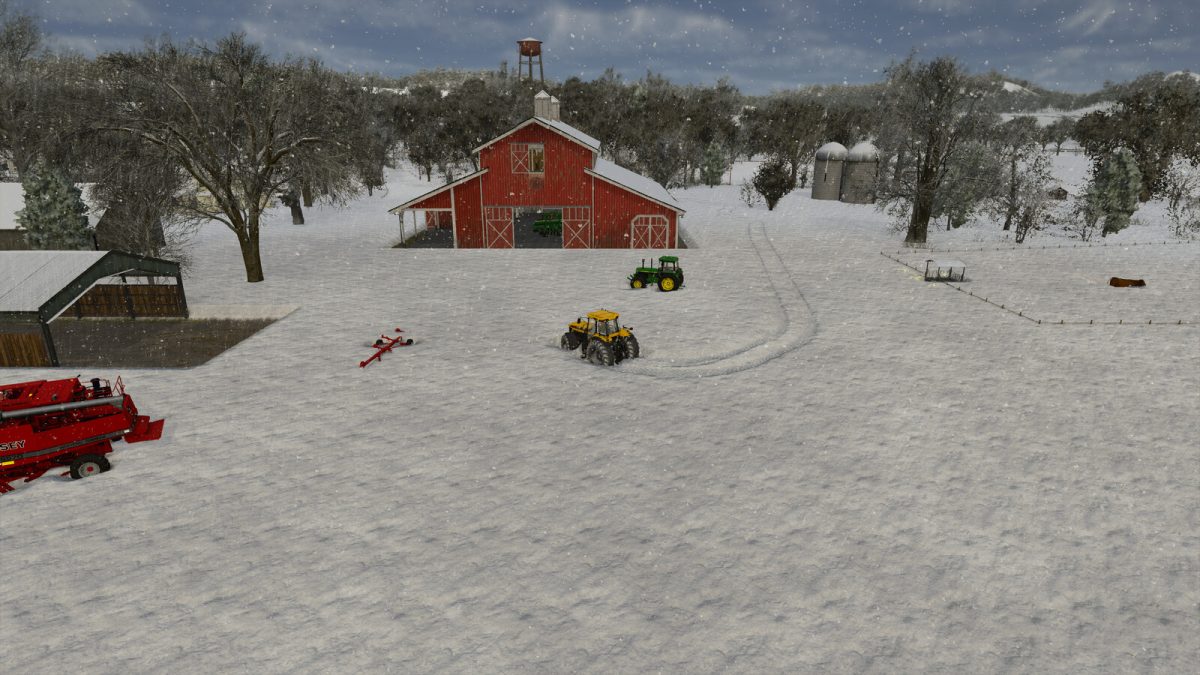
– Maximum amount of snow has been doubled
– Livestock will leave “footprints” in deep snow (only on high-end systems)
Blizzards:
— Blizzards are rare events that will cause significant snowfall in a short period of time, causing up to 1 metre high snow
— Temperature during blizzards can go as low as -15 celsius
— Snow will likely remain for much longer time
Droughts:
— Droughts result in extreme heat which will lead to rapid moisture loss in fields
Fog:
— Extremely thick fogs may occur where visibility is extremely low for up to 14 hours
Wheel Physics:
— Friction for all wheel types have been changed to be much more realistic
— Friction will now decrease more realistically based on road and vehicle conditions, including vehicle weight, snow amount, and snow wetness
— Braking times are now dependant on friction and number of wheels; lower friction will result in longer braking times, whereas more wheels result in faster times
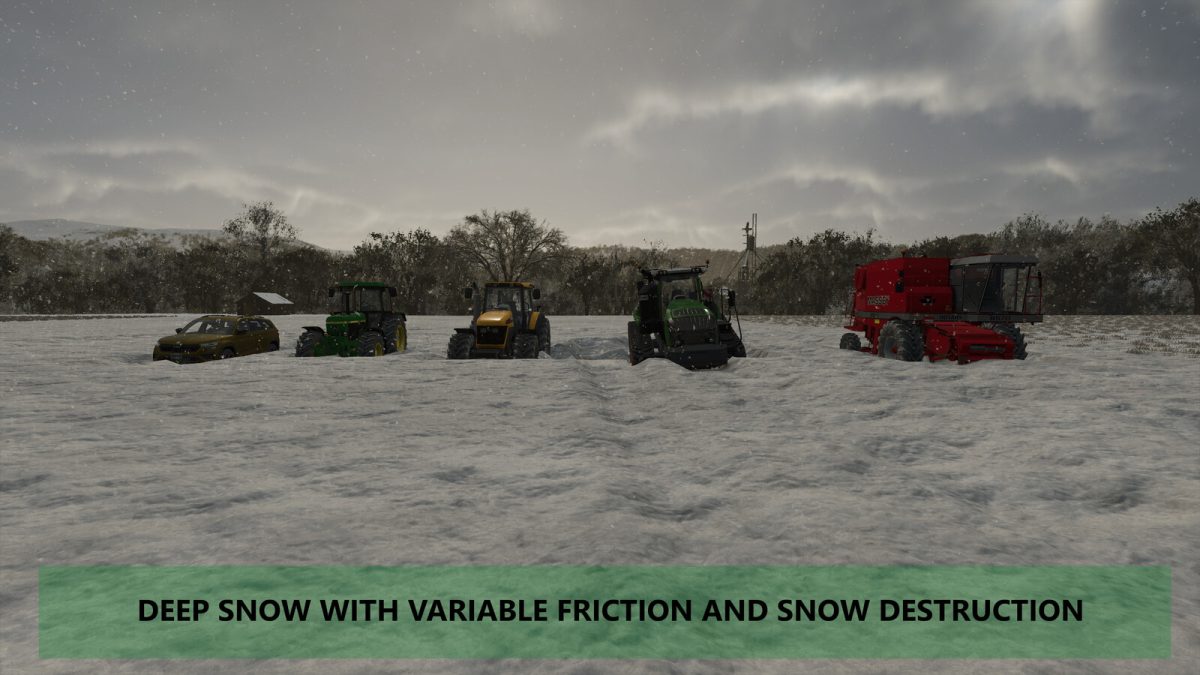
— Wheels will gradually destroy snow more realistically, based on the weight the wheel is carrying, snow amount and snow wetness
— Heavier vehicles will sink in snow much more than lighter vehicles; sunk vehicles may get completely stuck
— Driving cars and heavy equipment in heavy snow will be almost impossible as a result, specific vehicles, such as vehicles with tracks, are required
Grass Moisture System:
— After tedding mowed grass, it will dry into hay over time based on its moisture
— Tedded grass has its own individual moisture content based on the moisture of the field when it was mowed
— Tedded grass will gain/lose moisture at different rates than fields
— New info box when standing on tedded grass, showing its moisture, required moisture, and whether it needs to be tedded (currently disabled on MP)
— Please bear in mind that this feature in its current state may cause lag on lower-end systems or on extremely large fields
Version 1.1:
* Added new cell system covering the entire map, each cell has its own unique moisture and moisture retention based on surrounding cells (cells are 4×4 up to 15×15 depending on PC specs)
* Re-enabled and improved crop withering at low moisture
* Crops can now wither in small patches based on their cell’s moisture
* Crops now have a fluctuating percentage of withering every 4 hours
* Added 2 new irrigation systems; field irrigation through the context menu (paid daily), and irrigation using sprayers
* Sprayers can now be filled with water which will give 4x as much moisture when irrigating
* Added automatic grass -> hay drying based on moisture, further details above
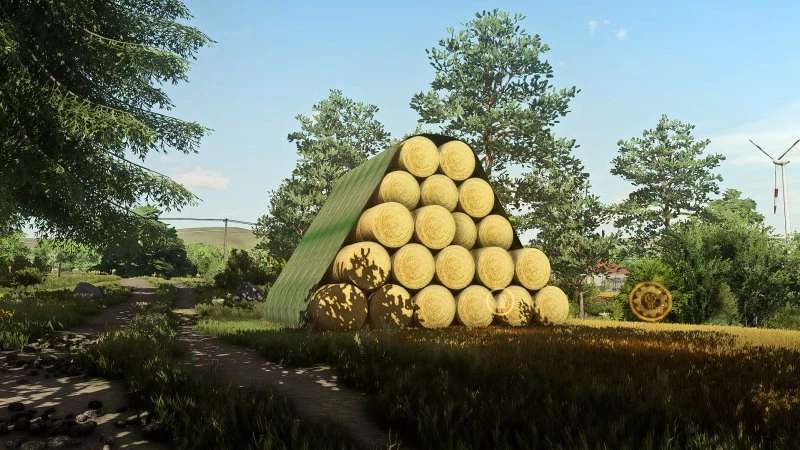
* Bales left outside during rain will now slowly lose content based on rainfall amount
* Added 12 new ambient sounds, including new sounds for blizzards, different rain amounts, hail, birds and crickets
* Reduced moisture requirements for sugarcane and sugarbeet
* Fixed moisture not being synced on MP
* Fixed certain weather events not being synced on MP
* Fixed “attempt to index nil with ‘temperature'” error
Credits:
Arrow