

Realistic Weather Lite v 1.4.0.1


HOW THE MOD WORKS (Features)
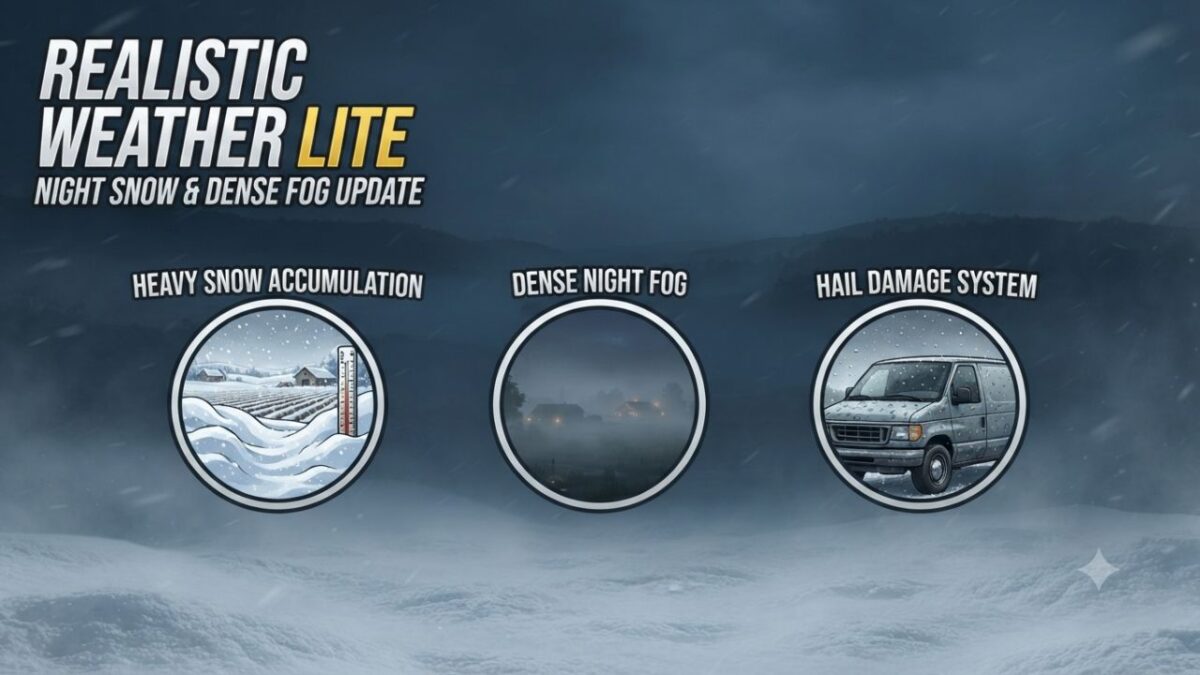
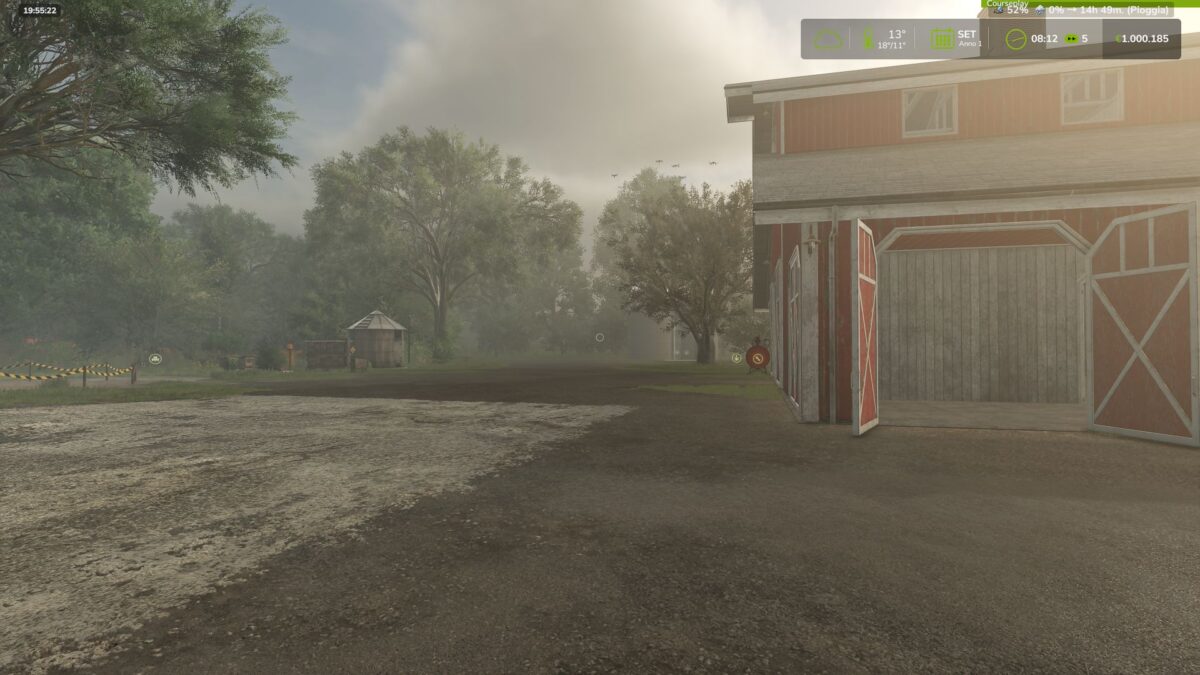
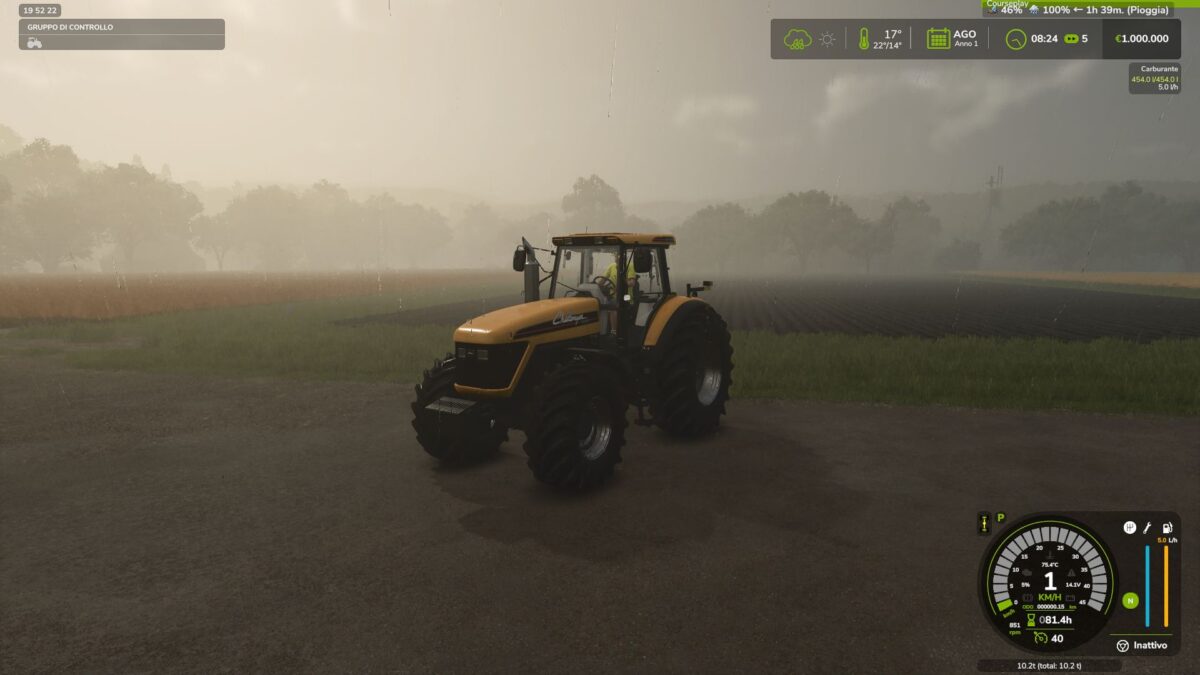
Dense & Dynamic Fog: Very thick and rare fog, generated randomly during rain, snow, or cold winter mornings, with a density and height much higher than the base game.
Atmospheric Transitions: Climatic changes and realistic effects during bad weather.
Advanced Snow Accumulation: Detailed management of snow depth on the ground and random blizzards with significant snowdrifts.
Hail & Vehicle Damage: Hailstorms cause wear and visual damage to uncovered vehicles (fully compatible with advanced damage management mods like Advanced Damage System).
Version 1.4.0.1:
* Overhauled Hail Damage Mechanics: Rewrote the vehicle and implement wear algorithm to prevent hail from damaging machinery too rapidly
* Time Scale Optimization: Adjusted hail wear calculations to scale dynamically with higher game speeds, preventing instant vehicle degradation when fast forwarding time
* Restored InGame Settings Menu: Re-enabled and fully integrated mod options into the native FS25 settings menu
* UI & Layout Fixes: Resolved UI synchronization issues, ensuring setting toggles update and refresh correctly on screen
* Fixed Settings Persistence: Ensured user configuration choices now save and load reliably across every game session
* Dedicated Savegame XML: Configured the mod to automatically create and manage realisticWeatherLiteSettings.xml directly within the active savegame directory
Credits:
mattiaw112, Arrowkb


