

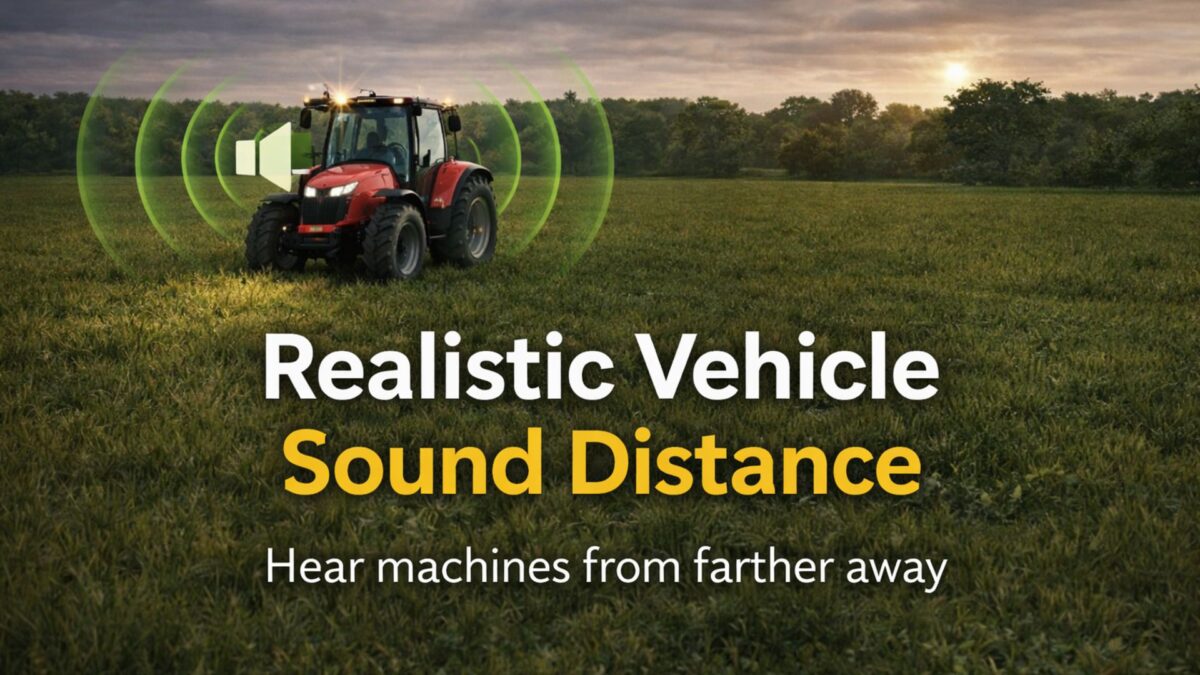
Realistic Vehicle Sound Distance v 1.0


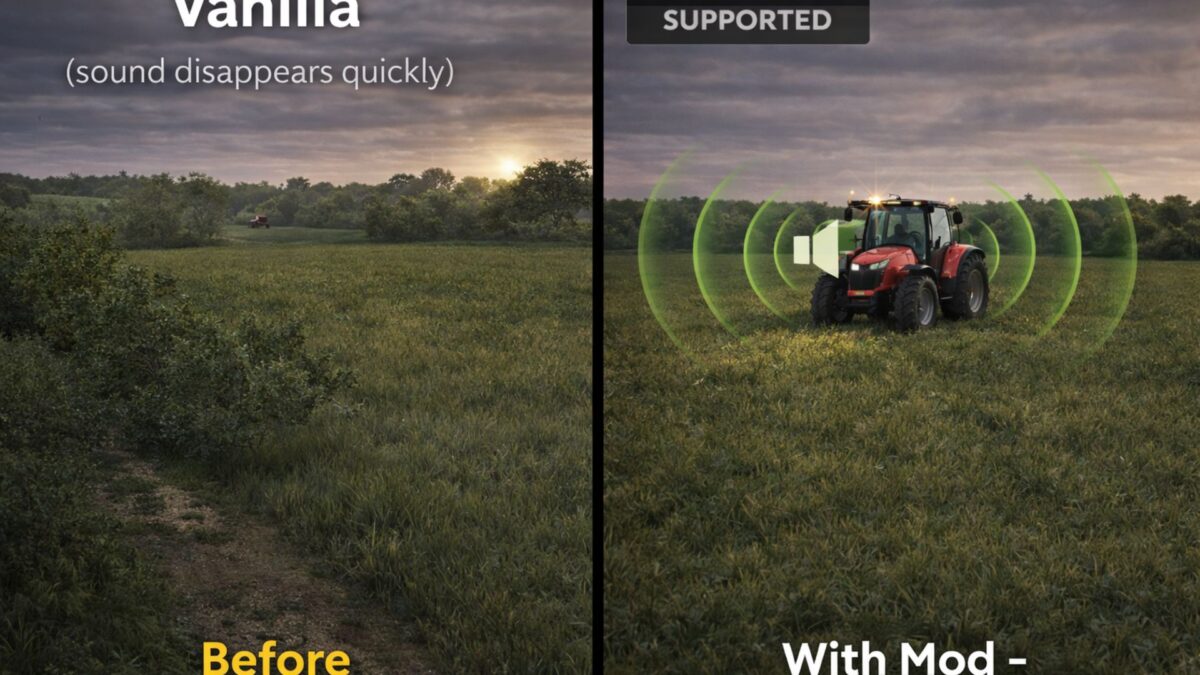
Tired of machinery engine sounds disappearing after only a short distance?
This mod greatly increases how far vehicle engines can be heard, making farm activity feel much more realistic.
Perfect for realism players, large maps, and multiplayer farms where you want to hear machines working across the farm.
Realistic Vehicle Sound Distance improves the immersion of Farming Simulator 25 by increasing how far vehicle engines can be heard in the world.
Realistic Vehicle Sound Distance increases how far engines can be heard from tractors, trucks, harvesters, and other farm machinery. Vehicles working across your farm will now remain audible from much farther away, creating a more immersive and realistic farming environment.
You will now be able to hear tractors working in nearby fields, machines approaching from a distance, and farm activity across your land just like in real life.
Features:
– Increased engine sound distance for vehicles
– More immersive farm atmosphere
– Works with base game vehicles and most modded vehicles
– Multiplayer compatible
– Lightweight script with no performance impact
– Works with tractors, harvesters, trucks, and most modded machinery
Installation
Place the .zip file into your mods folder:
(Documents/My Games/FarmingSimulator2025/mods)
Possible upcoming improvements:
In-game settings to adjust sound distance
Customizable sound range for different vehicle types
Additional sound realism improvements
Further compatibility improvements for modded vehicles
Credits:
spider, 900Hasse


