Realistic Temperatures – Upper USA v0.5


Regions included are North-Western USA, Northern USA and North-Eastern USA.
For example, if you want to start a game with Dakota you install the Northern-USA file and then start your game with the map.
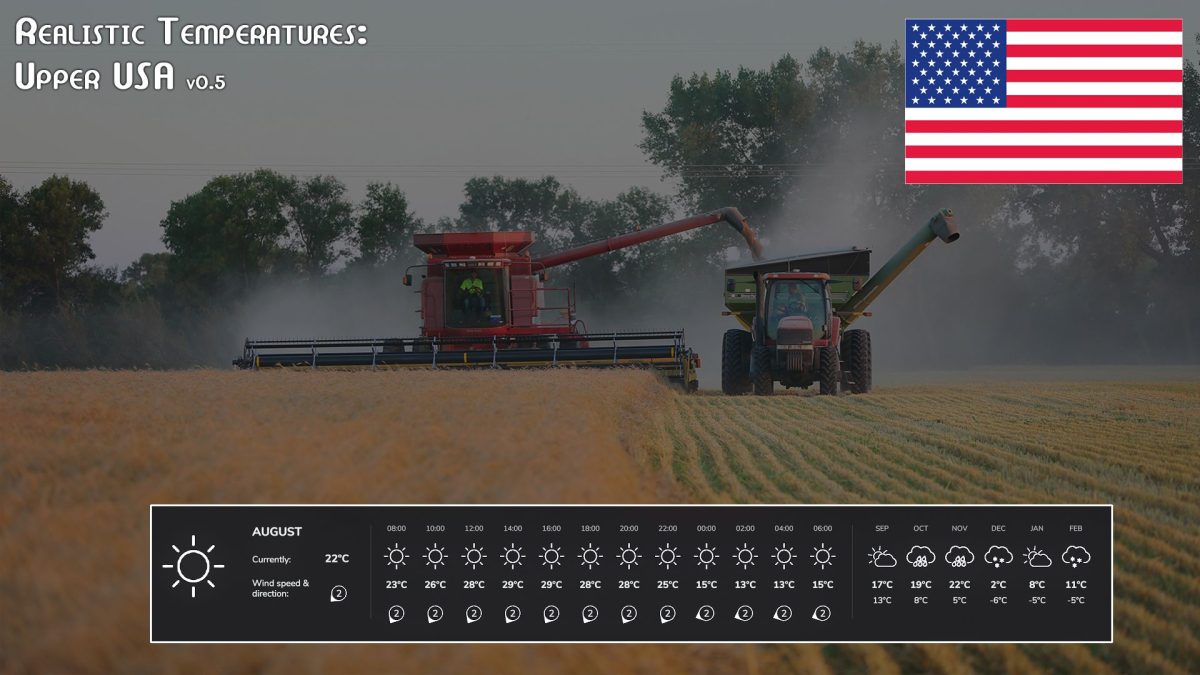
Keep in mind if you don’t have a weather station (as is such in the screenshot) your forecasts will not be completely accurate. You can buy one in the Construction menu under Tools. There are also a few mods for more variety of them.
This mod also allows for rain/snow/hail to happen in more seasons, region dependent.
Must have Realistic Weather installed. More thorough installation instructions in the readme file. Please read!
Version 0.5:
* Of Days with Precipitation adjusted for each Region (New formula)
* New screenshot
* Added Gameplay Settings, Map Suggestions to Readme
Credits:
KGriffin