

Realistic Mechanical Systems v 0.10


Realistic Mechanical Systems — First Public Release
Realistic Mechanical Systems (RMS) is a complete mechanical condition, maintenance and reliability system for Farming Simulator 25.
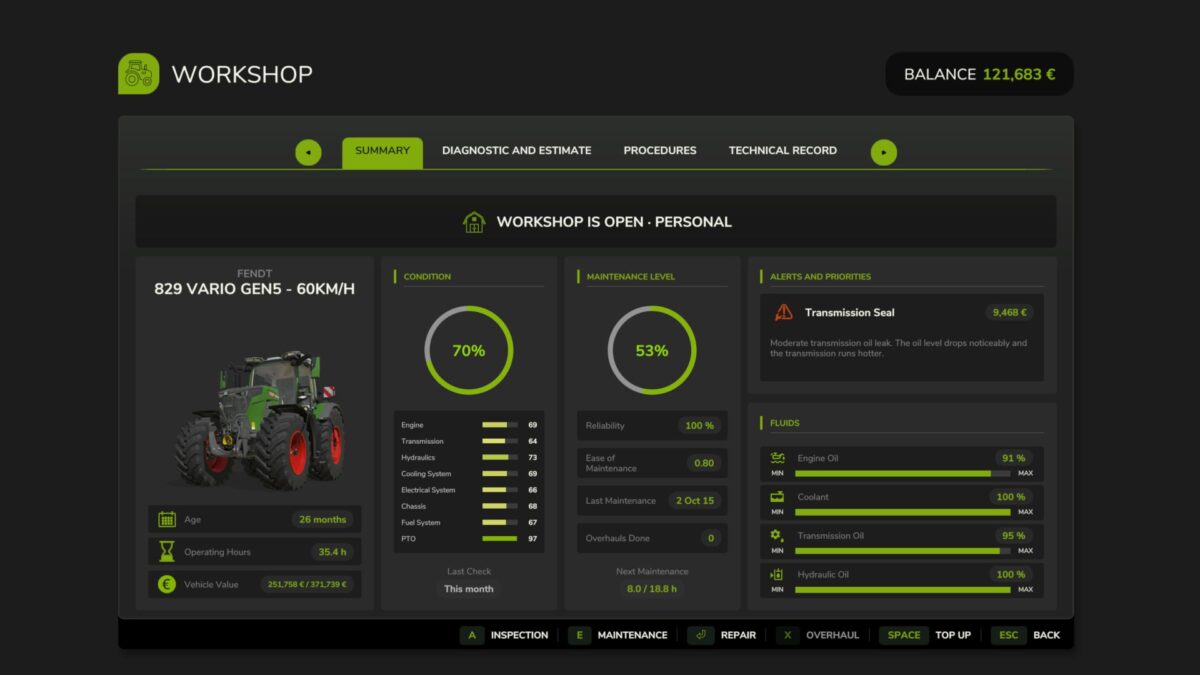
RMS is designed to make vehicle ownership matter over the long term. Instead of treating damage as a single percentage, the mod models multiple mechanical systems independently and lets their condition affect maintenance, diagnostics, reliability and operating costs.
This first public version introduces the core foundation of RMS, including:
Individual mechanical systems and component wear
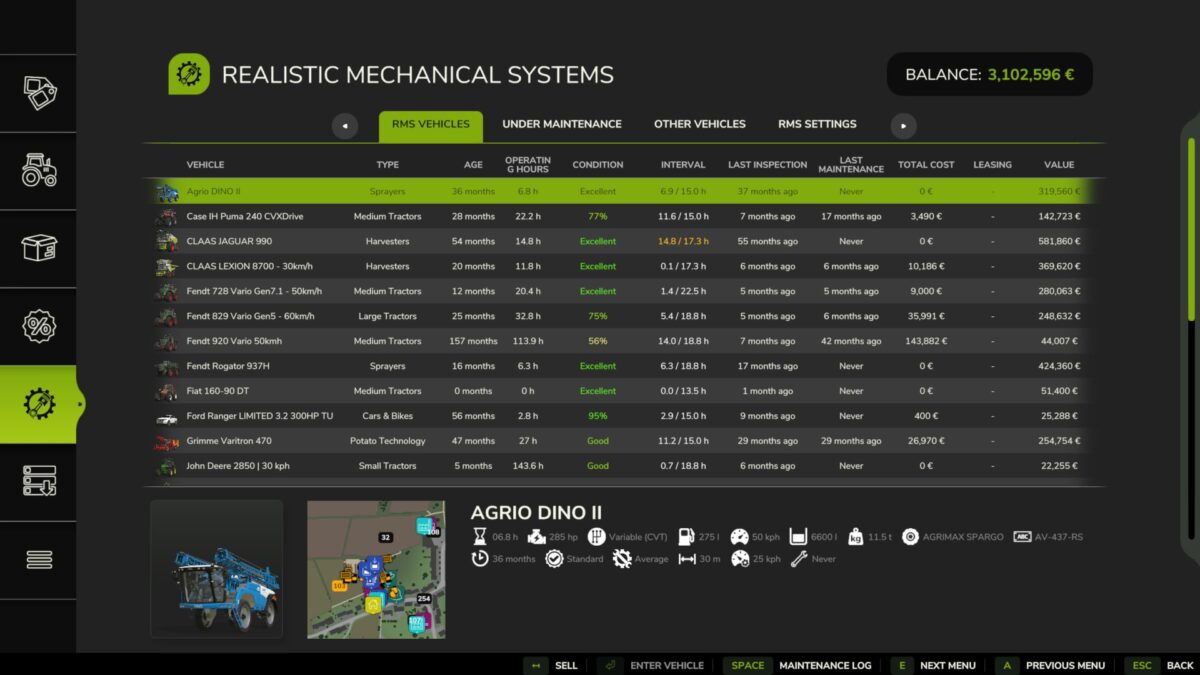
Vehicle condition and maintenance tracking
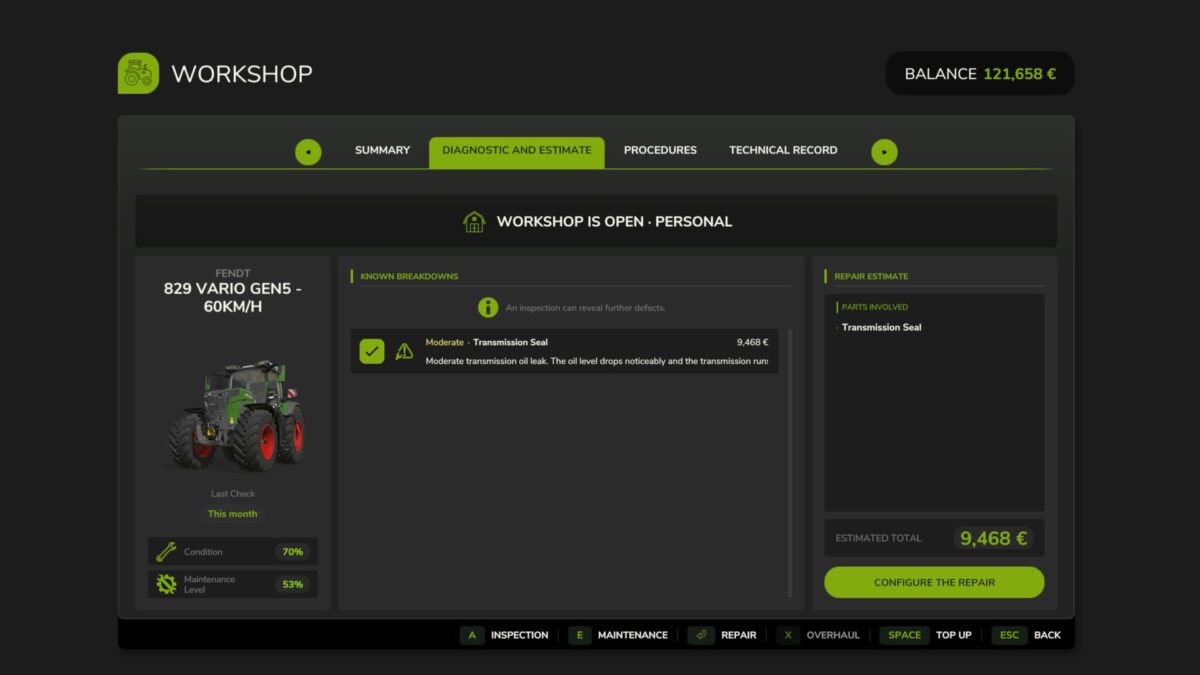
Mechanical diagnostics and repair estimates
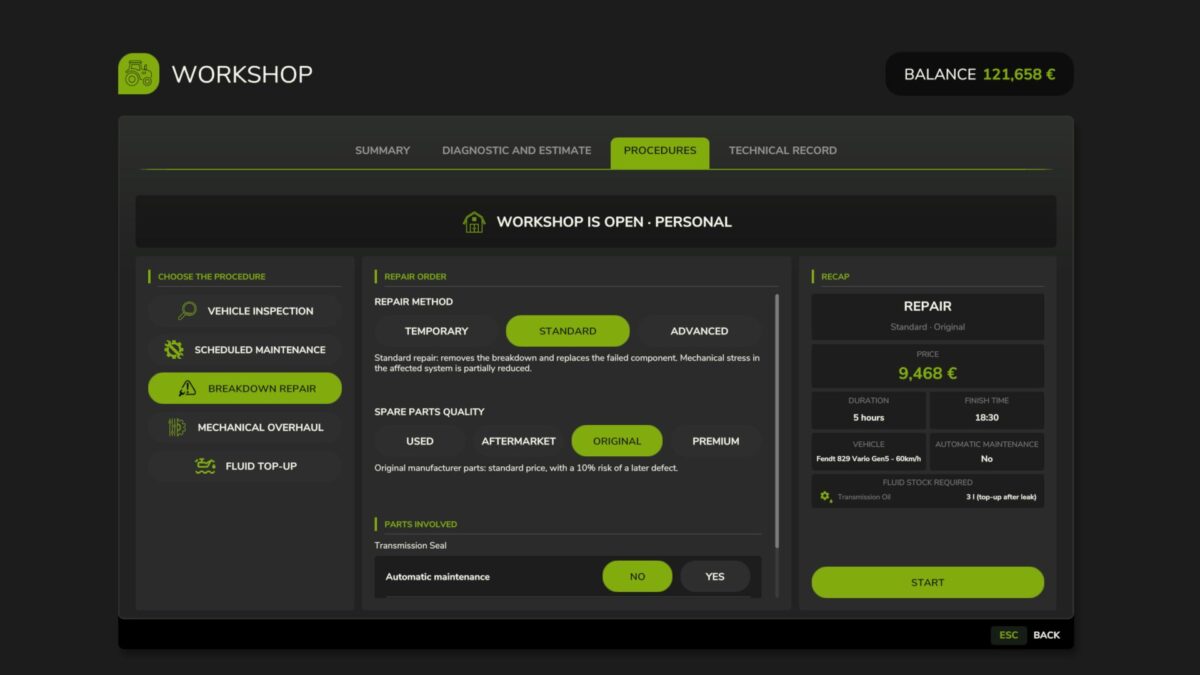
Scheduled and corrective maintenance procedures
Engine, drivetrain, electrical, hydraulic and thermal systems
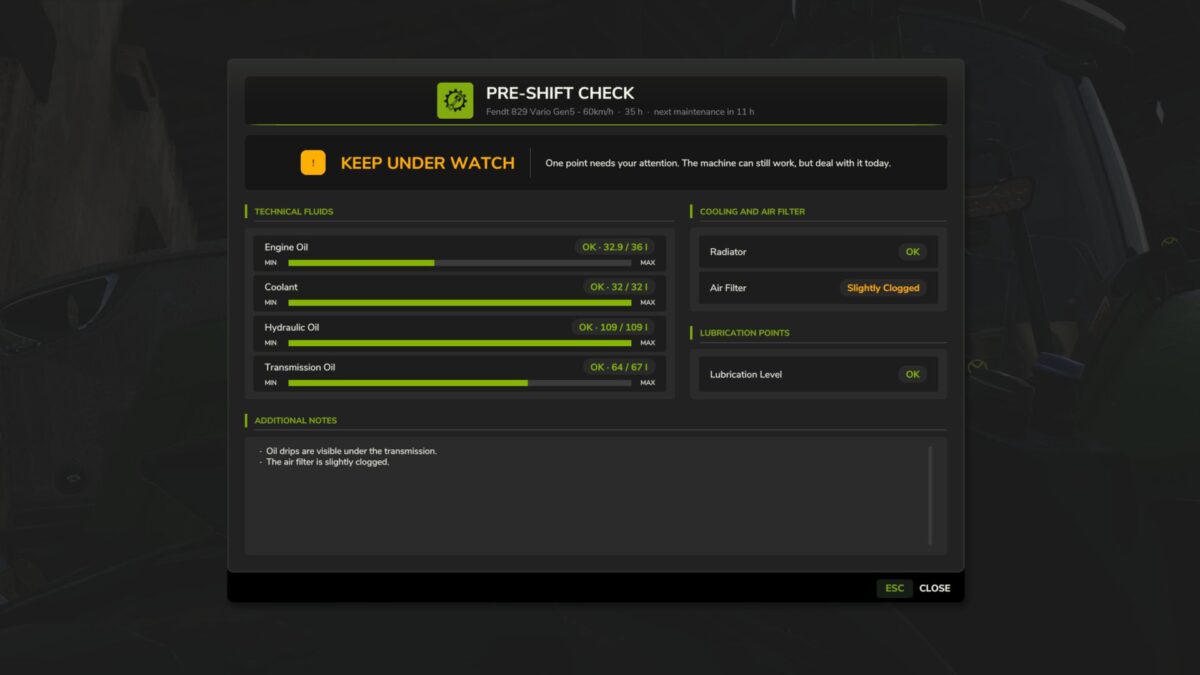
Persistent fluid levels and servicing
Breakdowns and component failures
Pre-shift inspections
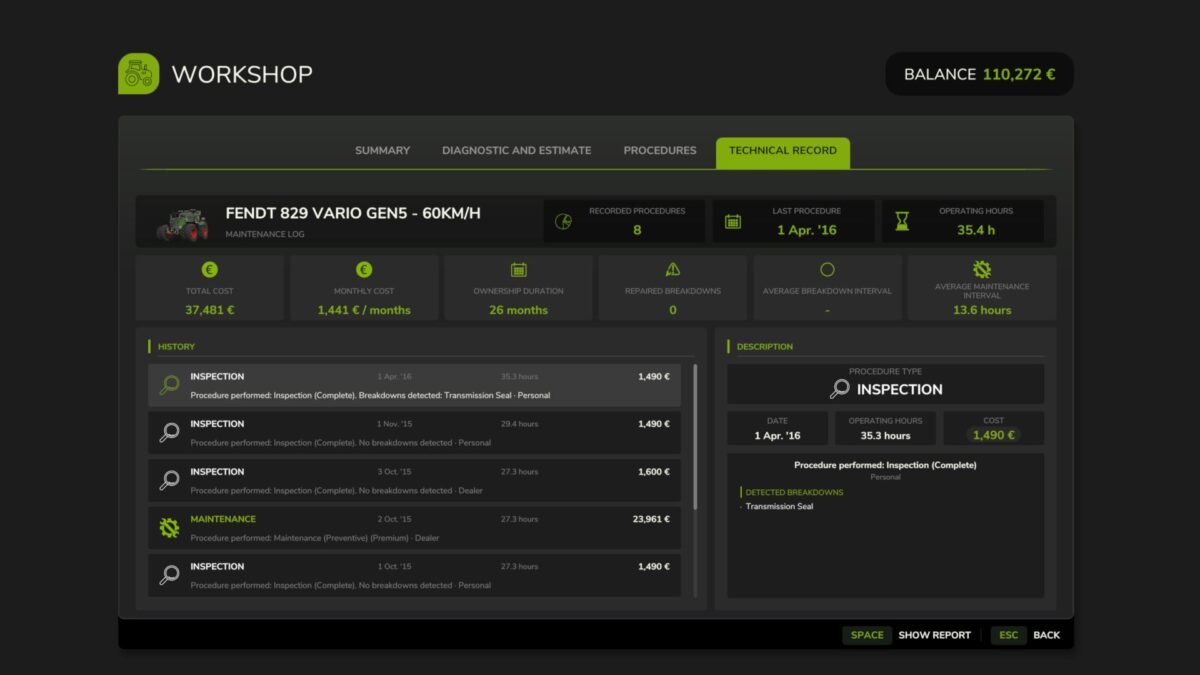
Full technical records and maintenance history
Vehicle fleet overview
Multiplayer and dedicated-server support
RMS has been designed around long-term gameplay. Vehicle age, operating hours, maintenance history and mechanical condition progressively build a unique history for every machine in your fleet.
The interface was also completely redesigned around this workflow: inspect the vehicle, identify problems, plan the work, carry out maintenance and keep a permanent technical record of what has happened to the machine.
Development status
Version 0.10.0.0 is the first public milestone of RMS.
The project is still under active development and some planned systems are not yet implemented. The 1.0-beta1 milestone will be reached once the complete initial mechanical feature set is operational.
Credits:
Squallqt


