Realistic First Person v 2.0


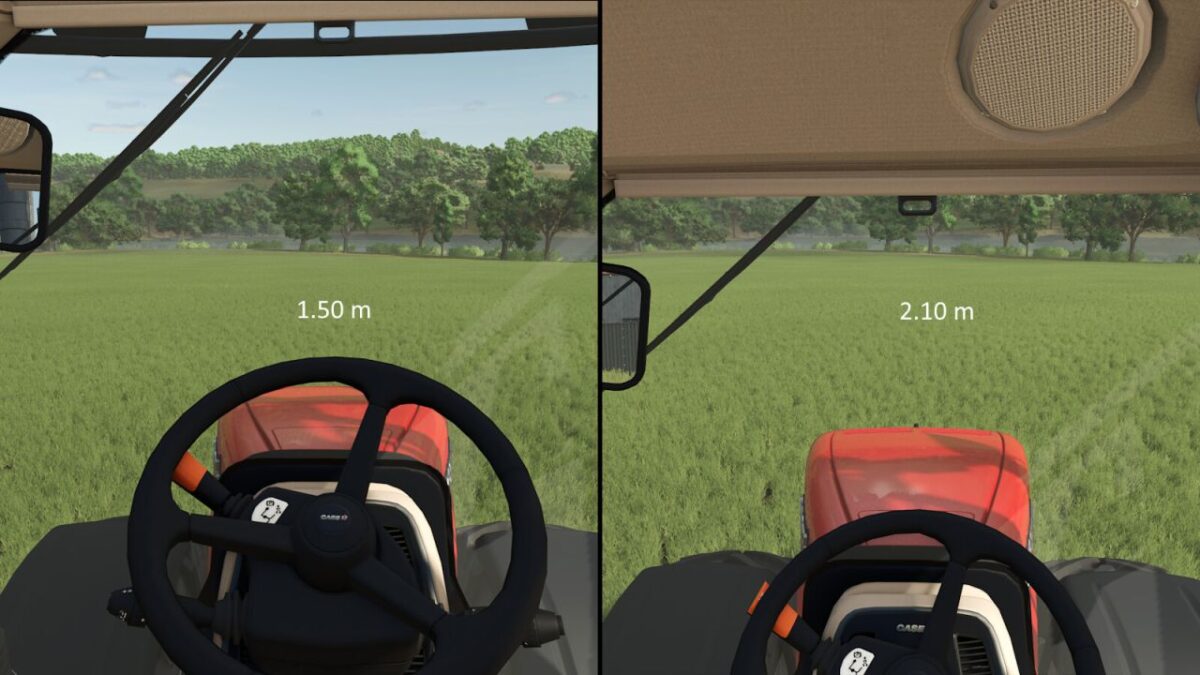
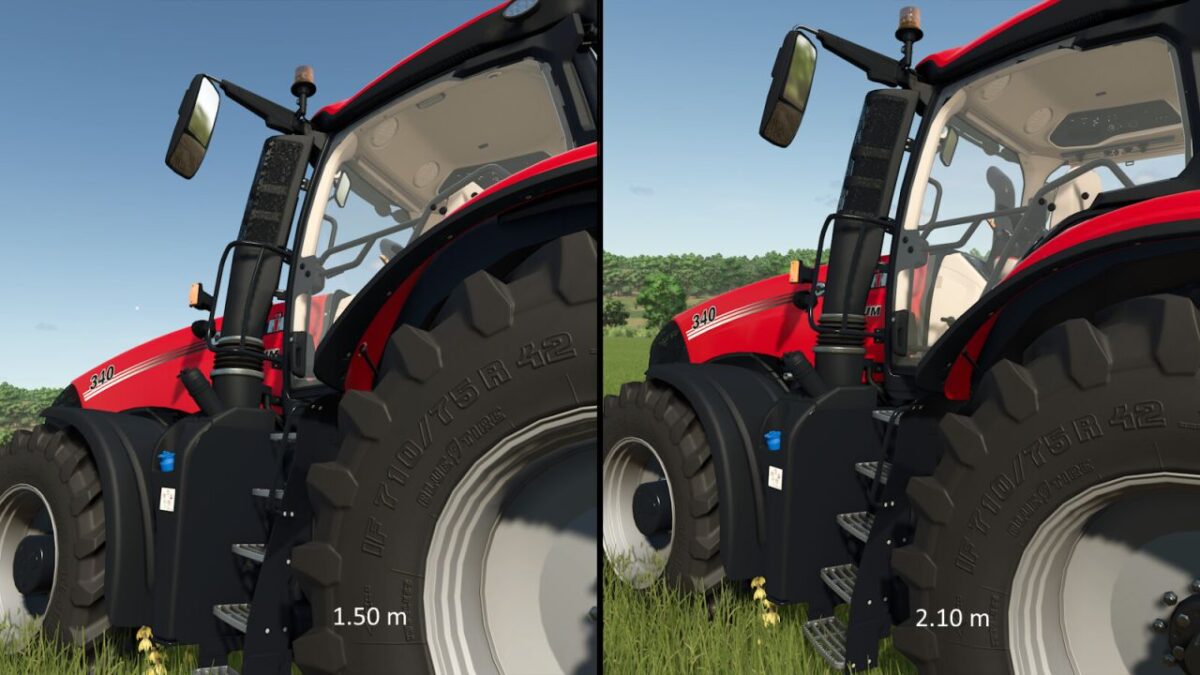
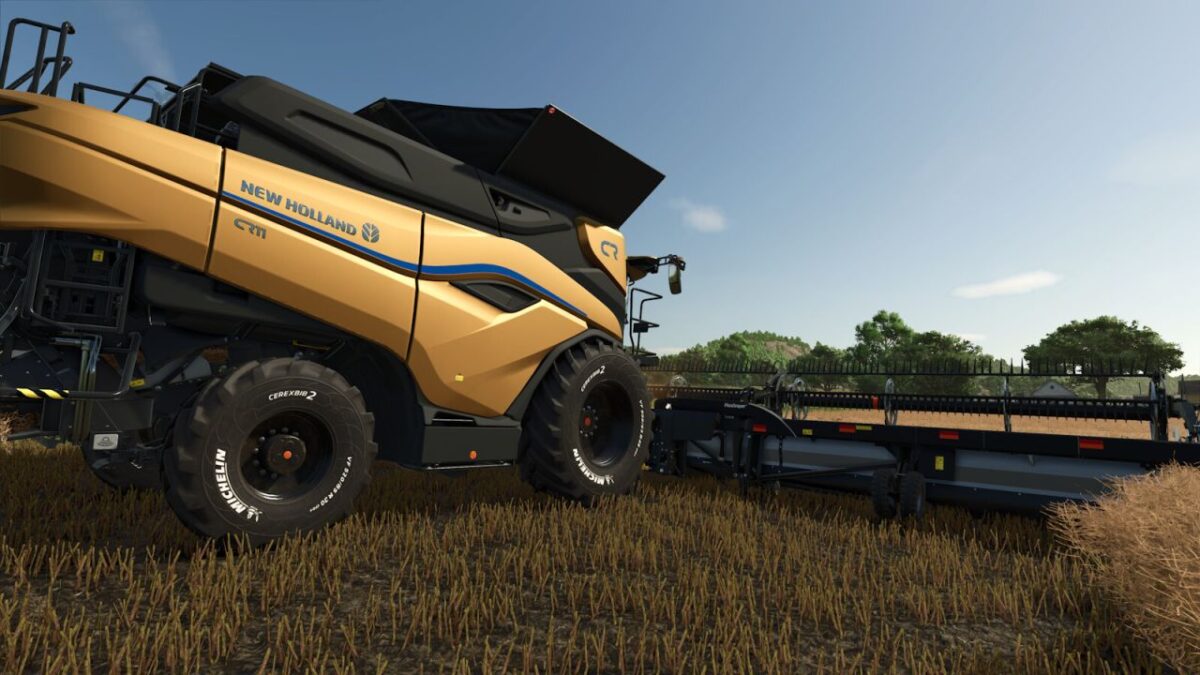
People are not all the same height, so everyone experiences their surroundings from a different eye level. This makes a noticeable difference when viewing large vehicles and machines and affects how their size is perceived.
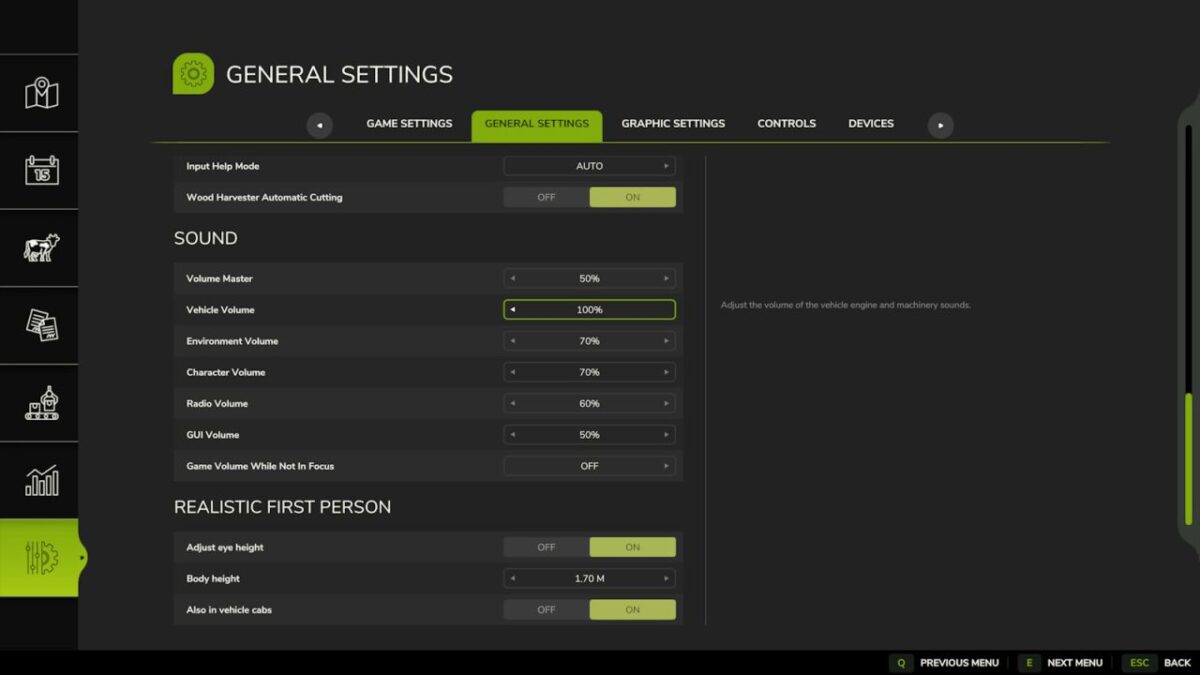
With this mod, you can set your own body height under “General Settings”. The first-person camera is then moved to a matching eye height. The first version of the mod lowered the camera by a fixed 5 cm. This update replaces that fixed value with a personal setting.
Body height can be set between 1.50 m and 2.10 m in steps of 1 cm. The adjustment works on foot and, optionally, inside vehicle cabs. While seated, the height is adjusted less strongly. Upward movement is also limited to prevent the camera from clipping through the roof of low cabs.
At the default setting of 1.87 m, the original camera height remains unchanged. Settings are stored globally and apply to all savegames. No multiplayer synchronization is required because the mod only changes the local camera.
Version 2.0:
* Replaced the fixed 5 cm camera offset with an adjustable body height from 1.50 m to 2.10 m
* Added configuration under the general game settings
* Added optional adjustment of vehicle interior cameras with a separate seated offset
* Added global storage of settings
Credits:
Sandmann