

Realistic Diesel Start v 1.0.4.1


Realistic Diesel Start — Advanced Engine Start System
Tired of starting an engine with a single key press? This mod turns ignition into a realistic sequence, just like a real diesel.
MULTI-STAGE STARTING
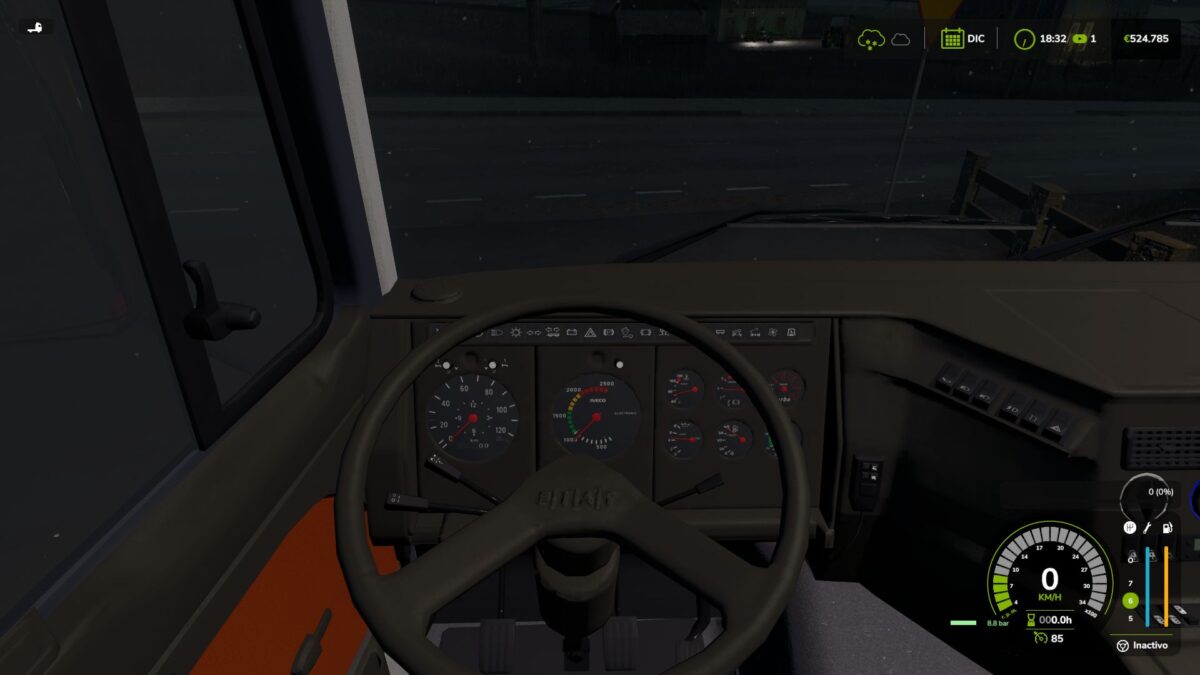
Short press of the engine key: ignition ON (the dashboard powers up).
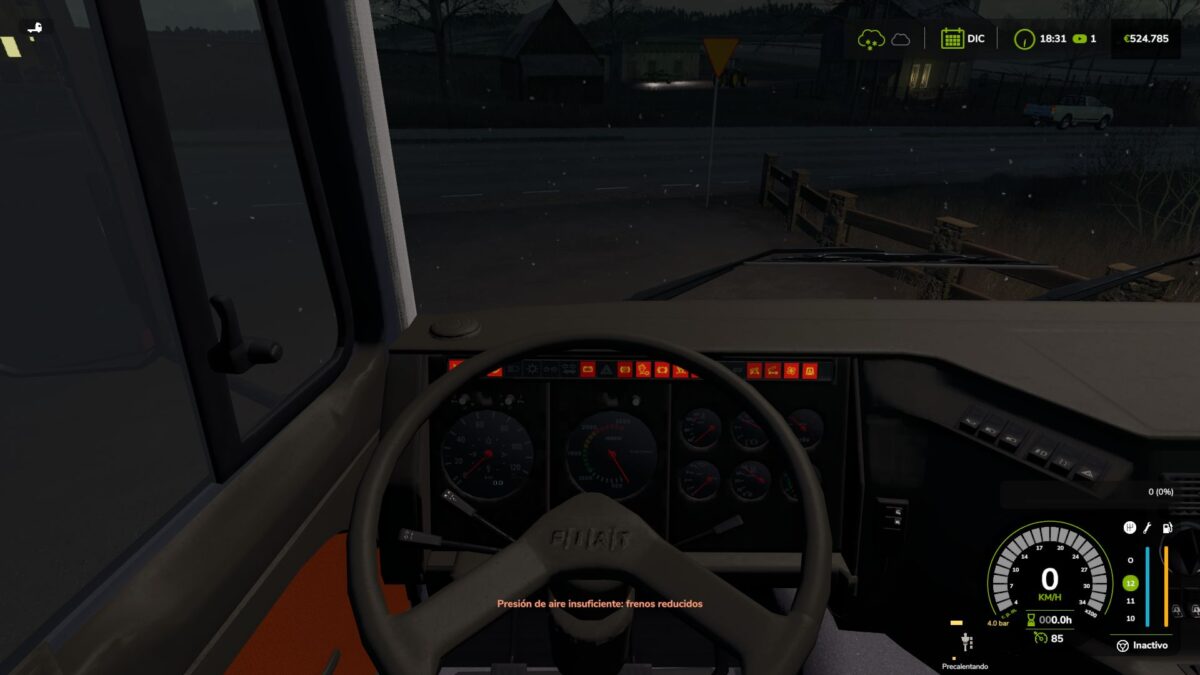
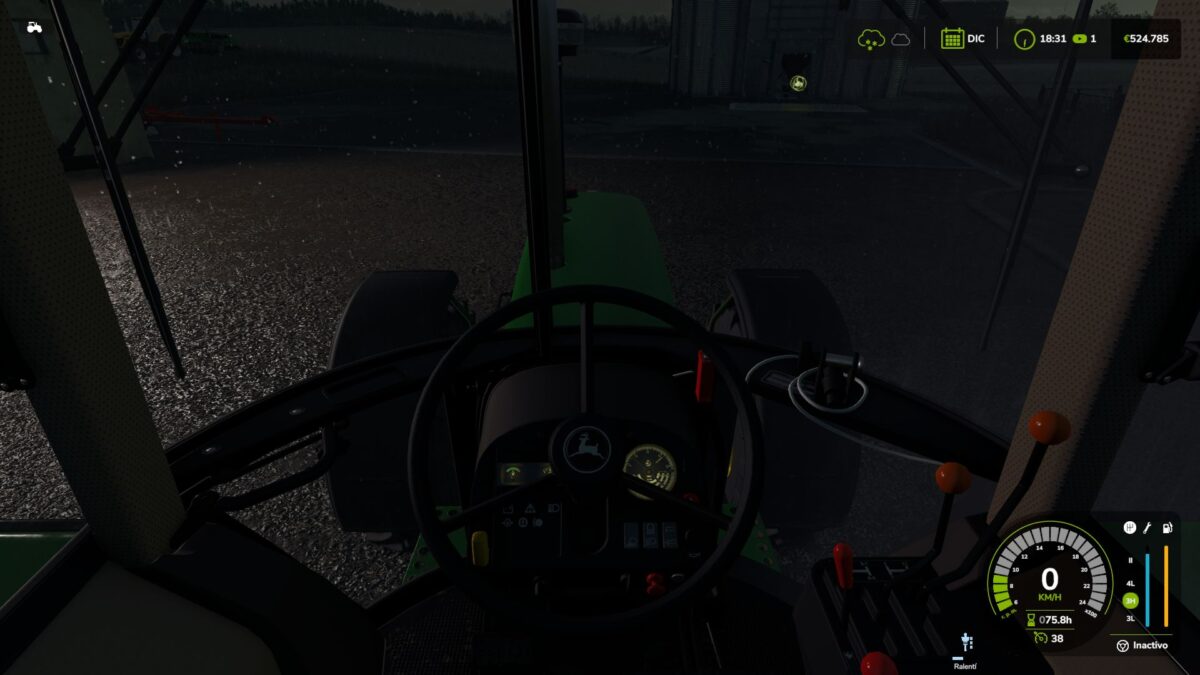
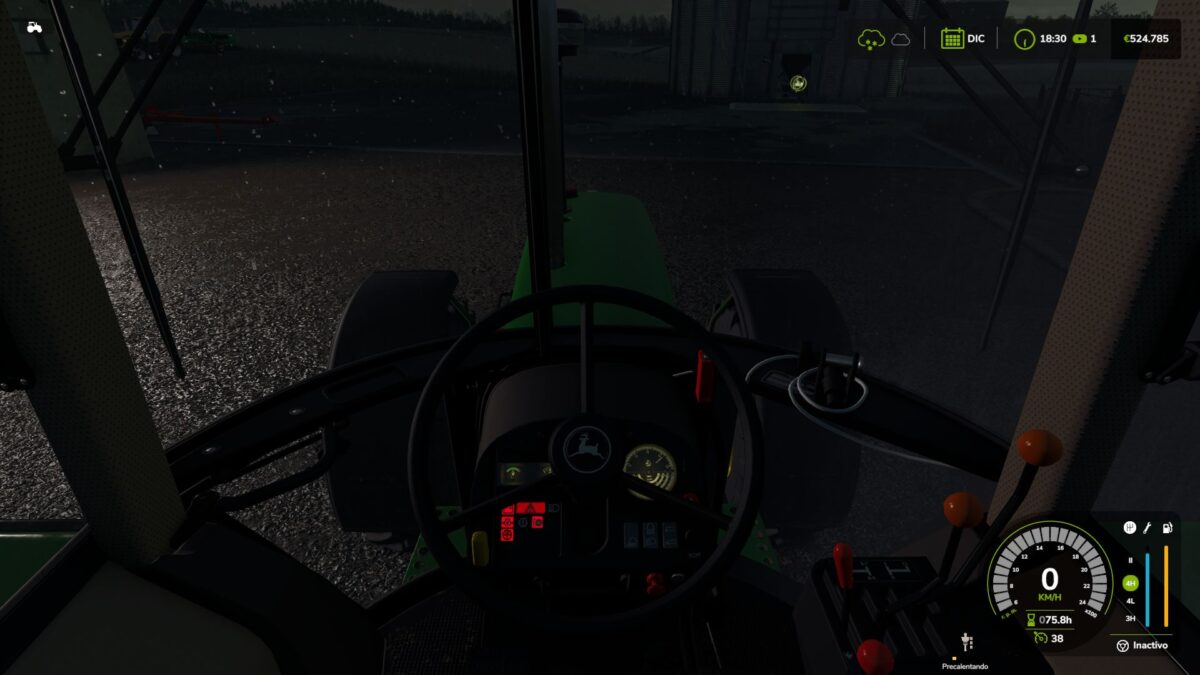
Glow plug pre-heating with a HUD indicator next to the speedometer that changes color as it heats up.
Pre-heat time depends on temperature: in deep winter it can take up to 25 seconds; with a warm engine or in summer it’s nearly instant.
Hold the key to crank. Crank before the glow plugs are ready and the engine may cough, fail to start, and take slight damage.
After a cold start the engine idles for a few seconds before responding to the throttle.
COMPRESSED AIR SYSTEM (trucks)
HUD pressure gauge showing tank pressure.
The compressor builds air while the engine runs (timings calibrated with real truck data).
Pressure bleeds off while parked: leave the truck sitting and you’ll need to build air back up before leaving.
Realistic air brakes: run out of pressure and the **spring brakes** engage, locking the truck in place — just like real life, you don’t lose your brakes, you get stuck!
Audible low-pressure warning buzzer.
FEATURES
Keyboard and gamepad compatible. Uses the vanilla engine key, no new keybindings.
Multiplayer and dedicated server support.
Sounds: low-pressure buzzer, failed-start cough, air release.
Configurable via console (`rdsConfig` command): toggle damage, air system, and adjust timings.
Repositionable HUD (`rdsHudPos` command).
Translated to Spanish, English and German.
2AI workers are not affected.
Made with passion for realistic farming simulation.
Version 1.0.4.1:
* Fixed a serious bug that could freeze or force close the game for connected players (never on the host).
* A function in the air system was missing from the code, causing a constant error on every client
* Hardened the air system’s network sync for better overall multiplayer stability
* Update is strongly recommended if you play multiplayer
Credits:
GonzaaNegro


