
FS25 Misc

Realistic Cab View v 1.0.0.1

Realistic Cab View v 1.0.0.1

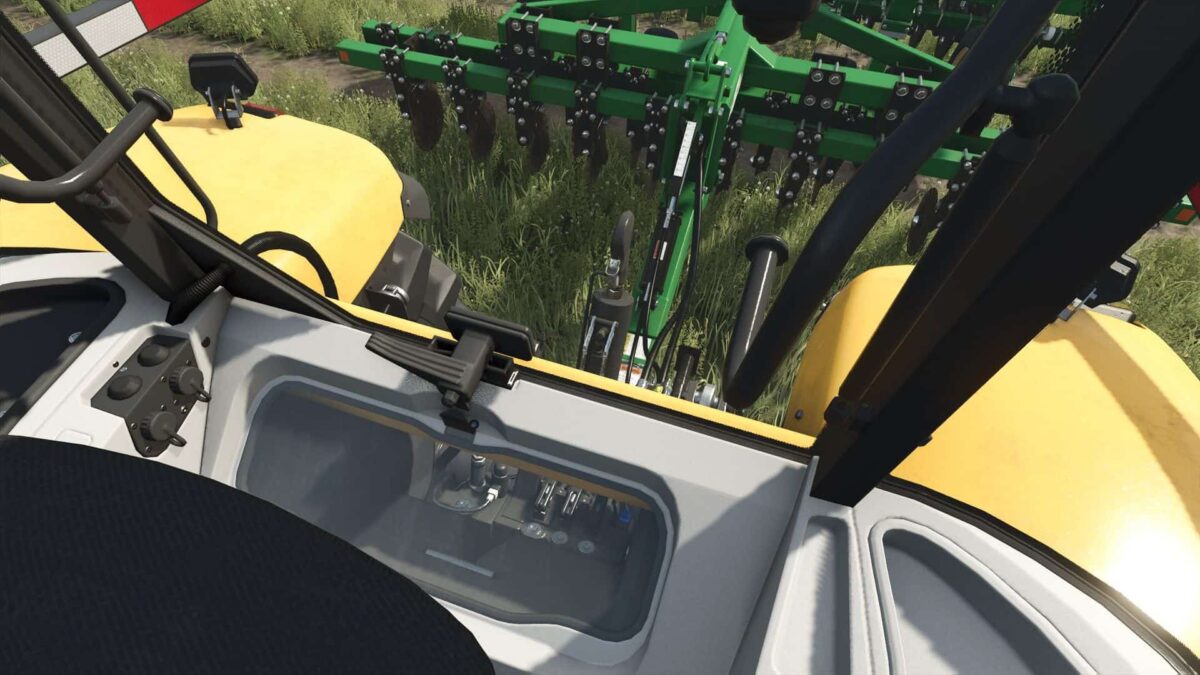
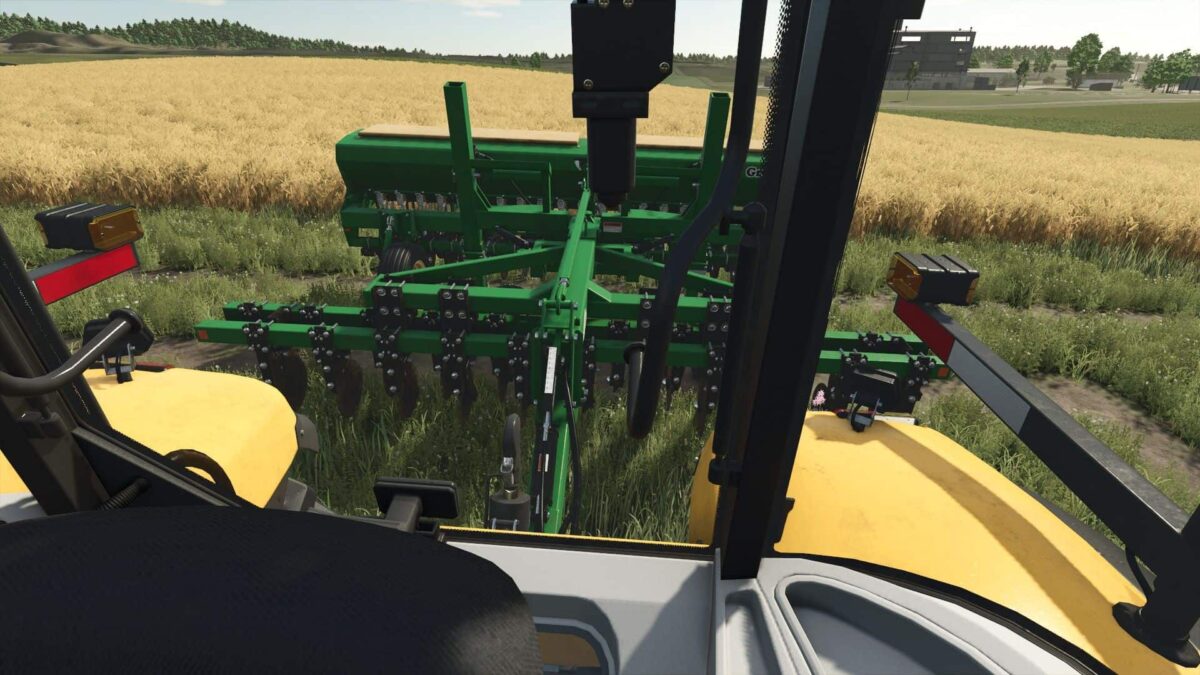
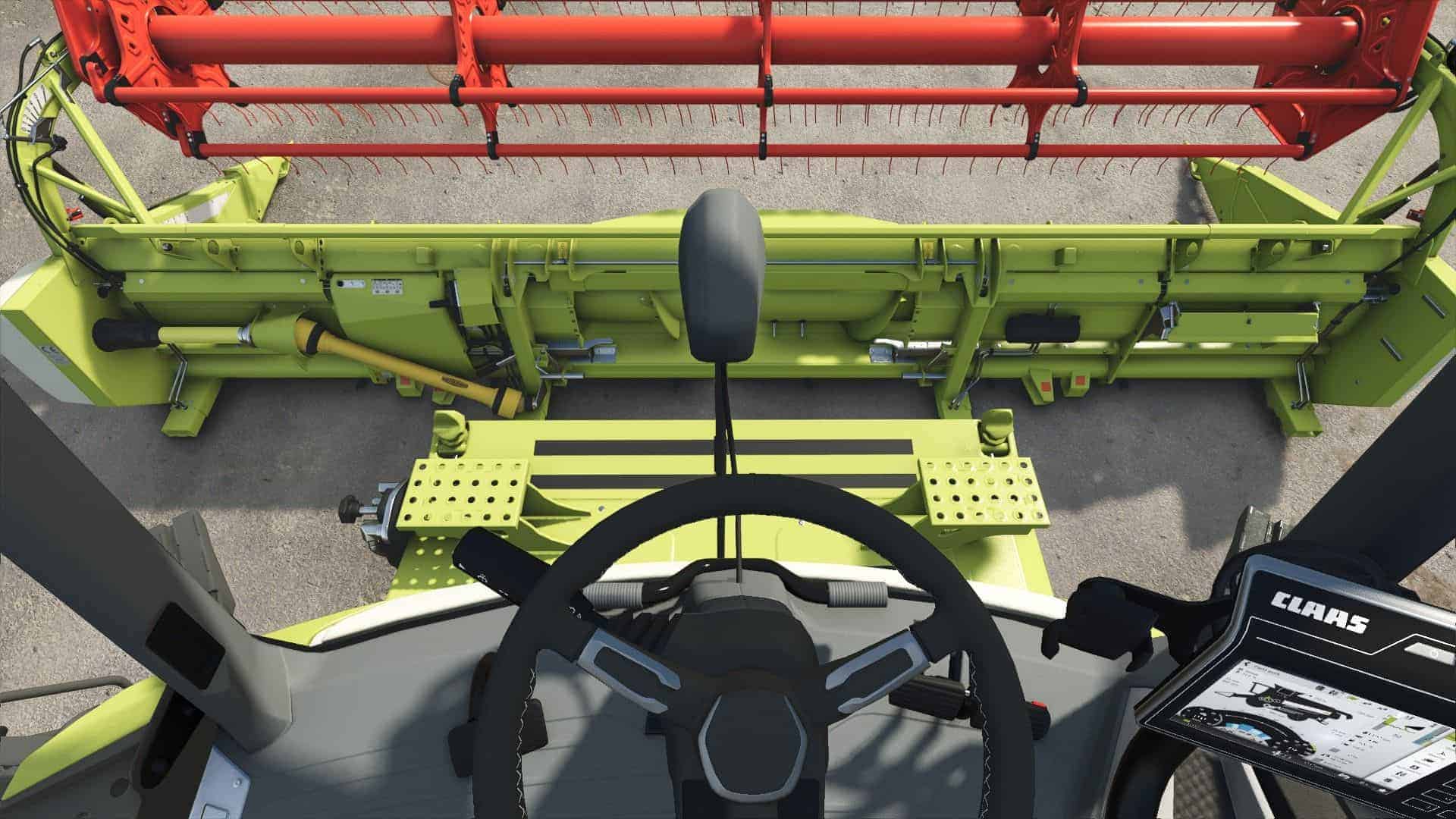
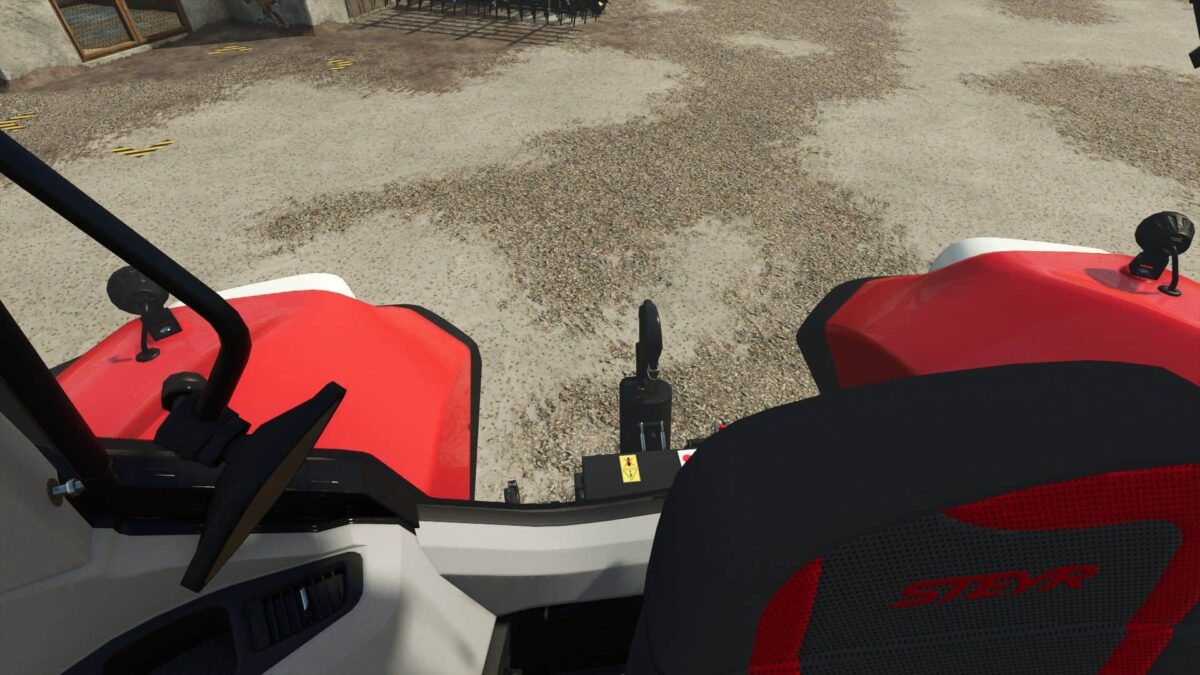
This mod is designed to add realism to the first person view from inside vehicles.
It now allows a better view for reversing or attaching implements by allowing the player to lean around the cab in any direction.

Features:
– Full leaning allowed inside the cabin for a better view out of the windows (default key is SHIFT)
– Rotation is limited +/-180 degrees when turning to look out of the rear window
– A small amount of camera movement is added to simulate leaning when looking over your shoulder
– All interior vehicle cameras are set to the ‘Field of View’ that is defined in the game settings

Version 1.0.0.1:
* Updated modDesc DescVersion to newest (92)
* Updated mod description
* Minor fixes

Credits:

loki_79, DVFX

How to install FS25 Misc?
Firstly find a mod which you like and want to download. Then download a mod to your PC. Mods are usually in .zip format file. But sometimes it can be in .rar. If a mod file is a .zip format no needed additional actions. If a file is in .rar, then you must unarchive mod with software like WinRar or Zip7. Windows 10 users no need to use software for archives, Win10 itself has a feature to unarchive files.
The next step is to find mods folder in your PC. Usually, it is in Documents/My Games/Farming Simulator 25/2025. Open the "mods" folder and put downloaded .zip archive or unarchived .rar file to this folder.
Last step. Enjoy of FS25 mods!

Leave a Reply

Your email address will not be published. Required fields are marked *