

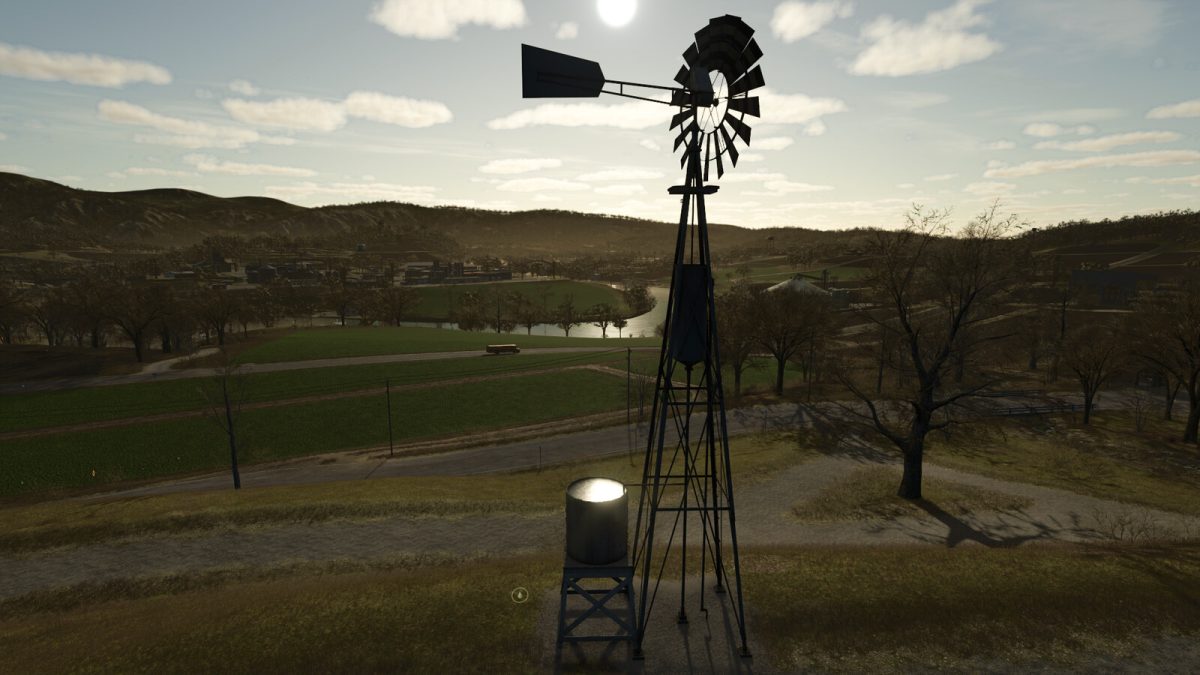
Real Windpump v 1.0


This mod modifies the Old Wind Wheel with Water Tank (category Container) by making the following changes:
– The Windpump operation is simulated. Initially the water tank is empty, water appears gradually, depending on the wind speed.
– The weather is simulated. During rain or snow, the water tank gradually fills with water (snow).
At sub-zero temperatures, the Windpump does not work, and the water gradually freezes, transforming into ice.
At above zero temperatures, snow and ice begin to gradually melt, transforming into water. Snow transforming into water in a ratio of 4 to 1 (4 liters of snow = 1 liter of water).
– Visualization of water, ice and snow levels in the water tank.
– Added sound of Windpump operation.
– Added loading point for AI (marked with water marker).
Category: Container
Price: $10,000
Capacity: 6 300 l.
Daily upkeep: $10
Credits:
ALXXA


