

Real Vehicle Dynamics v1.0.0.0


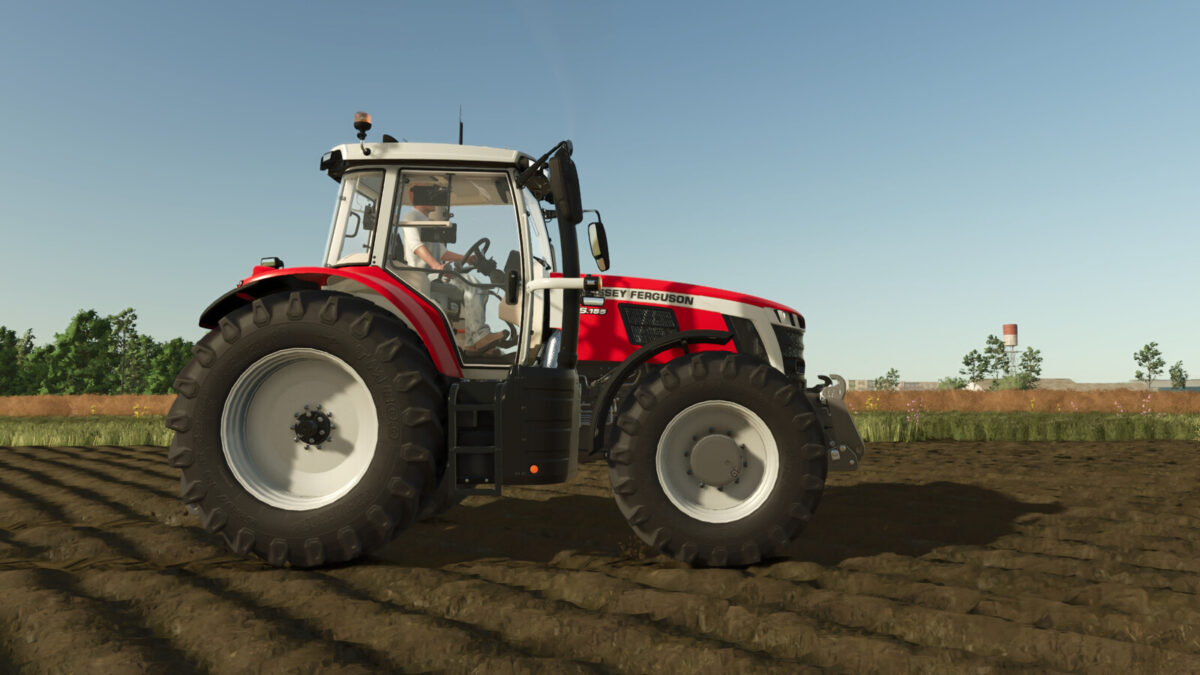
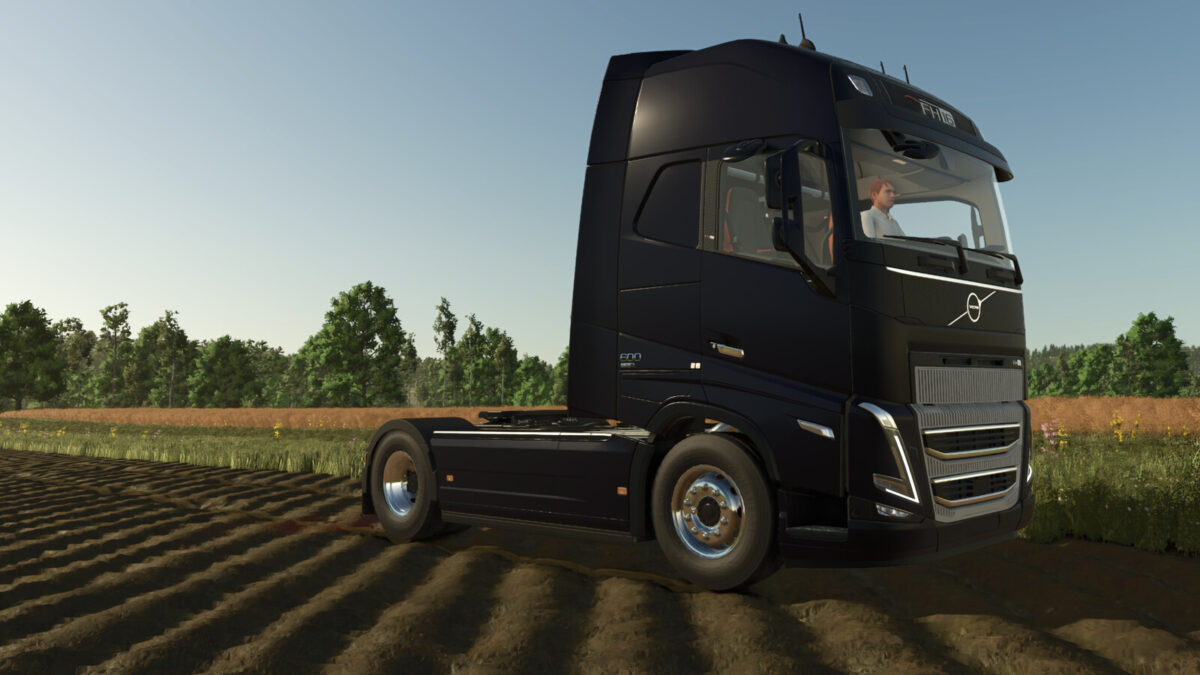
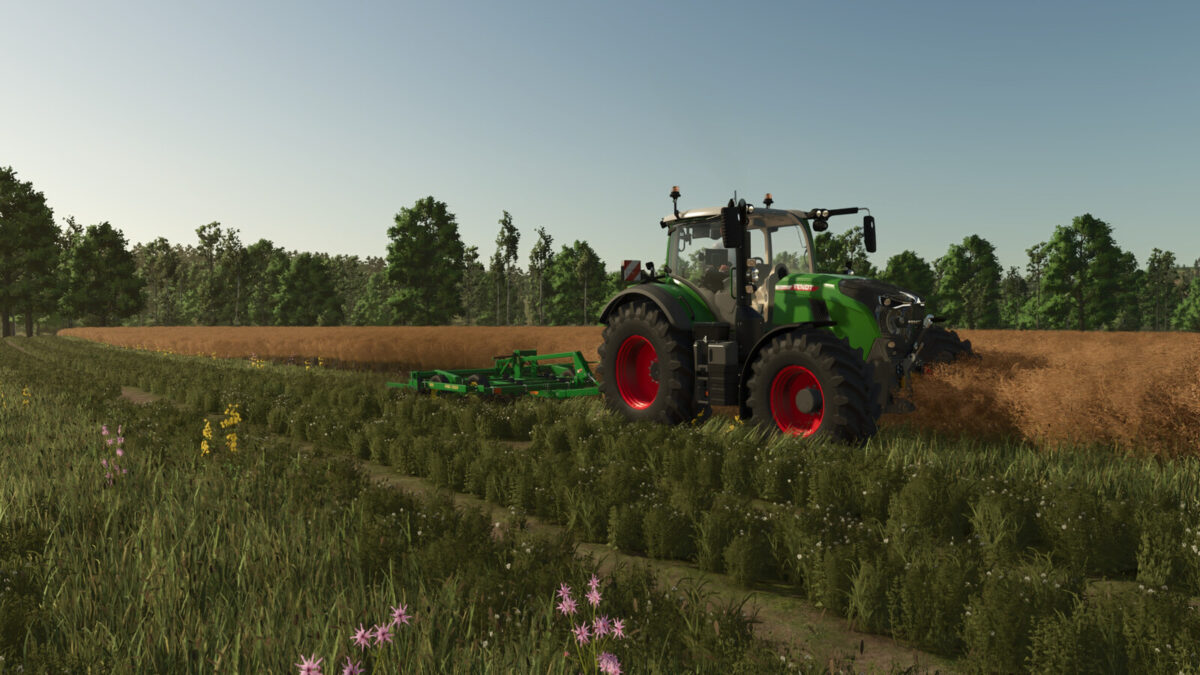
Feel the weight of every machine. The cab dips when you brake, leans into corners and settles after bumps, the seat gives, the suspension works under load – and you decide how strong it feels.
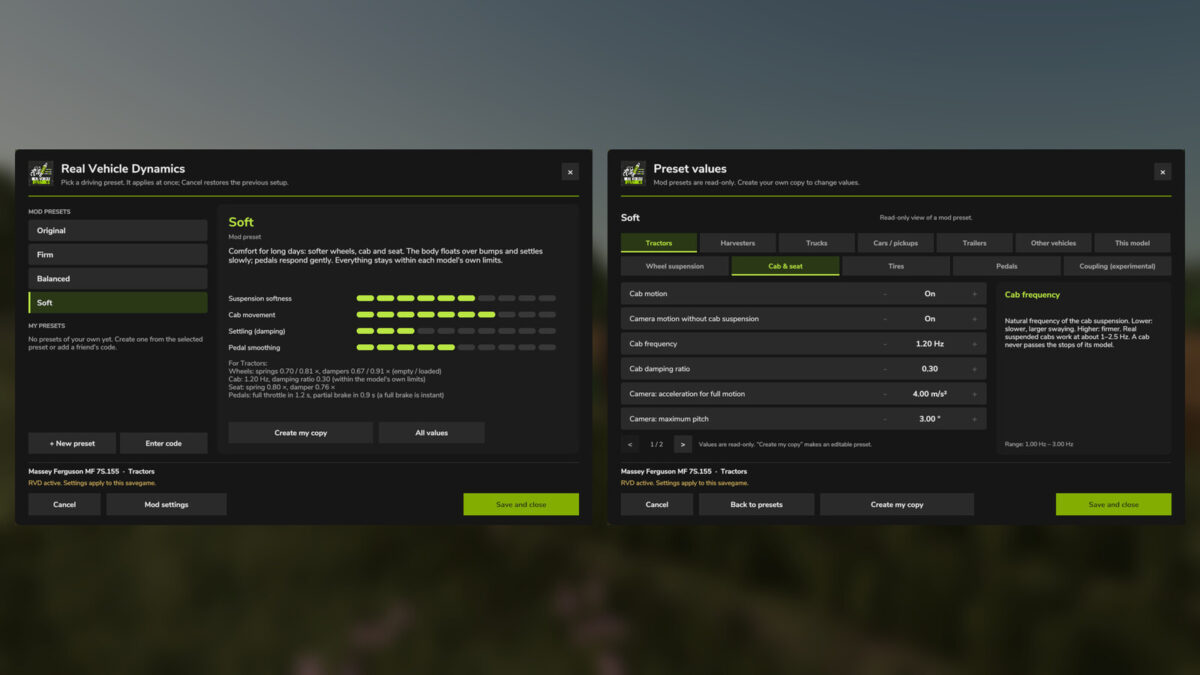
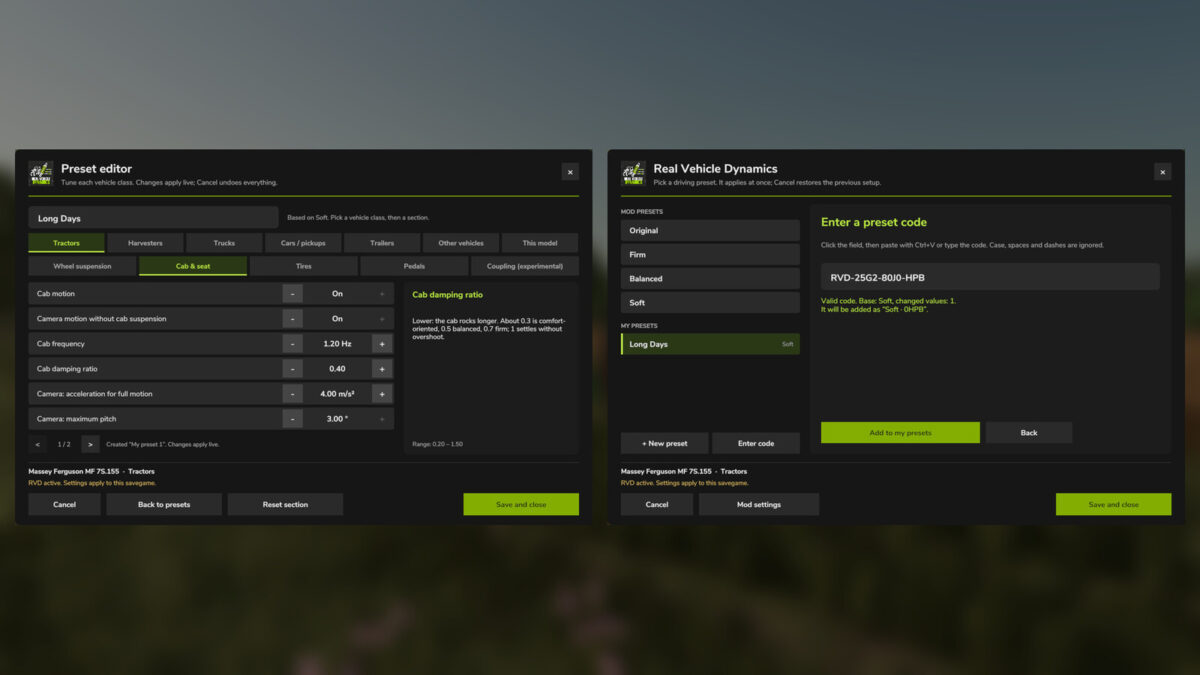
– Four presets, one click: Original, Firm, Balanced and Soft – each changes about 20 values for wheels, cab, seat, tires and pedals
– Tuned from real ride-frequency and damping data of tractor cabs, truck cabs and seat suspensions
– Safe for every model: the suspension self-levels so ride height stays as built, cabs and seats stay inside their own stops, tires never flatten beyond their own maximum
– Build your own presets per vehicle class or model and feel every change instantly
– Share a preset with a short code: a friend pastes it in and drives with your setup
– No cheats: a full brake always acts at once, presets never change grip, AI drivers stay untouched
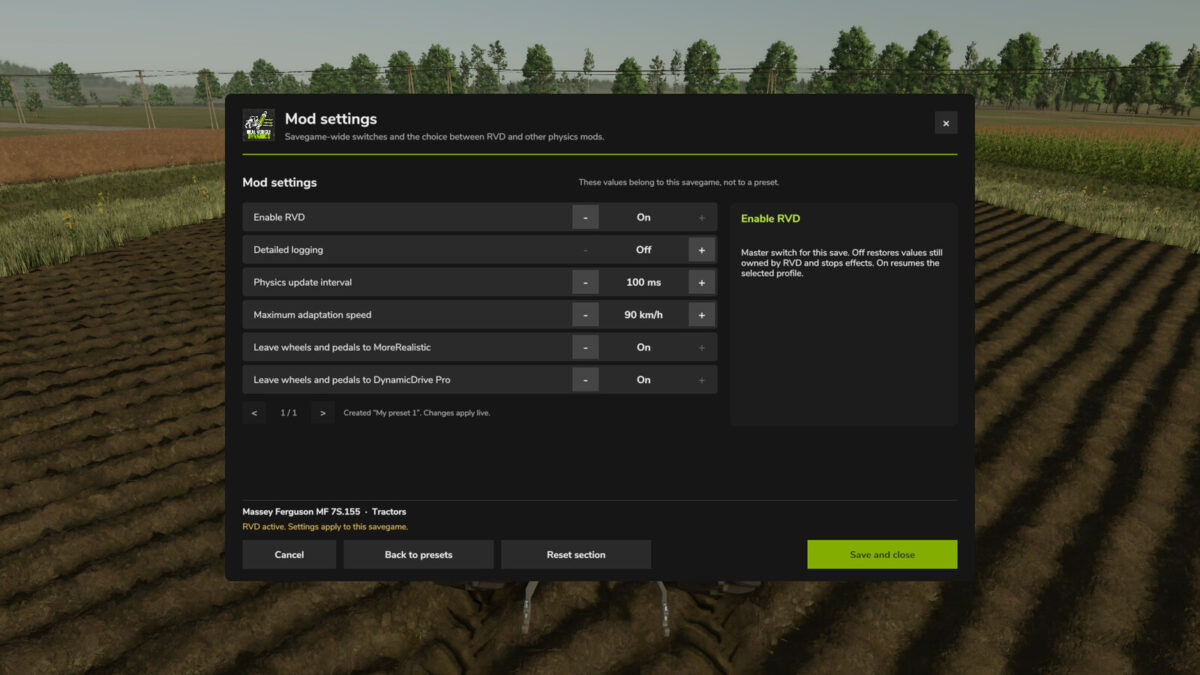
– MoreRealistic or DynamicDrive Pro installed? You choose which mod controls wheels and pedals
– Multiplayer ready: the host’s preset is synchronized to every player
Press Left Ctrl + R to open.
Credits:
moji


