
FS25 Misc

Real Time Synchronization v 1.0

Real Time Synchronization v 1.0

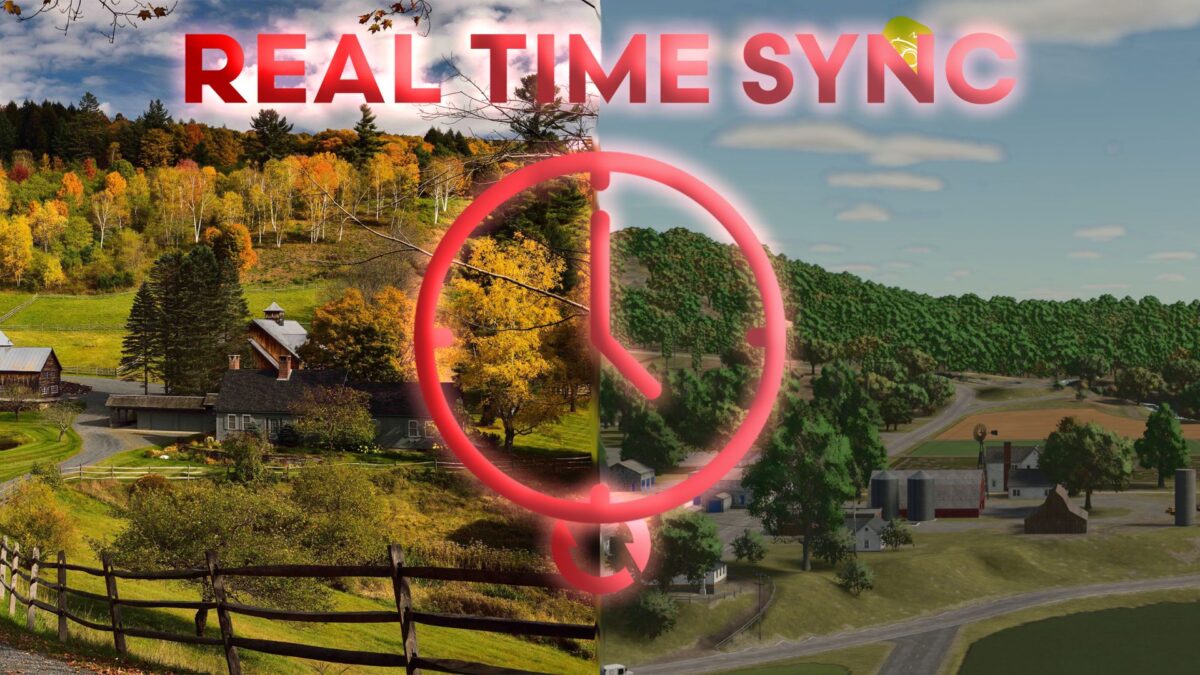
The mod “Real Time Synchronization” allows you to synchronize the in-game time with real world time, including the option to set an offset.
Synchronization is always based on UTC time, so make sure to consider this when setting the offset.

Example:
– Current time: 13:00 (Time zone UTC+1), which corresponds to 12:00 UTC
– Offset: -2
– Target in-game time will then be 10:00

The game speed will automatically adjust (faster or slower) to synchronize the time. Once synchronization is complete, the time scale is reset to 1.

Controls:
– “rtsEnable”: Activates time synchronization.
– “rtsDisable”: Deactivates time synchronization.
– “rtsOffset “: Sets the offset in hours. Enter the number of hours as an integer, e.g., rtsOffset -5.

Credits:

wagisin

How to install FS25 Misc?
Firstly find a mod which you like and want to download. Then download a mod to your PC. Mods are usually in .zip format file. But sometimes it can be in .rar. If a mod file is a .zip format no needed additional actions. If a file is in .rar, then you must unarchive mod with software like WinRar or Zip7. Windows 10 users no need to use software for archives, Win10 itself has a feature to unarchive files.
The next step is to find mods folder in your PC. Usually, it is in Documents/My Games/Farming Simulator 25/2025. Open the "mods" folder and put downloaded .zip archive or unarchived .rar file to this folder.
Last step. Enjoy of FS25 mods!

Leave a Reply

Your email address will not be published. Required fields are marked *