

Real Physics Steering v 1.0.0.2


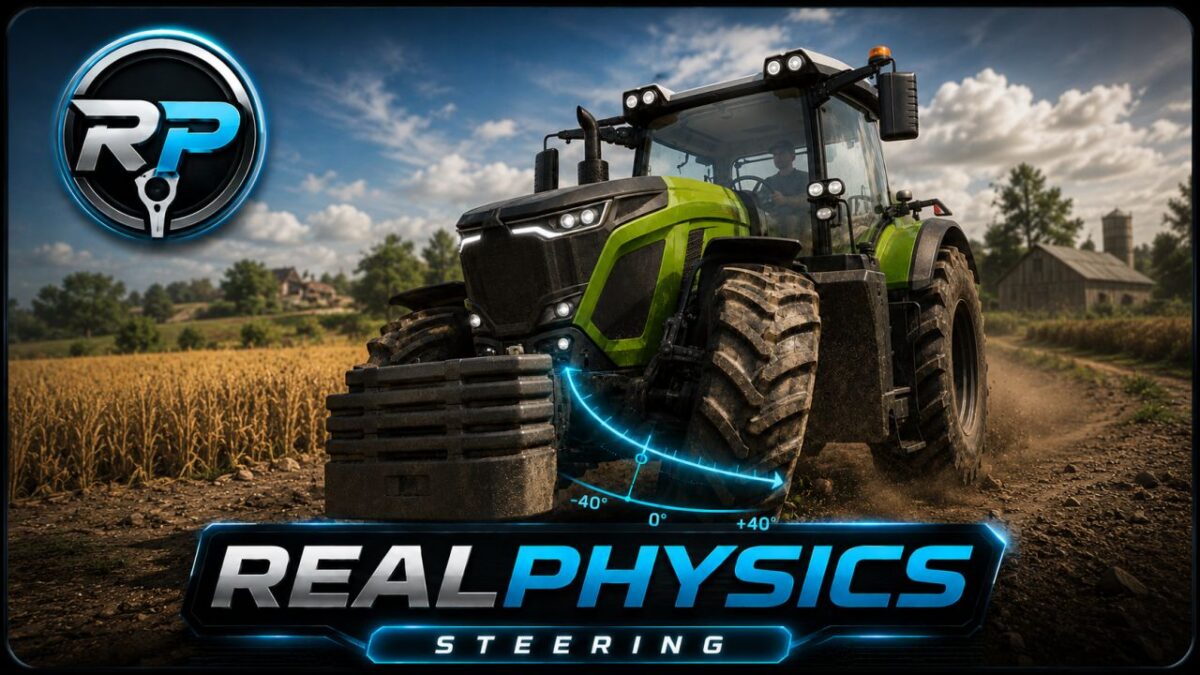
RealPhysics Steering is the first step into a new generation of vehicle feel for Farming Simulator 25.
Forget the default snap-back steering. RealPhysics Steering replaces it with a smoother, heavier and more natural steering controller where your input behaves more like turning a real steering wheel.
The biggest difference is control that stays with you:
Release the stick or key, and the wheels stay at the angle you left them. Leave the vehicle, enter it again, and your steering angle is still remembered instead of being reset back to center.
At higher speeds, steering becomes calmer and more precise. RealPhysics Steering dynamically reduces both steering speed and maximum steering angle, giving vehicles a more stable, planted and controlled feeling on roads, fields and rough terrain.
Key features:
Non-centering steering: wheels do not snap back to center when input is released
Persistent steering angle: steering position is remembered when leaving and re-entering a vehicle
Speed-adaptive steering: calmer steering response and reduced maximum angle at higher speeds
Heavier, more deliberate vehicle control
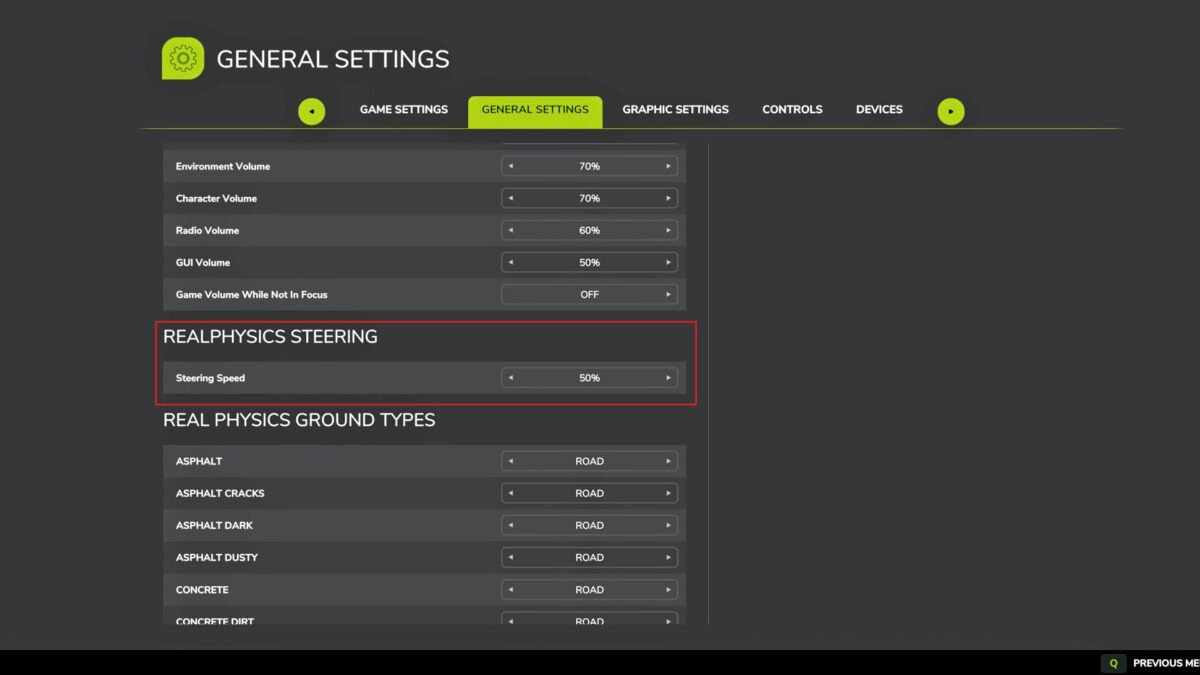
No menus, no drivetrain changes, no unnecessary gameplay systems
Compatible with Vehicle Control Addon
Vehicle Control Addon compatibility:
RealPhysics Steering takes over the steering behavior while VCA can continue handling its other features.
REALPHYSICS IS ONLY GETTING STARTED.
RealPhysics Steering is the first release in the RealPhysics series. The upcoming RealPhysics Core mod is already in development and aims to transform the entire physics experience of Farming Simulator 25 with deeper vehicle, terrain, grip, wetness, weight, ground and implement interaction systems.
This is not just a steering mod.
This is the beginning of RealPhysics.
Version 1.0.0.2:
* Fixed compatibility for excavators by disabling idle turning feature
Credits:
Tubez47


