

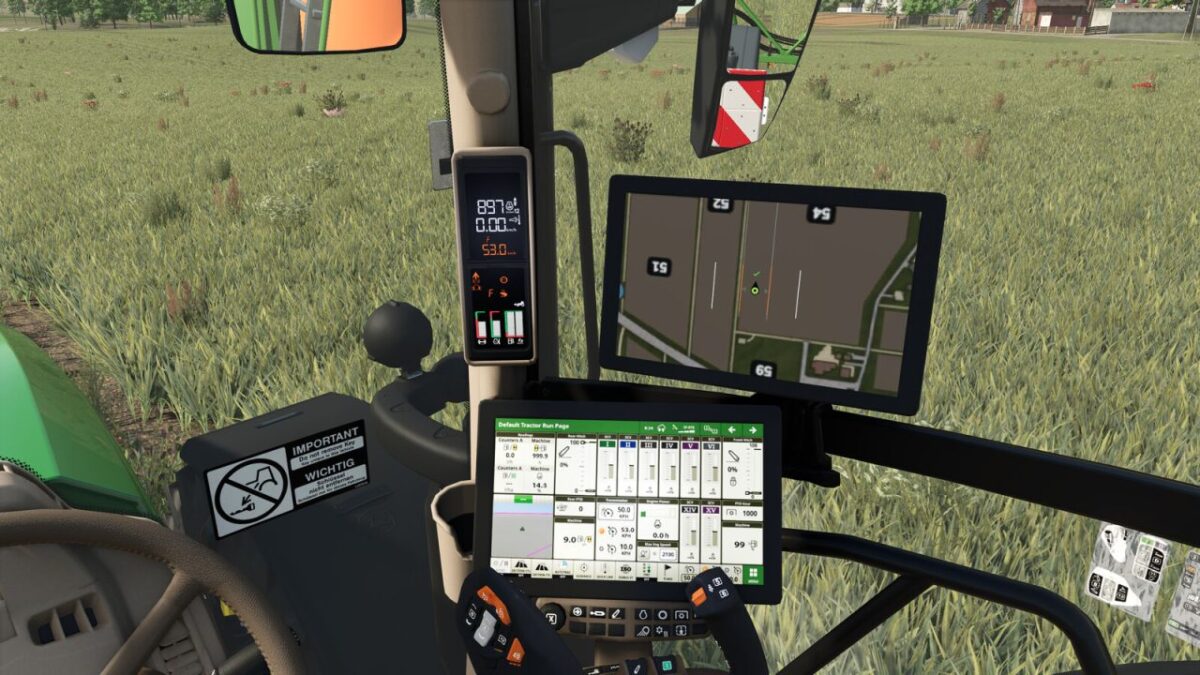
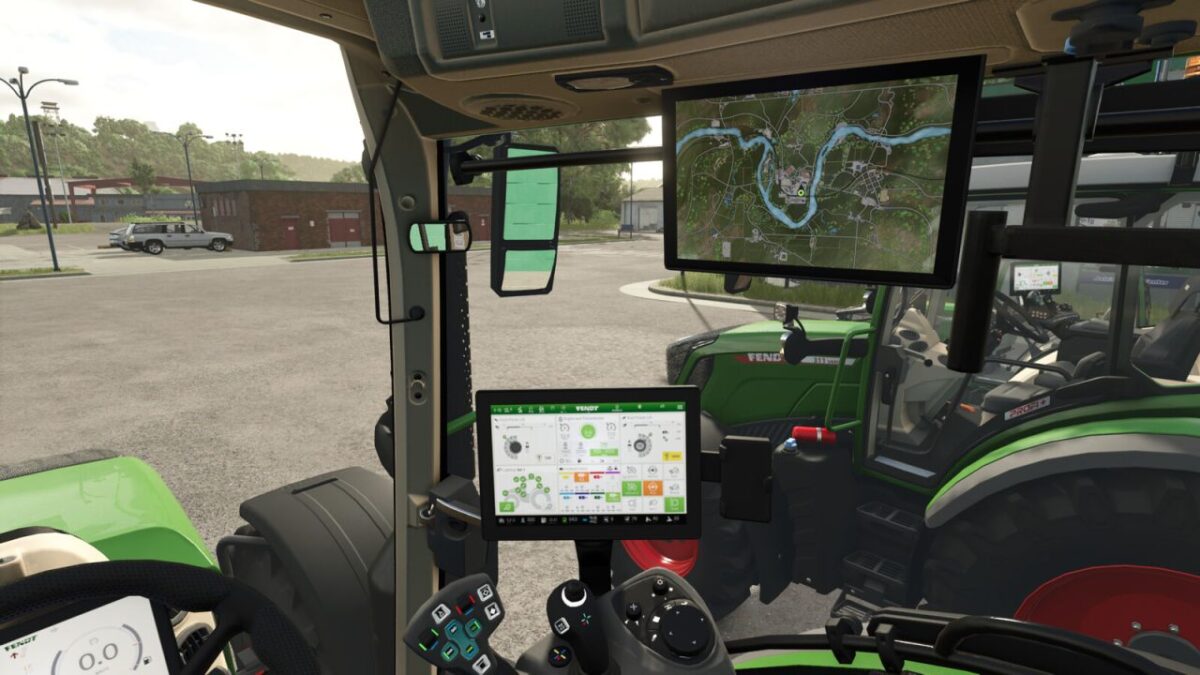
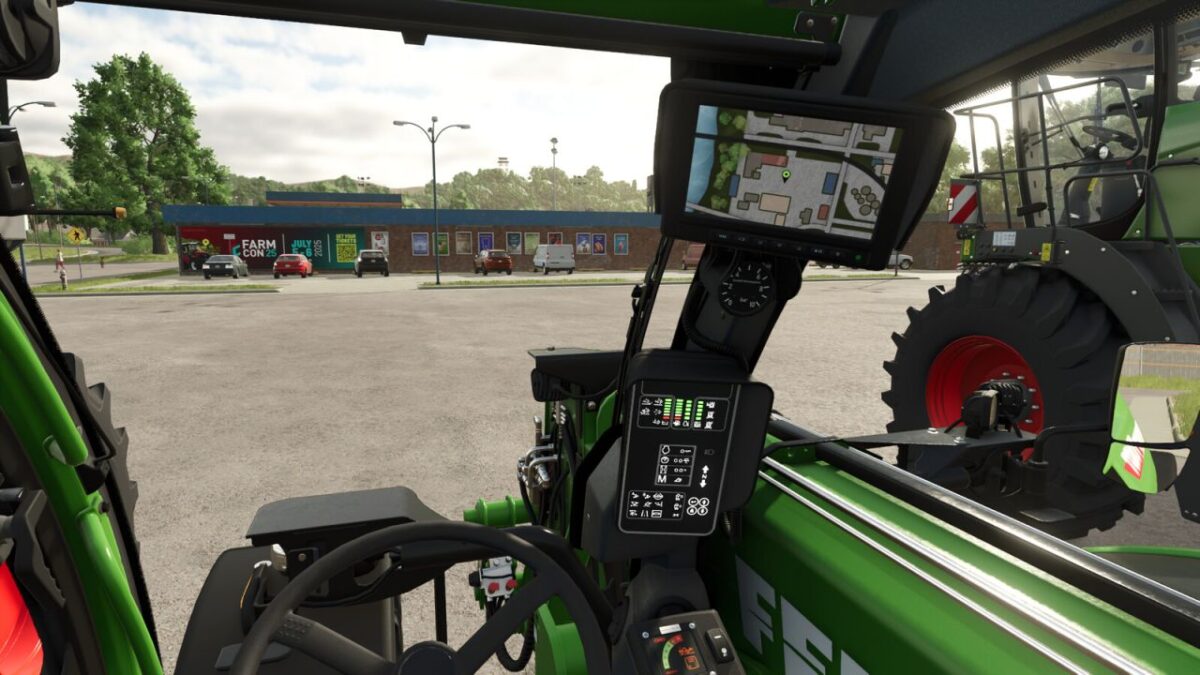
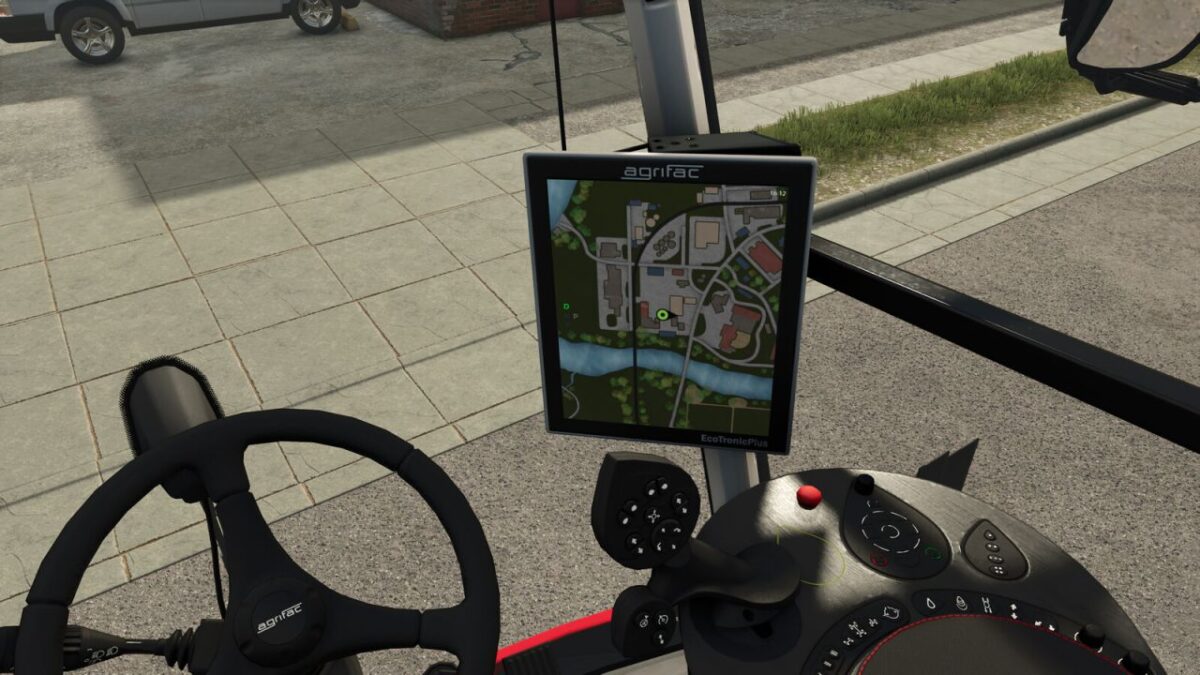
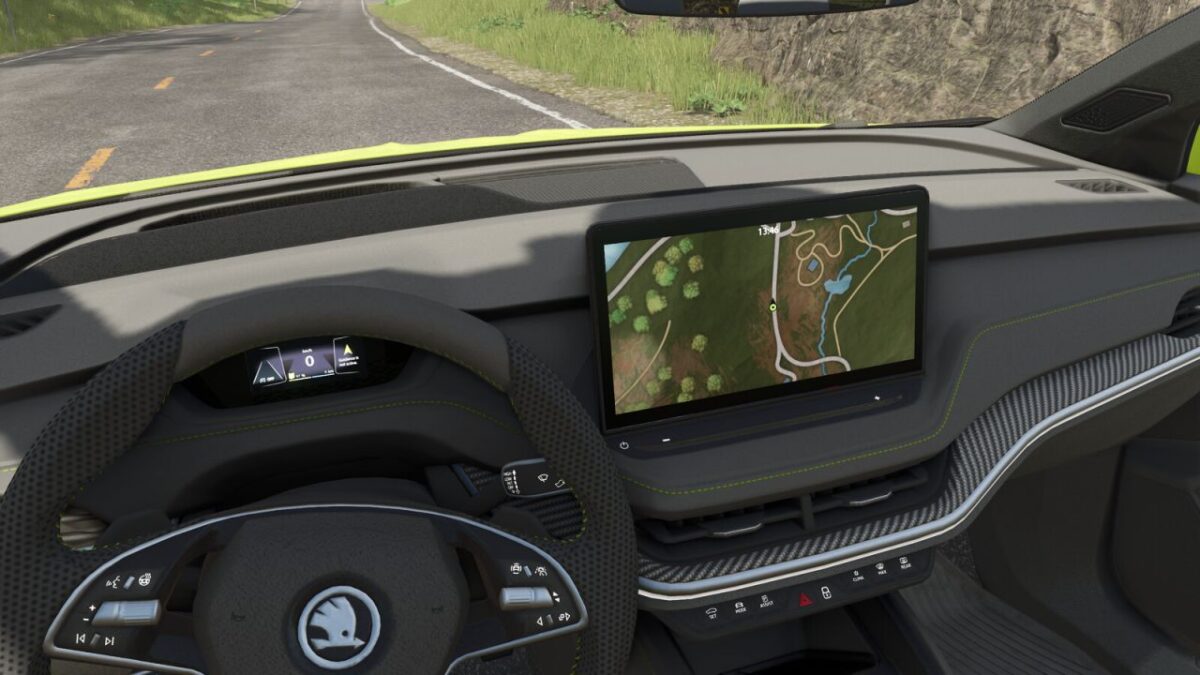
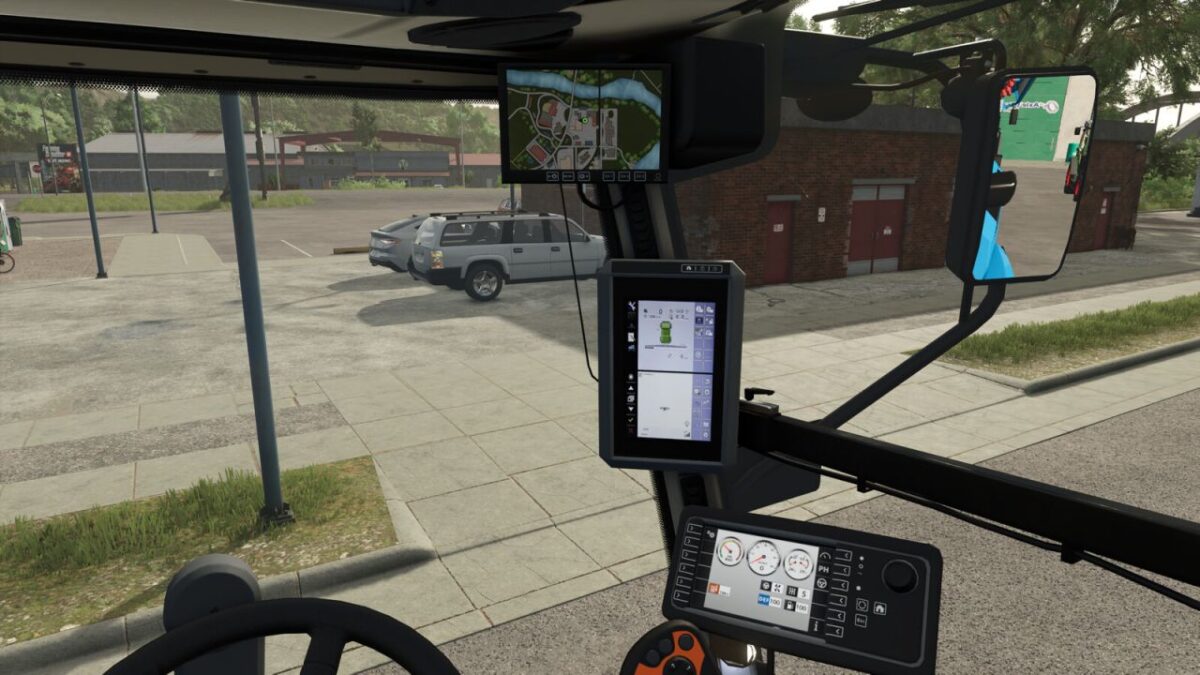
Real GPS Mod v 1.3


This mod does not include any GPS functionality; it is used to display the minimap and GPS track inside a vehicle without the need to use the HUD.
The user can choose to rotate the minimap around the current location or display it statically. To better recognize smaller details on the map, it can be zoomed in.
The mod adds the map to existing vehicles from the base game, so you can start using it right away with available vehicles. Modified vehicles that are properly prepared can also use RealGPS. A guide for integration can be found in the Readme.pdf in the mod directory.
The functions are controlled using the following key bindings:
– Enable/disable settings mode: Right Shift key + L
– Toggle rotation mode: Y key
– Zoom: Left Ctrl key + Page Up/Page Down
– Select next map: End key (only available if multiple maps are present in the vehicle)
Please note that rotation mode and zoom can only be changed when settings mode is enabled. This prevents accidental changes to the settings while working.
Version 1.3:
* Extended the default supported vehicles list
* Preparation for compatibility with Dashboard Live (upcoming Version 2.1.0.0)
* When multiple maps are installed in the vehicle, the currently selected map can now be displayed for a period of 5 seconds by pressing lShift + End
Credits:
BayernGamers, [LSFM] RepiGaming


