

Real Feed Pack v 2.1


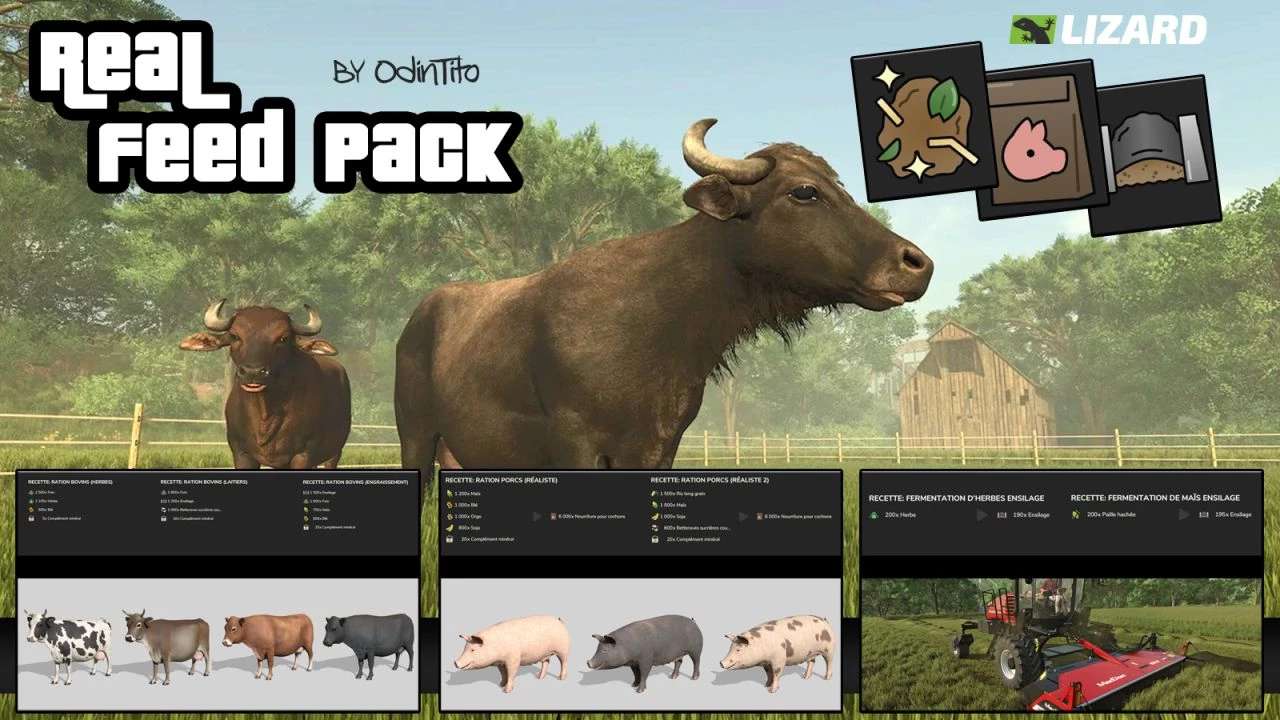
A set of productions to manage the feeding of cattle and pigs in a more realistic way.
Plants are compatible with square and round bales.
The pack currently includes:
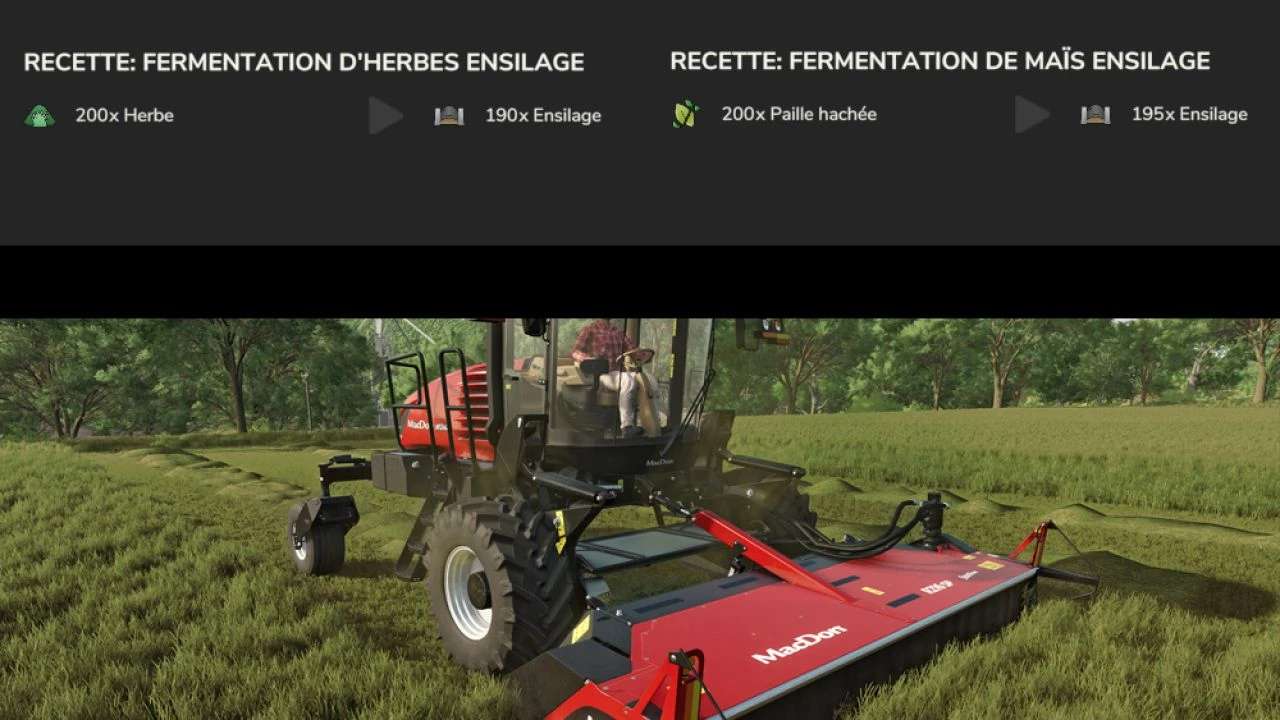
– A vertical fermentation silo to facilitate the production of silage in the heart of the farm
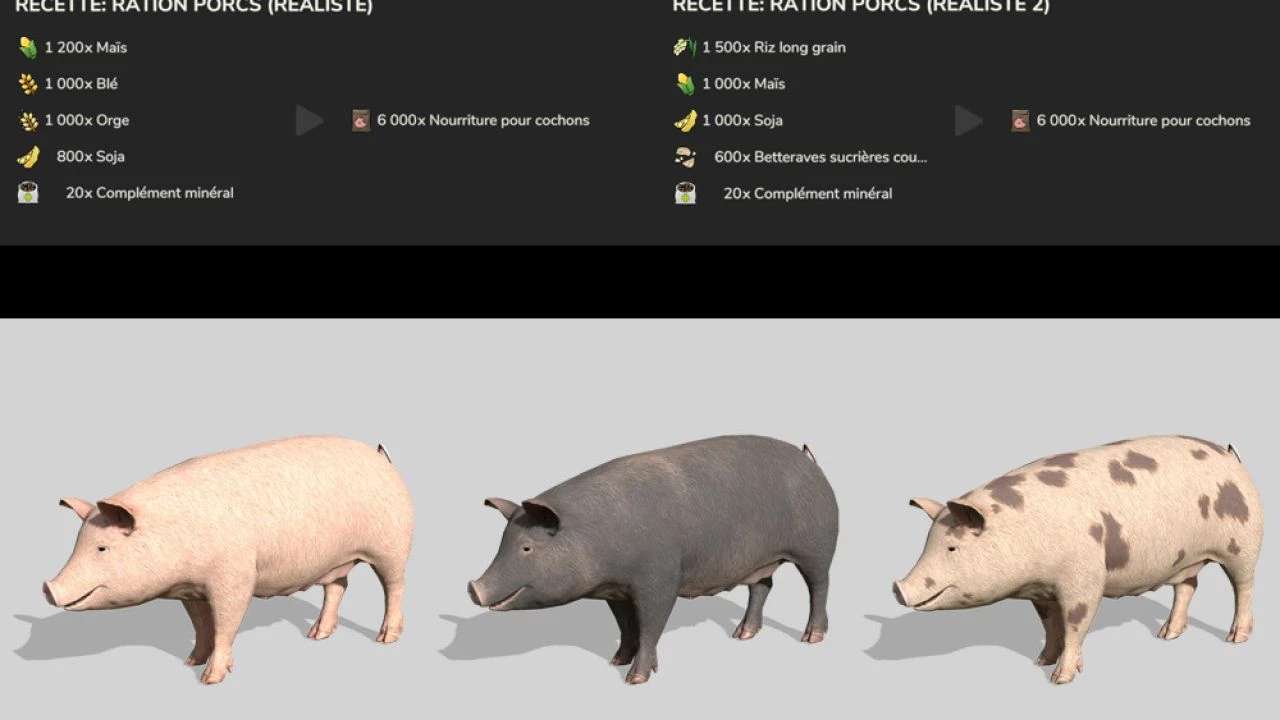
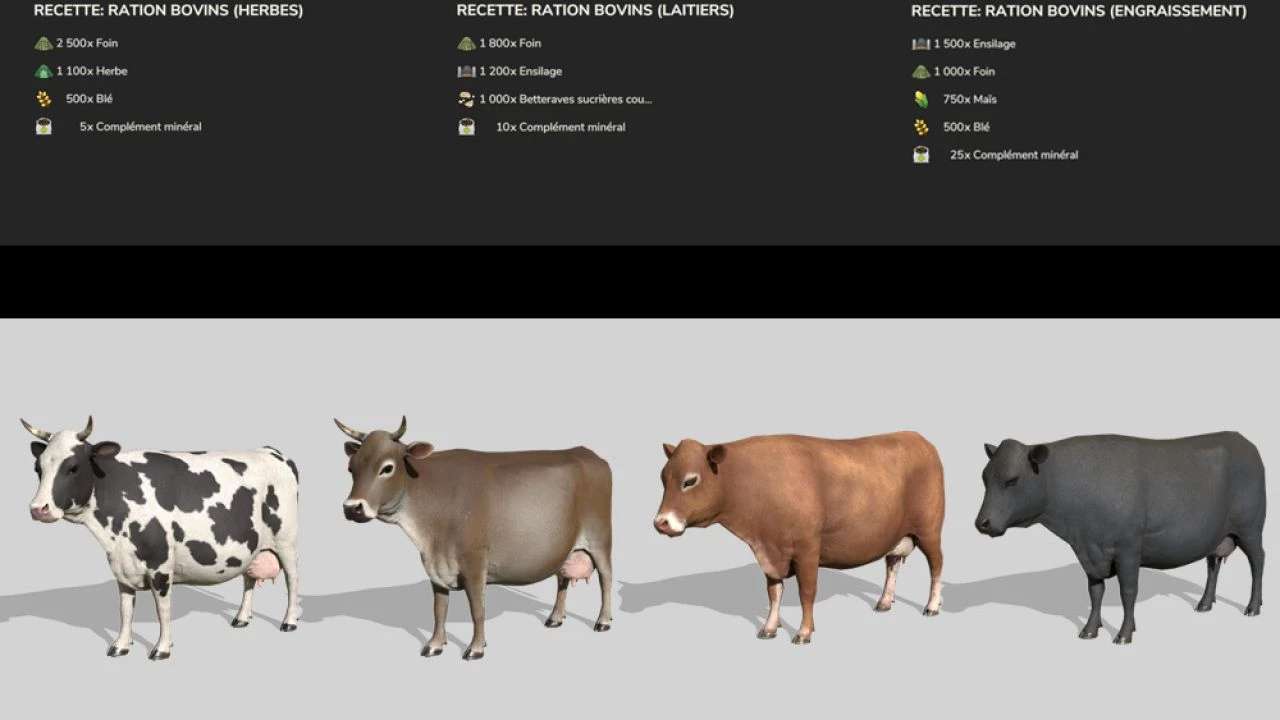
– A station for manufacturing rations for cattle (3 recipes) and for pigs (2 recipes)
– A silo with dryer function to transform grass into hay
Version 2.1:
* Fixed an issue with the silo loading trigger
* Added a barn for drying hay
* Added a recipe to the RTM station to make your own mineral supplements
* Added a recipe to the RTM station to make your own farm seeds with your harvests
* The RTM Station can now serve as a silo and store all your farm produce that can be stored in a silo (does not include vegetables and root vegetables)
* Fix remaining error logs
Credits:
OdinTito


