

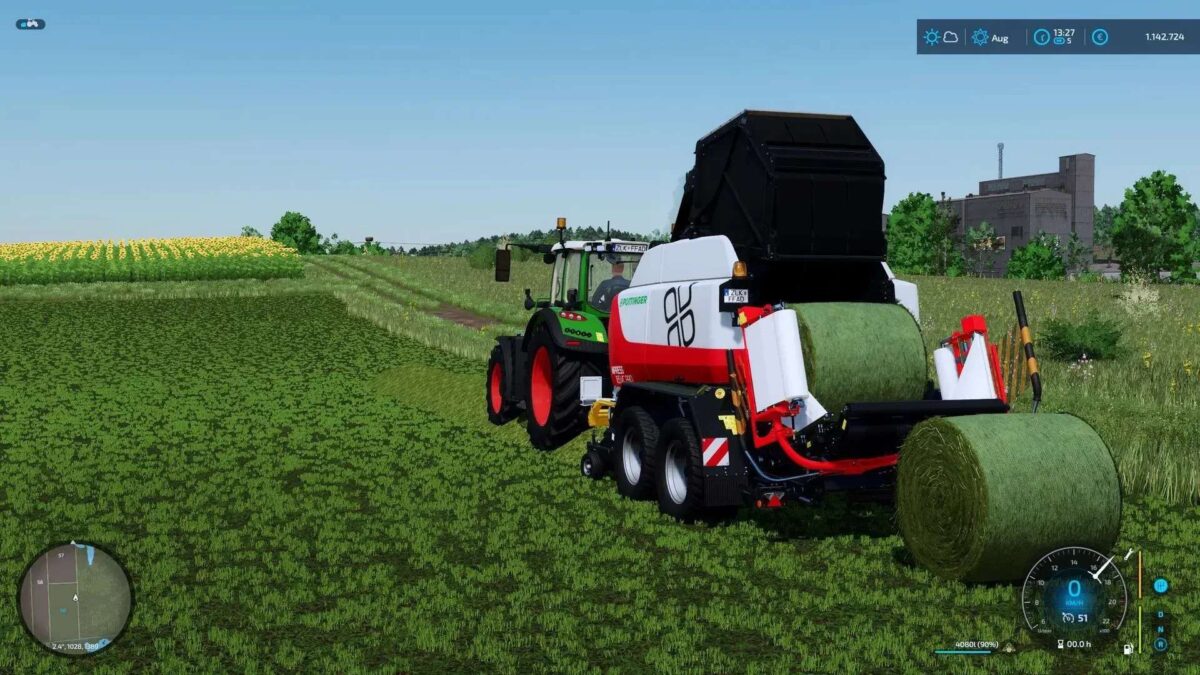
Real Baler v 1.0


A small script that makes pressing bales a little more realistic.
This mod changes the behavior of the balers in the game to make them more realistic.
You can unload unfinished bales using the CTRL + Z key:
– Round balers must be activated for this.
– Square balers must be deactivated for this.
The mod also adds an area in which the bale can be unloaded. To unload within this area, you must stop.
– Standard area: 10% of the filling volume of the set bale type.
– From 90% filling volume, the bale can be unloaded when stationary (0 km/h).
– At 100% filling volume, the bale can be unloaded as usual while driving.
– This function is deactivated for square balers.
For bales that were pressed with the mod, the weight is also calculated realistically. This means that not all bales weigh the same anymore. Hay and straw bales are about 60% lighter than silage bales.
If the mod is removed from the game, all bales made with the mod will disappear.
Credits:
BayernGamers


