

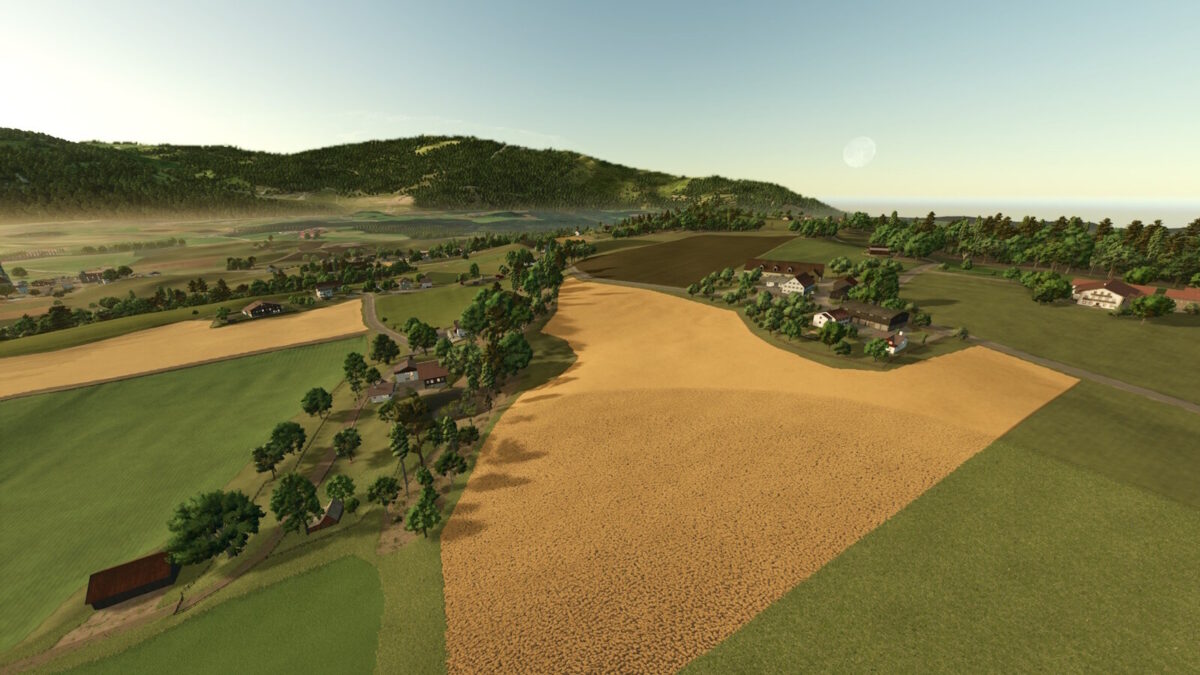
Ratzinger Height Map v 1.1


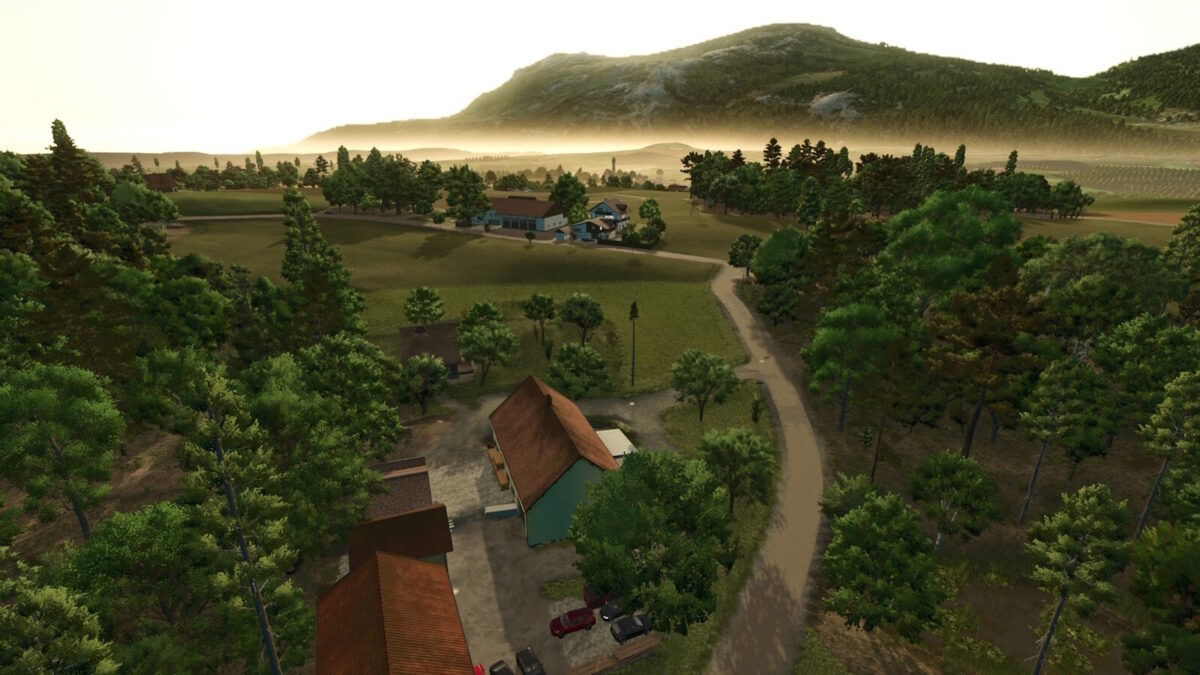
– 7 diverse farms, each unique in layout and operation
– Multi crop fields and varied soil angles thanks to the Weekend Farmers map base for authentic plowing, sowing, and harvesting
– Approximately 100 fields, meadows, and wooded areas, ranging from 1 to 10 hectares
– The entire map is purchasable
– Selling points such as agricultural suppliers, farm shops, and livestock markets
– Water can be drawn from streams and ponds
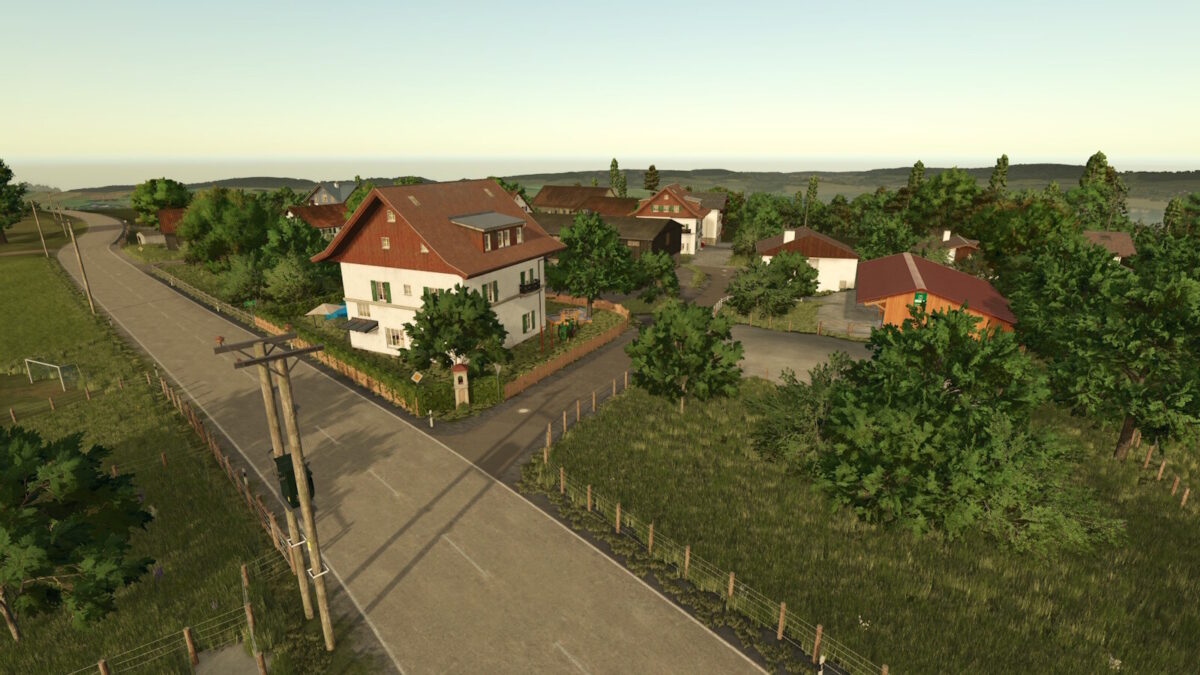
– Authentic Bavarian roads, paths, and buildings
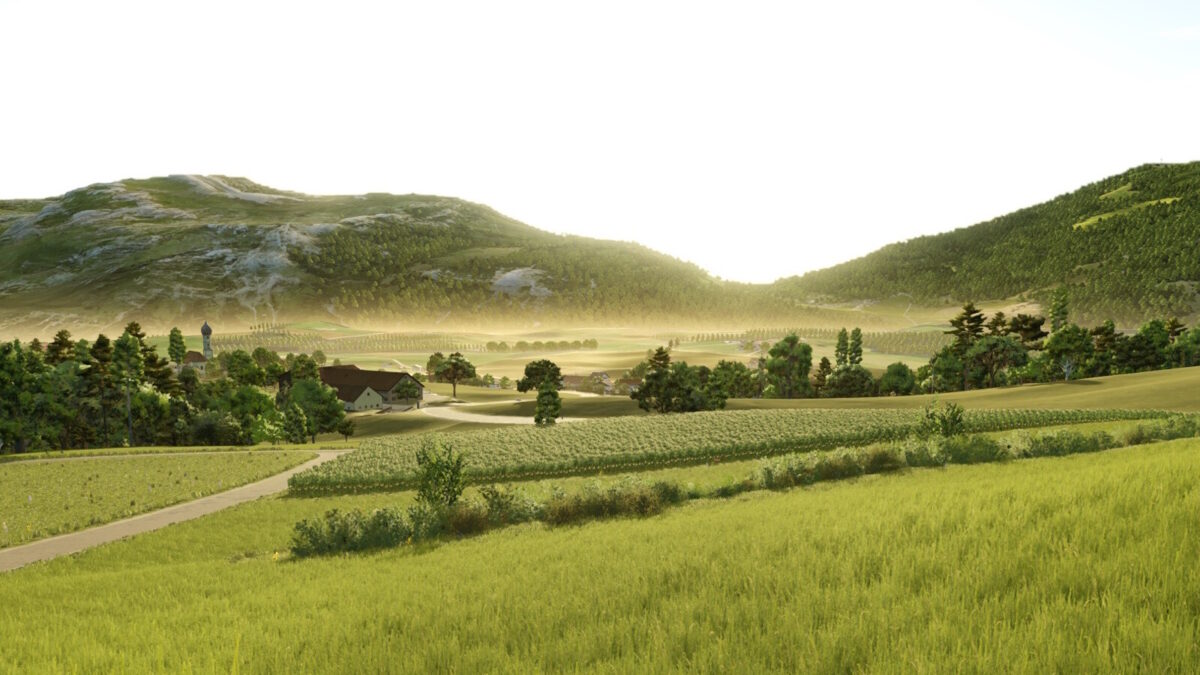
– Viewpoints with panoramic views of the Alps and Lake Chiemsee
– The map invites you to discover and cultivate the Bavarian Alpine foothills while enjoying the charm of small, detailed fields and farms.
– Ideally, it should be 90% grass and 10% corn fields, but you want something to play with too
Farms & Special Features:
– ID88 – Large Fully Customizable Farm
A spacious main farm with large buildings and plenty of room for creative freedom. Every element can be rebuilt, expanded, or removed, allowing players to tailor the entire farm layout to their own playstyle
– ID89 – Large Cow Barn with Apple Juice Production
A specialized farm featuring a modern, high capacity cow barn combined with an integrated apple juice production line. Perfect for players wanting to mix dairy farming with a unique fruit-processing industry
– ID90 – Goat Farm
A compact farm designed specifically for goat husbandry. Ideal for players who want to focus on smaller livestock and operate a niche animal production
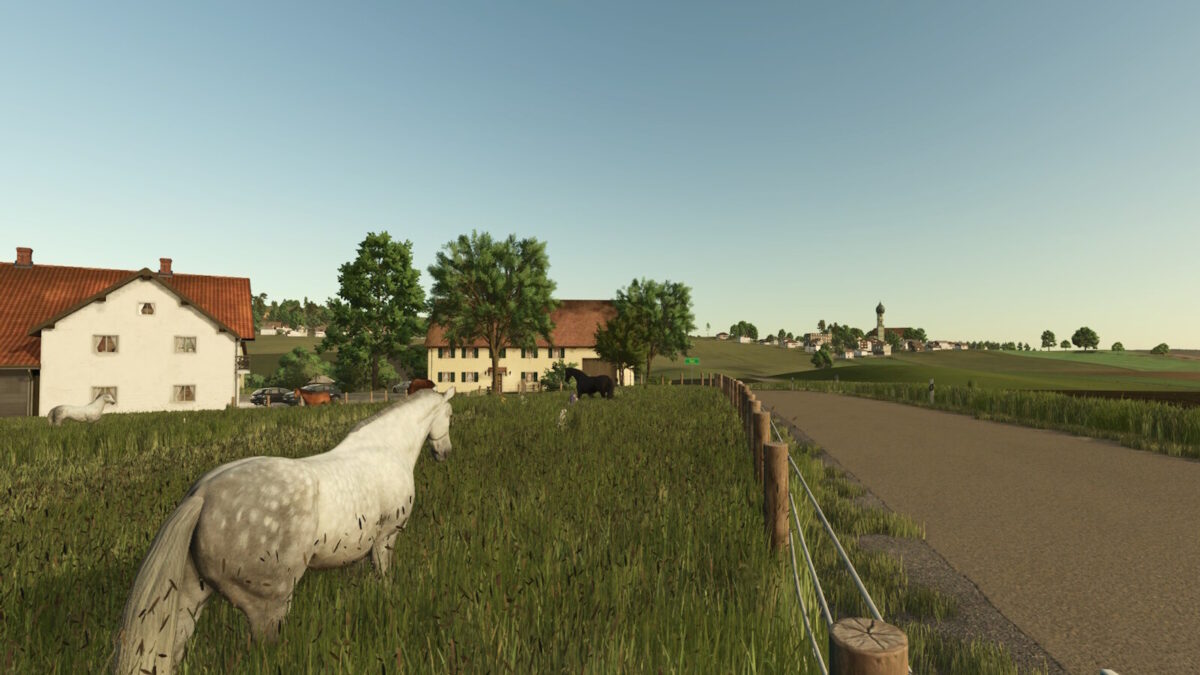
– ID91 – Large Horse Ranch
A vast equestrian property with large stables, training areas, and plenty of space for riding. Excellent for players who enjoy horse breeding, training, and managing a full-scale horse operation
– ID92 – Small Village Farm
A cozy, small-scale farm located directly within the village. Great for early game play, role play scenarios, or as a charming side farm with an authentic rural atmosphere
– ID98 – Starter Farm with Cow Barn
The recommended starting location for new careers. Equipped with a solid cow barn and essential farm buildings, offering a ready to play foundation from day one
– ID99 – Small Cow Farm with Artisan Bakery
A farm featuring a very small cow barn paired with its own compact bakery. Perfect for players who want to combine livestock farming with handcrafted, small batch food production.
Version 1.1:
– There is now a vehicle sales station at the shop – a new requirement from Giants.
– All farms can now be demolished, and the decorations can be sold.
– (Productions, points of sale, manhole covers, and water channels remain, and the terrain cannot be adjusted everywhere!).
– The Map edge now has trees all around, Unfortunately, they cannot be sold in groups via the new farmland (ID101) at the spawn point; the consoles crashed (it worked on the PC).
– Bushes will remain, which can be painted over or mulched if you purchase ID100.
– The trees are divided into 31 areas, so you can specify: Trees here and not here.
– The floating tree in Osterhofen, near the football field, and the decoration at the goat farm (ID90) have been placed on the ground.
– A small grass field has been added in the forest (field 2).
– Giants standard sounds have been added.
– A soil map for Precision Farming 3.0 has been added.
– The bale storage at the starting farm (ID98) has been fixed.
– The flickering of the mountains has been fixed.
– The collision at the bridge in the south has been adjusted.
– A wall has been added at the large farm (ID88).
– Various texture adjustments have been made.
– French and Polish translations have been added.
– An oil mill has been added as a production in “Ratzing”.
– The age of the cows in the starting farm has been changed, as cows only start producing milk at 27 months, and many players didn’t find this in the in-game help.
– Overview and background textures have been improved.
– The “FS25_AddableTriggers” mod has been added as a dependency
– Minor issues have been fixed.
Credits:
Da Andy


