

Random World Events v 2.1.1


The biggest addition is a complete wildlife event category that was missing from the initial release. You’ll now get bird flocks damaging your crops, wild stampedes, predator alerts stressing your livestock, bee swarms boosting pollination, rabbit infestations, disease scares, hunting season price bonuses, and more — 10 new events in total.
The event engine has also been fixed under the hood. Vehicle speed boosts now correctly persist for their full duration, the field events trigger guard has been corrected so field events actually fire on all maps, and the double-registration bug that caused wildlife events to silently overwrite special events has been resolved.
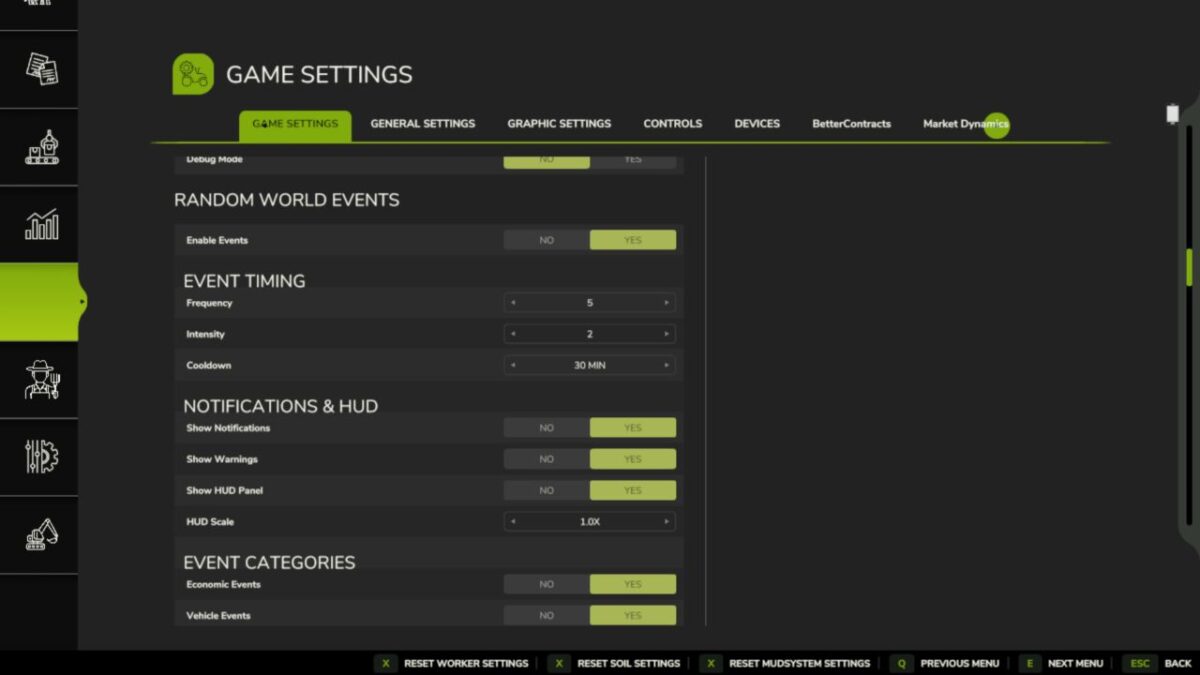
The settings screen can now be opened with F3 at any time during play, or by typing rweSettings in the console. F9 still force-triggers a random event for testing. Both keys are rebindable through the game’s keybinding menu.
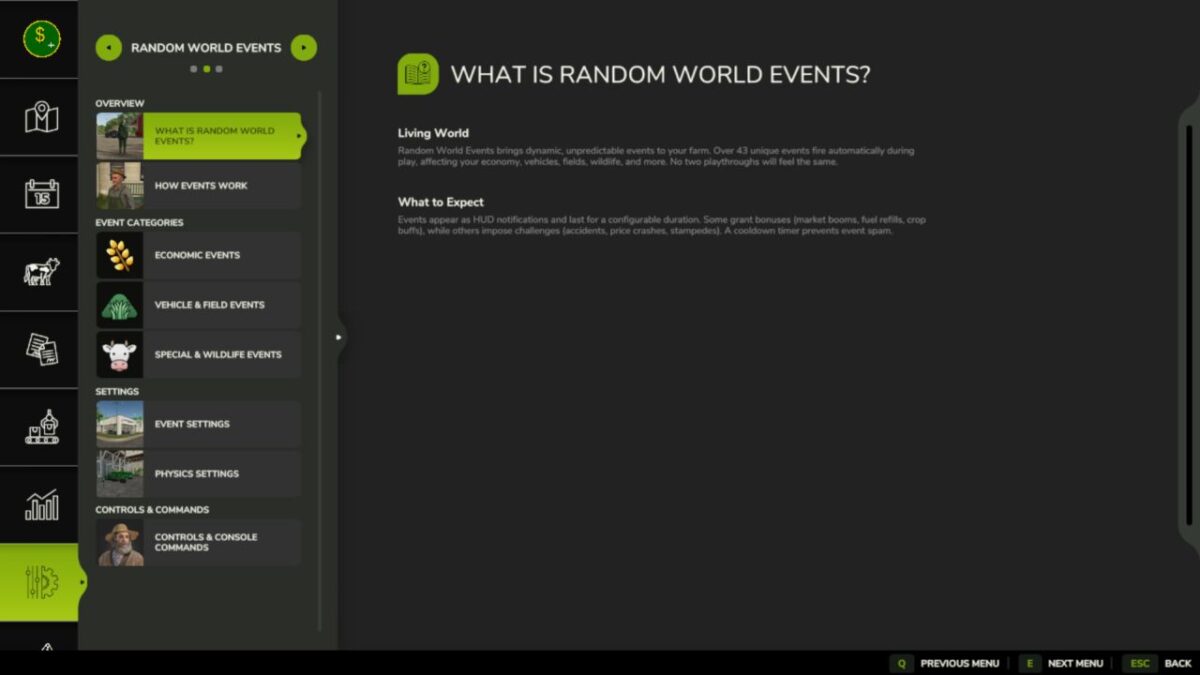
A help section has been added to the pause menu under Help > Random World Events, covering how the event system works, what each category does, how to configure frequency and intensity, and a full list of console commands.
Total events: 53 across five categories — Economic (15), Vehicle (8), Field (10), Special (10), Wildlife (10).
Version 2.1.1:
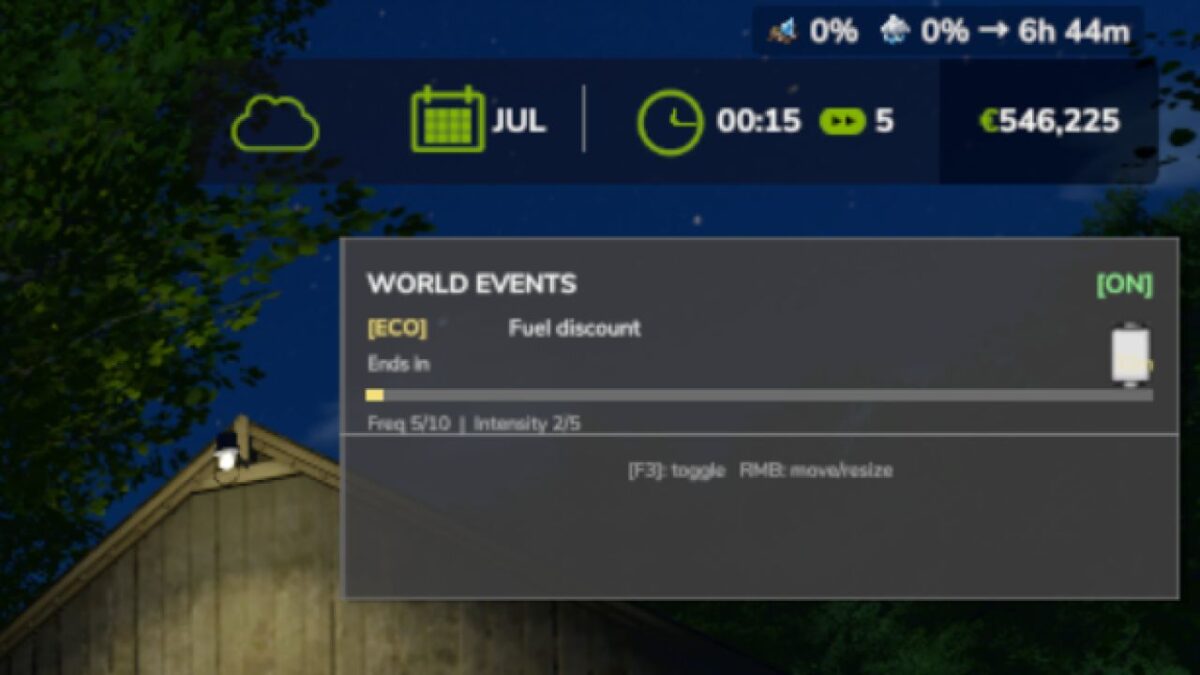
* Added custom HUD, grouped settings UX, effect delivery system
* Added mission.randomWorldEvents cross-mod bridge for FarmTablet
* Fixed Save HUD layout on game save, not only on session end
* Fixed applyVehicleDamage — spec_wearable fallback, remove dead code
* Fixed FS25 textured icon background; compress to DXT1
* Bumped version to 2.1.1.0
Credits:
tisonK


