

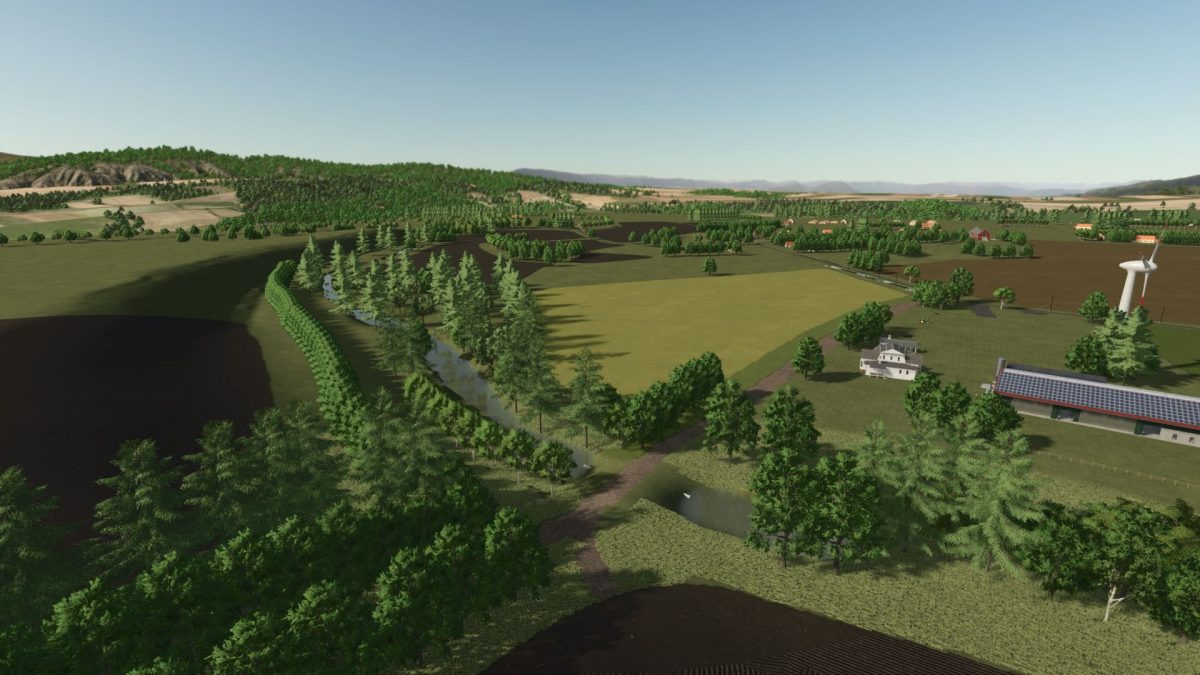
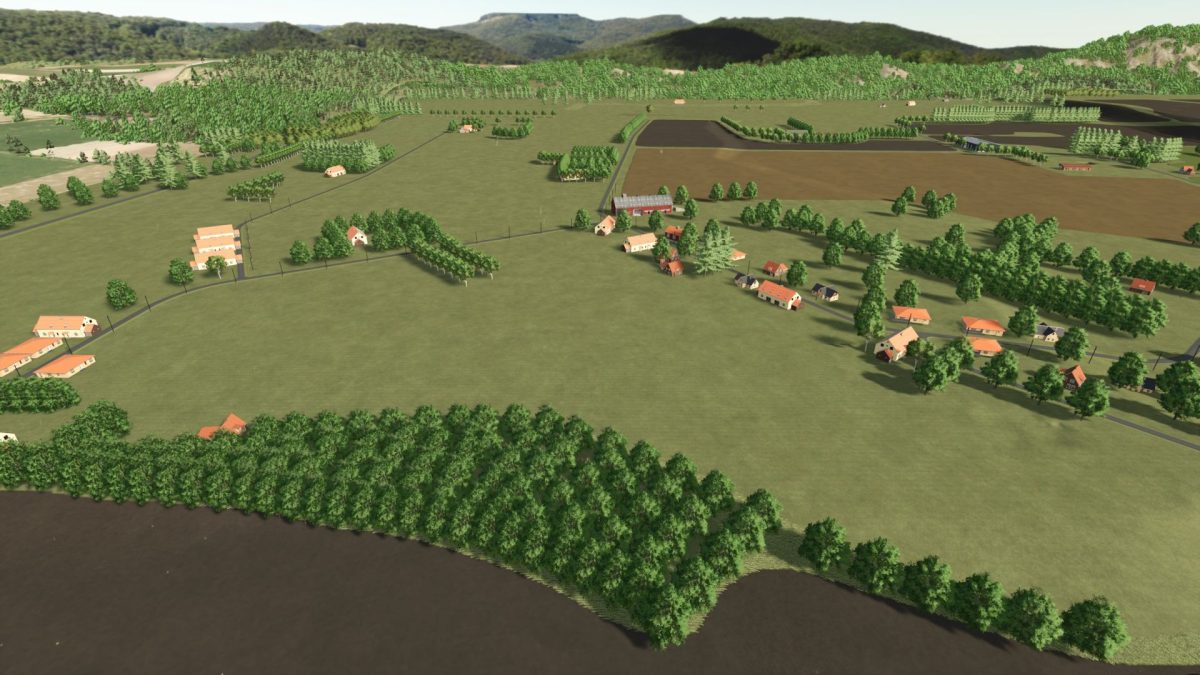
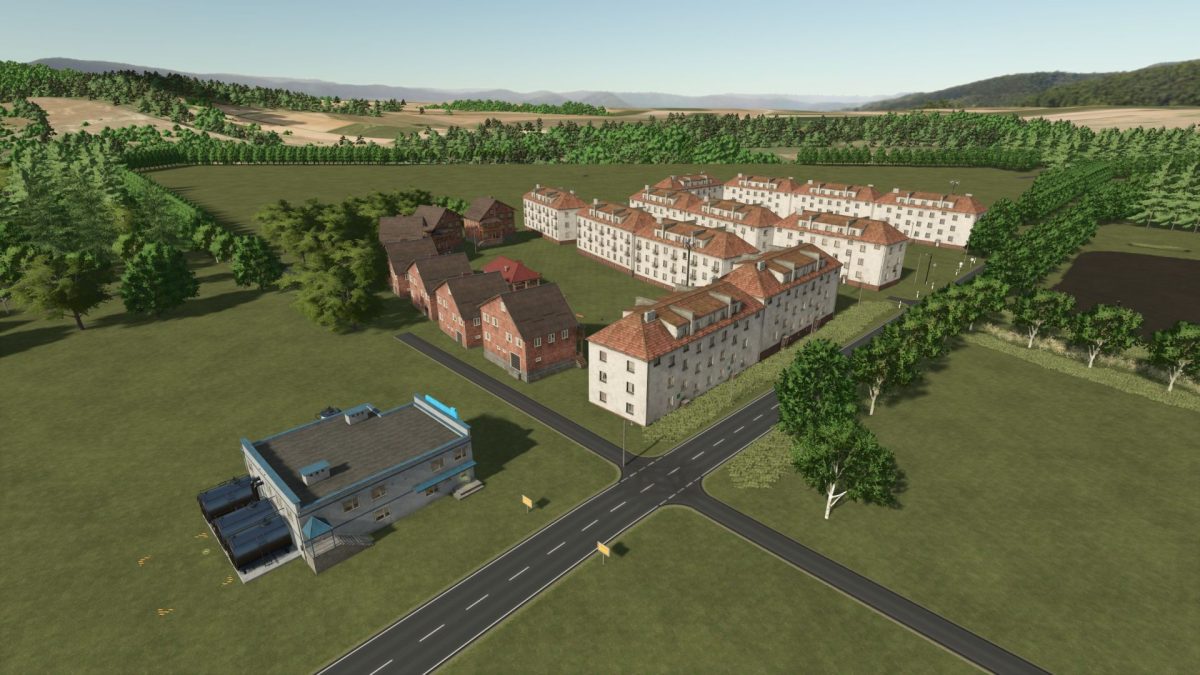
Ralles Map v 1.2.9.1


Ralles Map is a long established map now available for Farming Simulator 25 in its beta version.
The map features a range of fields that have been re-created to enhance gameplay, along with various other elements also undergoing refinement.
While the map is currently playable, users should be aware that it may still have some unfinished components due to its beta status.
For those looking to make the most of their experience, a savegame with all the necessary features will be made available, although these may require additional mods that are not included with the map directly.
Players have the option to explore and enjoy the map without these mods, but utilizing them can enhance the overall experience.
– Beta version for Farming Simulator 25
– Redesigned fields and features
– Playable with existing content
– Savegame with features to be uploaded
– Requires additional mods for full functionality
– Option to play without mods
Version 1.2.9.1:
* Slightly adjusted field paths
* Some background adjustments
Credits:
ralle19807


