Rainwater and Snow Harvesting Pit v 1.0


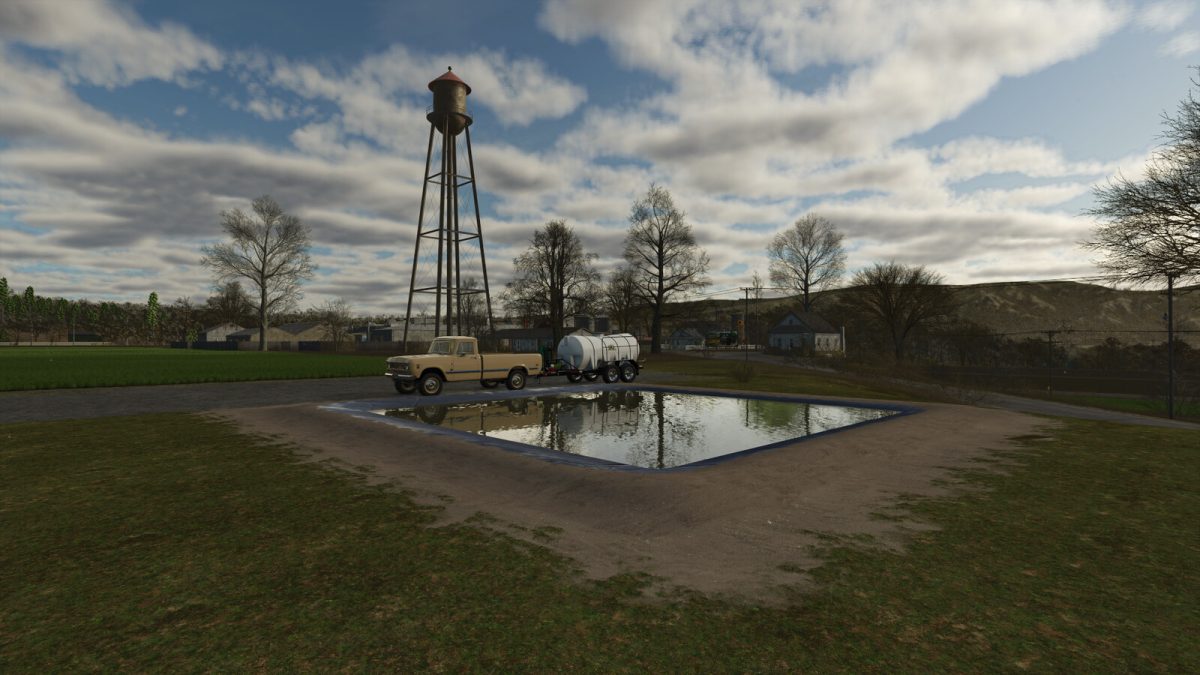
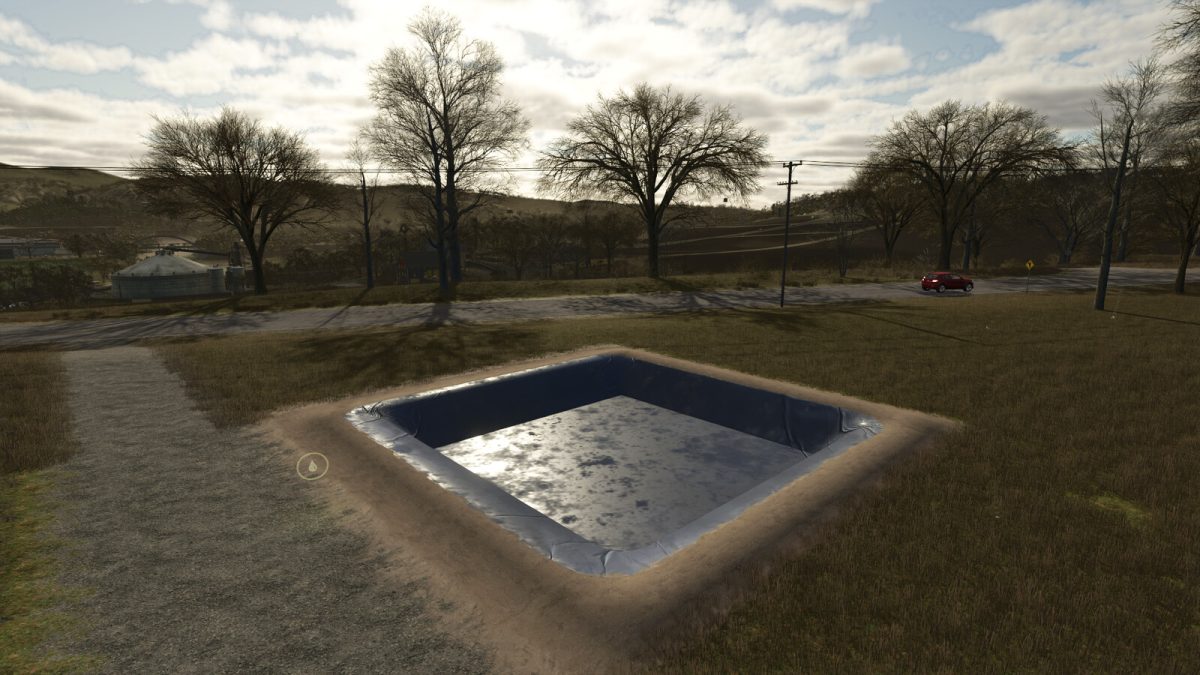
This mod adds a Rainwater And Snow Harvesting Pit to the game. During rain, the pit gradually fills with water (depending on the intensity of the rain). At sub-zero temperatures, the water in the pit gradually freezes, transforming into ice.
When snow falls, the pit is also filled with a layer of snow. Loading/unloading snow from the pit is done using a bucket, conveyor belts, etc. At above zero temperatures, snow and ice begin to gradually melt, transforming into water.
Snow in the pit is transforming into water in a ratio of 4 to 1 (4 liters of snow = 1 liter of water).
The pit can store water, loading/unloading water can be done from either side of the pit (AI loads/unloads water at the point indicated by the water marker).
For correct visualization, it is recommended to place the pit on a flat surface.
Category: Silos
Price: $2,000
Daily upkeep: $0
Credits:
ALXXA