Race Trailer v 1.0


Added Bumper Pull Stacker
Made wheels paintable
Logos are changeable
Added various props to all 3 trailers
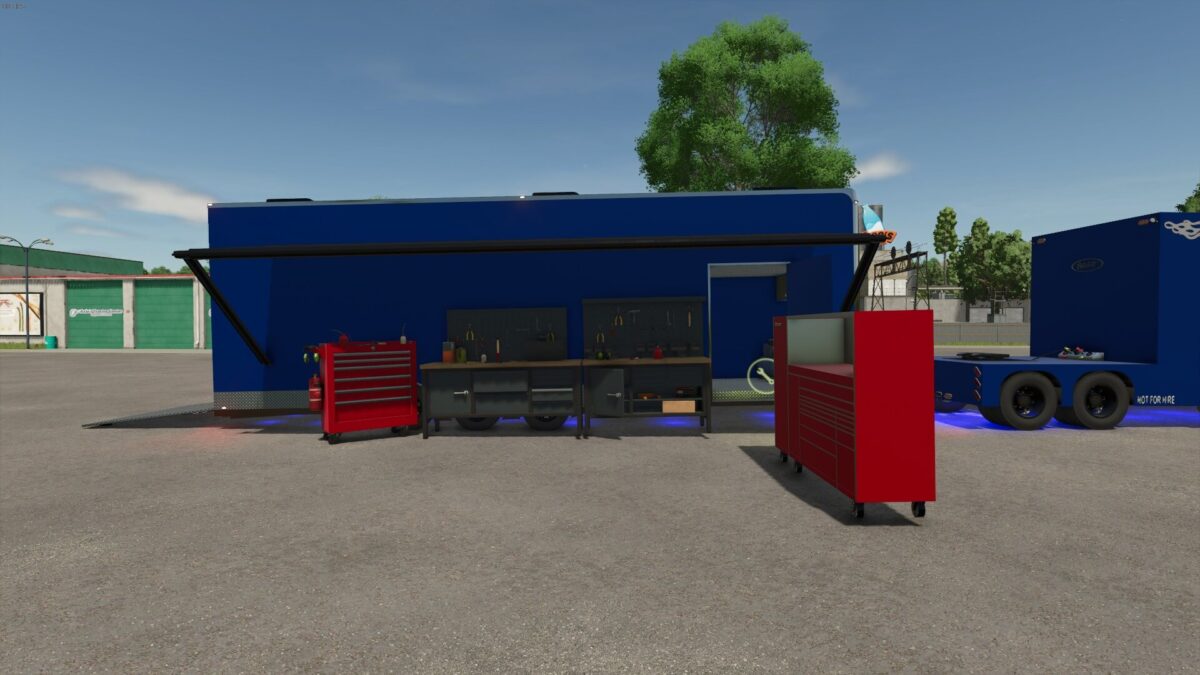
Working awning when using the open cover command (side door)
Tool boxes that spawn and come out of the trailers when the side door is open
Toolbox props are a paintable option
The lift in the bumper pull and gooseneck stackers are paintable
Added underglow from the toterhome to all 3 trailers
Made the interior lights changeable right now there’s White, Red, Blue, And Green (working on making a light switch trigger work to toggle them on and off but right now they are hooked to the lights of the trailers and adding more colors same colors as the underglow options)
Working Tension straps
Working Wall mounted power washer
Trigger for workshop (still a work in progress but wanna release till we can figure it out the icon is there and the trigger zones are there but the coding isn’t working)
Cleaned up errors
Light overhaul on all 3 trailers (edited)
Credits:
Miller Motorsports Gaming