

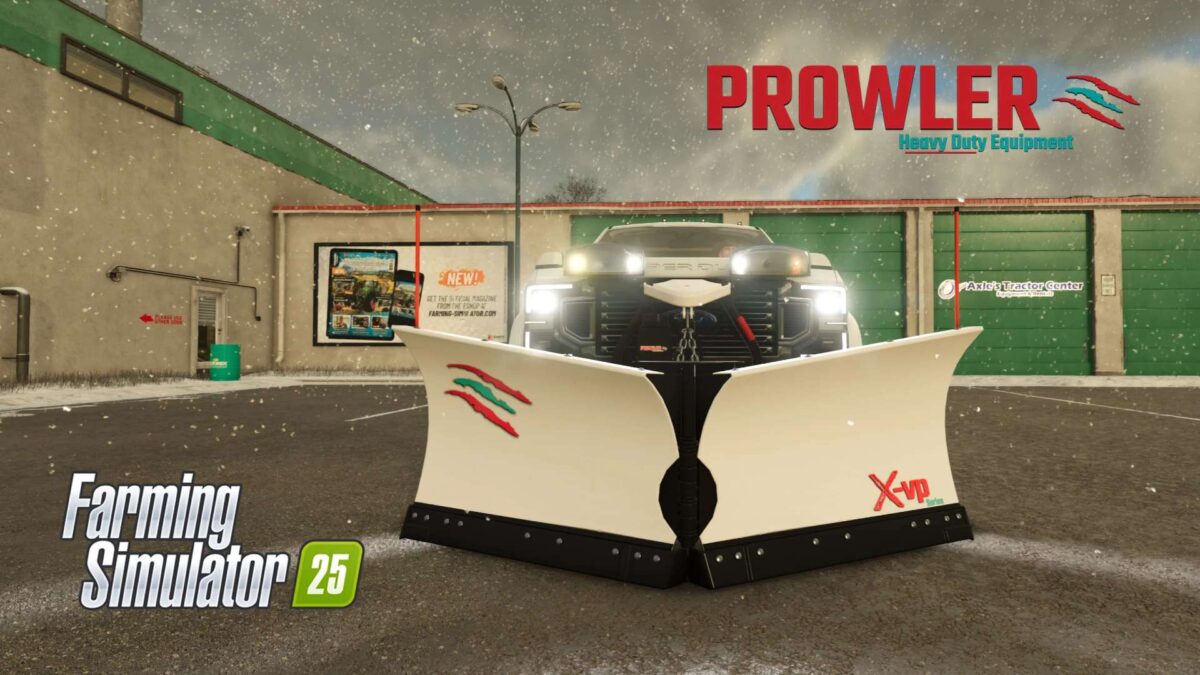
Prowler V Plow v 1.0


The Prowler V Plow mod introduces a versatile snow removal solution to Farming Simulator 25. Designed by Prowler Heavy Duty Equipment, this mod features a highly adaptable V-Plow that can be configured in three different modes: V-shape, straight, and scoop. This flexibility allows players to tackle a variety of snow-clearing challenges, from long driveways to crowded parking lots, efficiently managing harsh winter conditions.
The mod is specifically compatible with the 2020 Ford Super-duty Limited, ensuring seamless integration with this vehicle for optimal snow removal performance. The X-Vp v-plow not only enhances gameplay by adding realistic weather challenges but also broadens the scope of land management tasks players can undertake during the winter season.
– Three plow modes: V, straight, and scoop
– Designed for efficient snow removal
– Compatible with 2020 Ford Super-duty Limited
– Ideal for clearing driveways and parking lots
– Realistic winter conditions management
Credits:
North West Mods & Edits


